Best Online Test Assessment Platform in 2026: What to Look For (and Why AI Proctoring Matters)
Choosing the best online test assessment platform comes down to one question: can you trust every score? This guide covers AI-based proctoring, identity verification, single-device lock, server-side timing and verifiable certificates, and shows how RootPro delivers secure, auto-graded online exams with a free plan to…
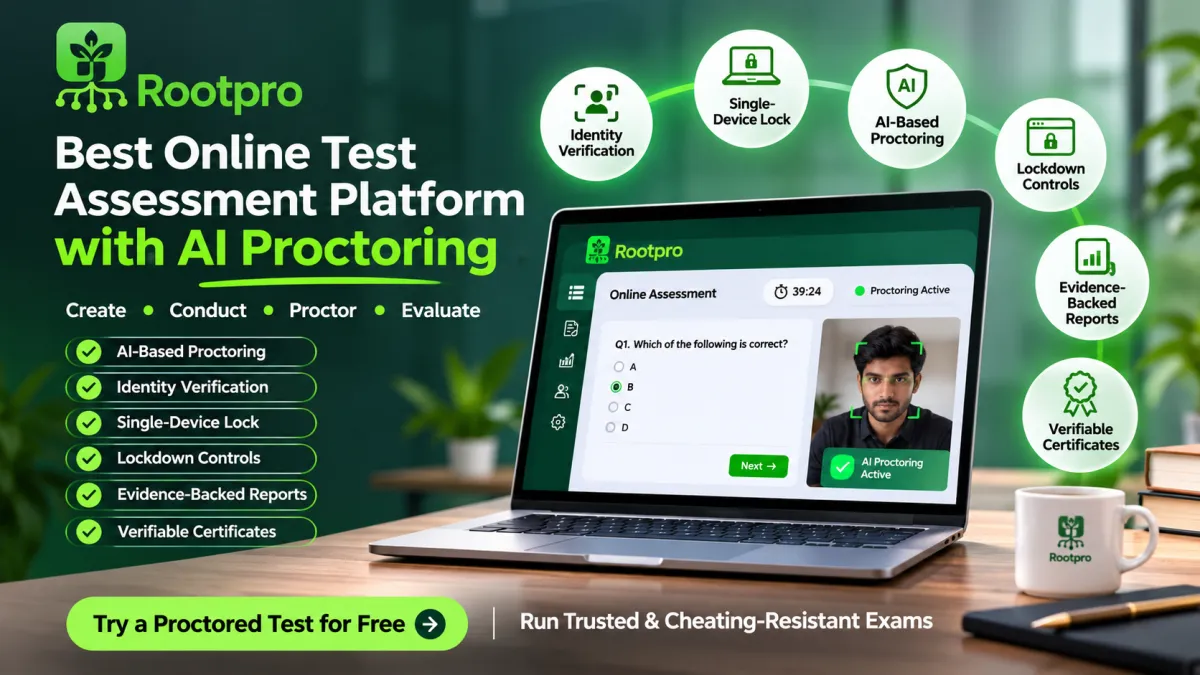
Choosing the best online test assessment platform is no longer just about creating questions. It is about trusting every score. Hiring teams, colleges and training institutes now run thousands of exams online, and if a candidate can open a second tab, share their screen with a friend or let an AI agent answer for them, the result means nothing. That is why RootPro’s online assessment platform pairs AI-based proctoring with identity checks, a single-device lock and evidence-backed reports. This guide shows what to look for, and you can try a practice test on RootPro before you decide.
This guide covers what a strong platform needs, how AI proctoring works, and how RootPro’s online assessment platform approaches each point.
What Is an Online Test Assessment Platform?
An online test assessment platform lets you create tests, invite candidates, auto-grade responses and review results from one dashboard. Teams use them for:
- Pre-employment screening, to filter candidates before interviews
- College and coaching exams, including mock tests and placement drives
- Employee certification, to track skills across departments
- Scholarship and entrance tests, where fairness is critical
The best platforms combine easy test creation, strong anti-cheating controls, and clear reporting.
7 Things the Best Online Assessment Platforms Have in Common
1. AI-Based Proctoring That Doesn’t Compromise Privacy
Many platforms stream every webcam frame to a cloud service. That is expensive and invasive. A smarter approach is tiered AI proctoring, which escalates only when something looks wrong.
RootPro works in three stages:
- On the candidate’s device: face detection runs locally in the browser, so no video or images are uploaded.
- A still frame is kept only when the on-device check sees something worth reviewing.
- A vision model reviews only frames an earlier stage flagged.
RootPro also builds in fairness. The AI reports what is visible in a frame rather than accusing anyone of cheating. A photo on the wall or a reflection is not counted as a second person. A frame that is too dark or blurred is never held against the candidate.
👉 Explore the full safeguards on the exam integrity page.
2. Identity Verification Before the Exam
Stand-in candidates are among the most common forms of exam fraud. Look for a platform that checks identity up front. RootPro compares a candidate’s photo ID with a selfie, and a reviewer can confirm any doubtful match.
3. A Single-Device Lock
The oldest trick in remote testing is a second screen with a helper on it. RootPro’s single-device lock ties each attempt to one device. A second device is refused before it sees a single question, and the report shows both devices side by side with times and locations.
You can restrict the device type (any device, laptop/desktop only, or phone/tablet only). If a candidate loses their device mid-exam, support can release the lock, and who released it and why is recorded.
4. Lockdown Controls and Server-Side Timing
A good platform should enforce:
- Full-screen mode
- Tab-switch limits with auto-submit
- Copy, paste and right-click blocking
- A timer that runs on the server, not in the browser, so pausing the browser gains nothing
RootPro also offers invigilated timing: the submit button is withheld until the clock ends, so every candidate gets the same duration, as they would in a physical exam hall. Even a crafted request to submit early is refused.
5. Protection Against AI Agents
AI tools are the newest threat to remote exams. RootPro detects browsers driven by automation tools, which most AI agents use, covers the exam, and records clicks that look automated. No platform can stop every method, and RootPro says so openly. That is why webcam monitoring, session recording and suspicious-pattern flags work alongside the shield.
6. Evidence-Based Integrity Reports
A flag without proof is hard to defend. RootPro gives every attempt an integrity score with the evidence behind it: photos, events and a full session recording with audio. Each point in the score comes from a named signal with a fixed weight, so you can explain any result to a candidate or an auditor.
Automatic flags also catch attempts that are unusually fast and near-perfect compared with the rest of the cohort, the signature of a stand-in. A person always makes the final call.
7. Verifiable Certificates
Employers trust credentials they can check. RootPro issues auto-generated certificates with a public verification ID that anyone can look up on rootpro.in/verify. If you are a student or job seeker, the RootPro Placement Aptitude Certificate is a 40-minute proctored exam in quantitative and logical reasoning, with a different paper for every candidate and a certificate employers can verify.
How RootPro Works: From Sign-Up to Scored in 4 Steps
- Create your account. Sign up free with no credit card.
- Build your test. Add MCQ, multi-select, true/false or short-answer questions, then set the duration, passing score and proctoring rules. You can also draft questions with AI by naming a topic, difficulty and count. Drafts save as inactive, so nothing reaches a candidate until a person approves it.
- Invite candidates. Share private access codes, restricted to specific emails or shared as one code. Candidates take the test at test.rootpro.in with nothing to install.
- Review results. Auto-graded scores, pass/fail status and integrity flags appear in your dashboard, and results export to Excel.
Start here: create your free RootPro account.
Who Is RootPro Built For?
- HR teams and recruiters can screen with role-specific skill tests before interviews.
- Colleges, TPOs and coaching institutes can run proctored exams and mock tests at scale, with up to 1,200 candidates sitting at once.
- Training teams can certify employees and track competency.
- Scholarship and exam bodies can run large online exams with an evidence trail.
Exams rarely depend on one person, so RootPro includes a team workspace. Colleagues get their own sign-ins and shared access to the same tests, candidates and results. There is no shared password, and no per-person charge.
Pricing: Start Free, Upgrade When You Scale
| Free | Pro | |
|---|---|---|
| Price | ₹0 forever | ₹99,999 per year |
| Tests | 3 | 1,000 |
| Questions per test | 30 | 500 |
| Access codes | 25 | 100,000 |
| Candidate attempts per month | 50 | 5,000 |
| Proctoring | Lockdown (full-screen, tab and copy guards) | Webcam proctoring with integrity report |
| AI question drafting | – | ✓ |
| Support | Standard | Priority |
Need higher volume? Talk to the RootPro team. Planning an exam drive? The exam cost calculator helps you compare running it online versus in person.
Try a Proctored Test Before You Commit
You shouldn’t have to take a platform’s word for it. You can:
- Experience the proctoring yourself by sitting one fully proctored test for free.
- Take a practice assessment from the RootPro Tests library. Public tests include the Digital IQ Challenge, Are You Smarter Than Average?, Career Kickstart and Startup Sense Check, each with a clear time limit and pass mark.
Support From a Real Person
Many platforms hide behind chatbots and ticket queues. RootPro support is reachable on WhatsApp and email, Monday to Saturday, 9am to 8pm IST. If a candidate is locked out mid-exam, message the team and, where the test allows it, the device lock can be released so they carry on where they stopped.
Built by RootPro Technologies
RootPro is a technology company from Tamil Nadu, India. Learn more about RootPro, browse its projects, read client testimonials, or explore services such as AI solutions, web development, mobile apps, school management software and custom software. More articles are on the RootPro blog, and the RootCue app is another product from the team. If you want to join, see careers and internships.
Frequently Asked Questions
What is the best online test assessment platform?
The best platform is one whose results you can trust: identity checks, AI proctoring, a single-device lock, server-side timing and evidence-backed reports. RootPro combines all of these with a free plan.
Does RootPro have AI-based proctoring?
Yes. RootPro uses tiered AI proctoring: face detection on the candidate’s own device, a still frame kept only when something is flagged, and a vision model that reviews only flagged frames.
Can candidates cheat with a second monitor or phone?
RootPro covers the exam when it detects an extended second monitor in Chrome or Edge, and the single-device lock refuses a second device. For high-stakes exams, RootPro recommends adding a room view, since a mirrored screen looks like one display to any browser.
Do candidates need to install software?
No. Candidates take the test in their browser at test.rootpro.in.
Is there a free plan?
Yes. The Free plan includes 3 tests, 25 access codes and 50 candidate attempts a month, with no credit card required.
Can I verify a RootPro certificate?
Yes. Every certificate has its own ID that employers can check at rootpro.in/verify.
Final Verdict
The best online test assessment platform isn’t the one with the longest feature list. It is the one that lets you stand behind every score. With privacy-first AI proctoring, a single-device lock, server-enforced timing, AI-agent detection and evidence-backed reports, RootPro is built for that.
Ready to run your first proctored exam?
👉 Start free on RootPro for Business · Explore the Tests library · See exam integrity features