What Is School ERP Software? Complete Guide for Indian Schools
School ERP software helps Indian schools manage student records, attendance, fees, examinations, communication, academics and administration through one connected digital system. Learn how School ERP ...
Managing a school involves much more than teaching students. Every day, schools handle admissions, student records, attendance, fees, examinations, academic performance, communication, staff information, documents and administrative activities.
When these processes are handled through separate registers, spreadsheets, files and disconnected applications, information can become difficult to manage. Staff may spend significant time searching for records, updating multiple documents and preparing reports.
This is where School ERP software comes into the picture.
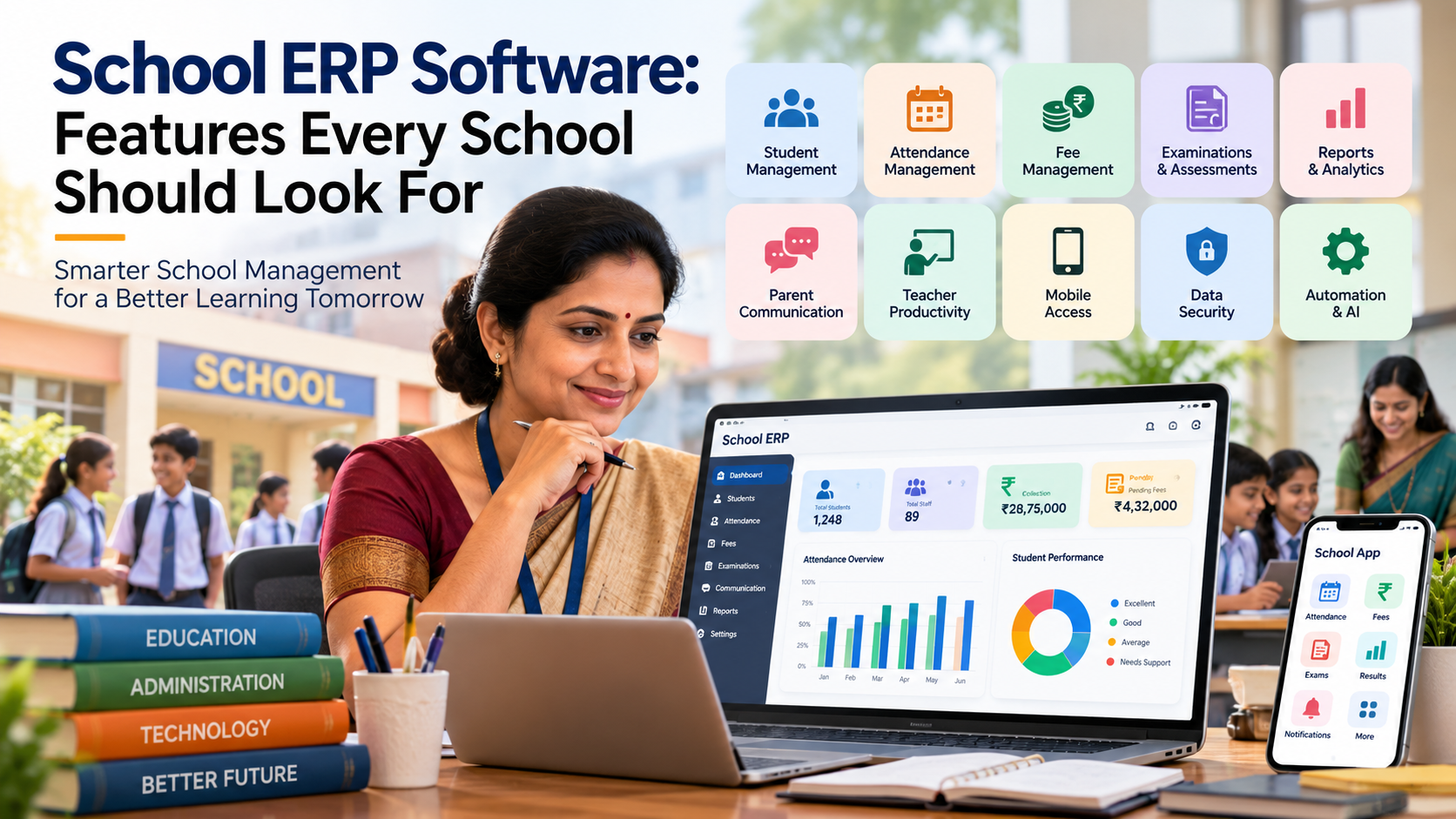
A School ERP, or Enterprise Resource Planning system for schools, is a digital platform that brings different school management activities together. Instead of maintaining information across multiple disconnected systems, schools can manage important operations through a centralized digital environment.
For Indian schools, understanding what School ERP software is, how it works and what features it provides can help school owners, principals and administrators make more informed technology decisions.
What Is School ERP Software?
School ERP software is a centralized digital system designed to manage and coordinate different academic and administrative functions of an educational institution.
ERP stands for Enterprise Resource Planning. In the school environment, an ERP system applies the same basic concept to education by connecting information and workflows related to students, teachers, administrators, parents, fees, attendance, examinations and other school operations.
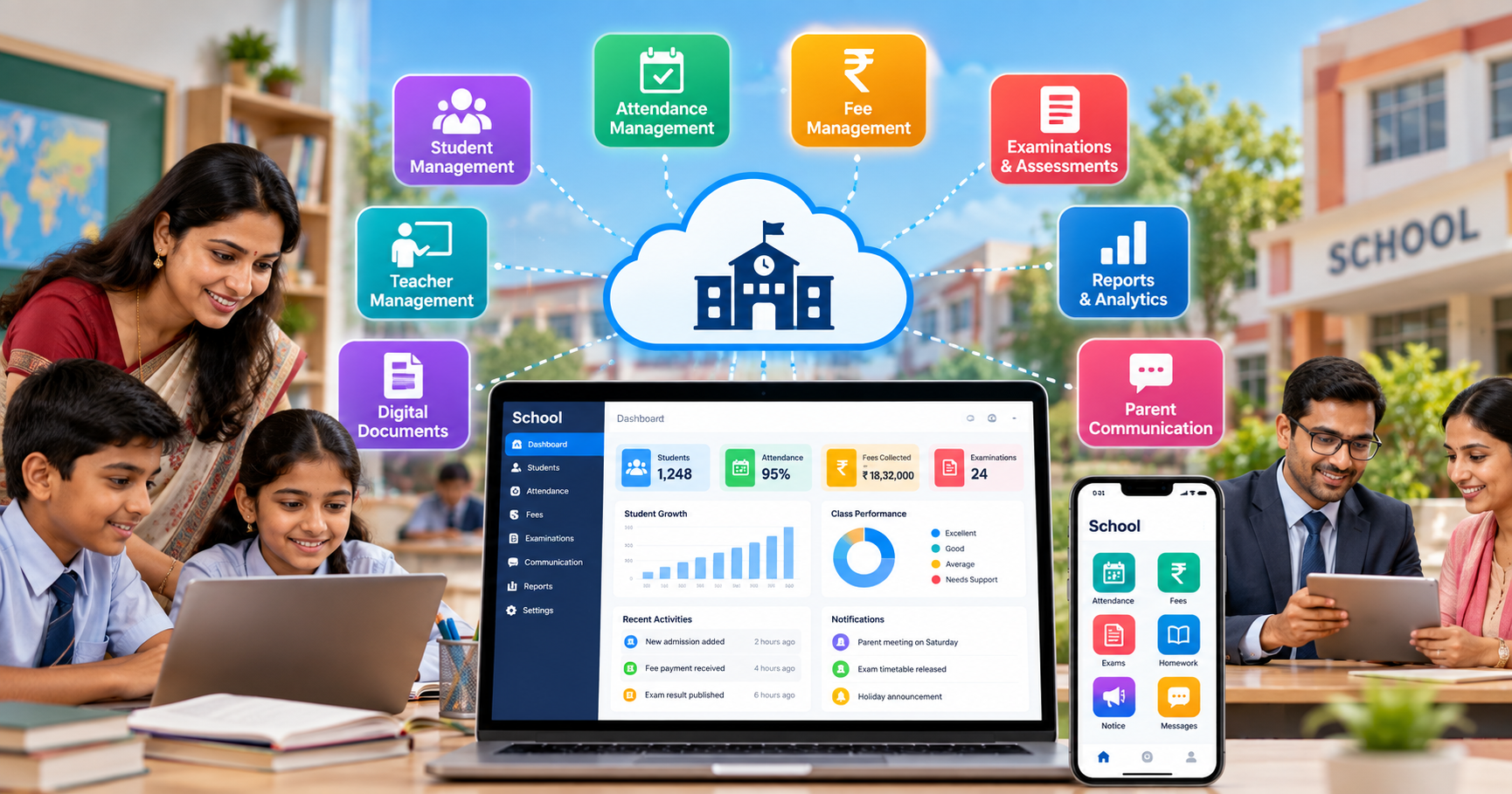
A typical school ERP platform may include modules such as:
- Student management
- Admission management
- Attendance management
- Fee management
- Examination management
- Academic records
- Parent communication
- Teacher and staff management
- Reports and analytics
- Notifications
- Document management
- Mobile access
- Administrative dashboards
The exact features can vary from one platform to another, so schools should evaluate whether a system actually matches their operational requirements before implementation.
A platform such as SchooLagam can be considered in the context of digital school management because school ERP platforms are designed to bring several administrative and academic processes into a more connected workflow.
Why Are Schools Moving Toward ERP Systems?
Schools generate and manage large amounts of information every day.
Consider a typical student record. It may include:
- Personal details
- Parent or guardian information
- Admission information
- Attendance
- Examination results
- Fee information
- Academic progress
- Communication records
- Documents
- Class and section information
When these records are maintained manually, different departments may maintain different versions of the same information.
For example, the administration office may have one student list while the examination department maintains another spreadsheet. Teachers may keep attendance separately, while the accounts department maintains fee records.
This can create unnecessary duplication.
A centralized ERP approach aims to connect these processes so that authorized users can access the information they need from the same system.
Traditional School Management vs School ERP
The difference between manual processes and an integrated digital system can be understood through the following comparison:
| Area | Traditional Approach | School ERP Approach |
|---|---|---|
| Student records | Registers and spreadsheets | Centralized digital records |
| Attendance | Manual entry | Digital attendance management |
| Fees | Receipts and spreadsheets | Digital fee records |
| Exams | Separate documents | Integrated examination records |
| Communication | Notices, calls and messages | Centralized digital communication |
| Reports | Manually prepared | System-generated reports |
| Data access | Department-specific files | Role-based digital access |
| Record searching | Manual file search | Digital search |
| Data updates | Multiple entries | Centralized updates |
The objective is not simply to replace paper with software. The larger objective is to create a more organized workflow for managing school information.
Key Features of School ERP Software
1. Student Management
Student management is one of the central components of an ERP system.
Schools can maintain information such as:
- Student profiles
- Admission details
- Class and section
- Parent information
- Contact details
- Academic records
- Documents
- Attendance history
Instead of searching through physical files, authorized staff can access relevant information through the digital system.
A school management platform such as SchooLagam can be relevant when schools are looking to organize student information and administrative workflows digitally.
2. Attendance Management
Attendance is a routine but important school activity.
With digital attendance management, teachers or authorized staff can record attendance electronically. Depending on the system, schools may also be able to generate attendance reports and provide relevant information to administrators or parents.
Digital attendance can help reduce repetitive paperwork and make historical attendance information easier to access.
However, schools should establish appropriate access controls and policies because attendance records contain student information.
3. Fee Management
Fee collection involves multiple activities, including:
- Fee schedules
- Student fee records
- Payment tracking
- Pending fee information
- Receipts
- Reports
- Notifications
A digital fee management module can bring these activities into one workflow.
Instead of maintaining multiple spreadsheets and paper receipts, administrators can use centralized records to understand the status of fee-related information.
4. Examination Management
Examinations are another important area of school administration.
Schools need to manage:
- Examination schedules
- Subjects
- Question papers
- Marks
- Results
- Student performance
- Report cards
Digital examination systems can reduce repetitive administrative work and make assessment information easier to organize.
For schools that want a dedicated approach to online examinations and digital assessments, ExamOzhi provides an example of an online examination and assessment platform that can be considered alongside broader school management systems.
5. Parent Communication
Communication between schools and parents is an important part of the education process.
Schools may need to communicate:
- Attendance information
- Examination schedules
- Fee reminders
- School notices
- Events
- Academic updates
- General announcements
A centralized digital communication system can help schools organize these interactions rather than depending entirely on paper notices or multiple disconnected communication channels.
How Does School ERP Software Work?
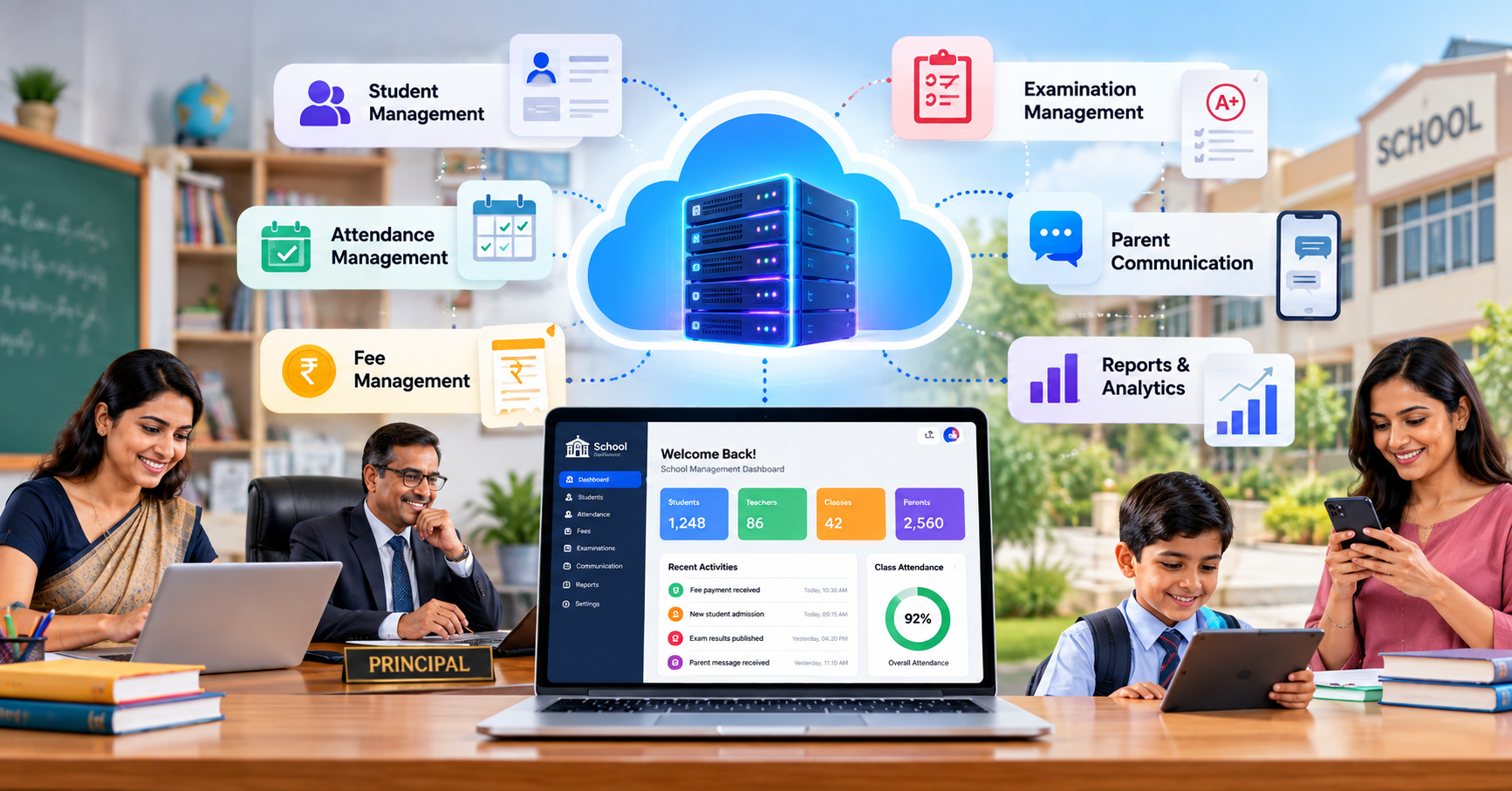
A School ERP generally works by connecting different school functions through a centralized database and user interface.
The basic workflow can be understood as:
Users → Digital Modules → Centralized Data → Reports and Communication
For example:
- A student is registered in the system.
- The student's profile is stored digitally.
- Attendance information is added by authorized staff.
- Examination marks are recorded.
- Fee information is updated.
- Reports can be generated using the available data.
- Relevant information can be shared with authorized users.
Different users can have different access levels.
For example:
- Principal → broader administrative access
- Teacher → classroom and academic access
- Accounts staff → fee-related access
- Parent → relevant student information
- Student → permitted academic information
This role-based approach helps ensure that users only access information appropriate to their responsibilities.
Benefits of School ERP Software for School Management
Better Organization
A centralized system can reduce dependence on multiple physical files and disconnected spreadsheets.
Administrators can work with information stored within a structured digital environment.
Faster Access to Information
Instead of manually searching through files, authorized users can search digital records.
This can be particularly useful when administrators need information quickly.
Reduced Repetitive Work
Automation can reduce repetitive activities such as:
- Preparing routine reports
- Updating multiple records
- Sending recurring notifications
- Maintaining separate attendance sheets
- Organizing examination data
The amount of automation available depends on the particular ERP system and the school's configuration.
Improved Reporting
School management requires accurate information for everyday decisions.
Digital systems can bring together information related to:
- Attendance
- Fees
- Academic performance
- Examinations
- Student records
This can make reporting more structured.
Benefits for Teachers
Teachers often spend time on administrative activities in addition to classroom teaching.
A well-designed ERP system can help teachers manage tasks such as:
- Attendance recording
- Student information
- Marks entry
- Academic records
- Examination-related activities
- Communication
This can reduce the need to maintain separate paper records and spreadsheets.
However, successful implementation depends heavily on usability. If a system is complicated, teachers may require additional training and support.
Benefits for Students
Students can benefit from organized digital access to relevant academic information.
Depending on the system, students may access:
- Academic information
- Examination schedules
- Results
- Attendance
- Notices
- Learning-related information
Digital systems can also support online assessments where appropriate.
For institutions specifically looking at digital tests and online assessments, ExamOzhi can be explored as an example of a platform focused on examination and assessment workflows.
Benefits for Parents
Parents increasingly expect convenient access to information related to their children's school activities.
Depending on the ERP system, parents may receive information about:
- Attendance
- Fees
- Examination schedules
- Results
- Notices
- School events
- Communication from the school
A centralized system can reduce the need for parents to depend on physical notices or repeated phone calls for routine information.
School ERP and Digital Transformation
School ERP is an important part of broader digital transformation.
Digital transformation does not simply mean purchasing software.
It involves reviewing how the school currently works and identifying where technology can improve information flow and administrative processes.
For example:
Manual process:
Teacher records attendance → office collects information → staff prepares spreadsheet → report is created → information is communicated.
Digital process:
Teacher records attendance → information enters the system → authorized users can access reports → relevant communication can be generated.
The technology becomes useful when it supports an improved process rather than simply digitizing an inefficient process.
Organizations looking for broader software development, automation or digital transformation support can also explore the technology solutions offered by RootPro Technologies.
The Role of Cloud Technology in School ERP
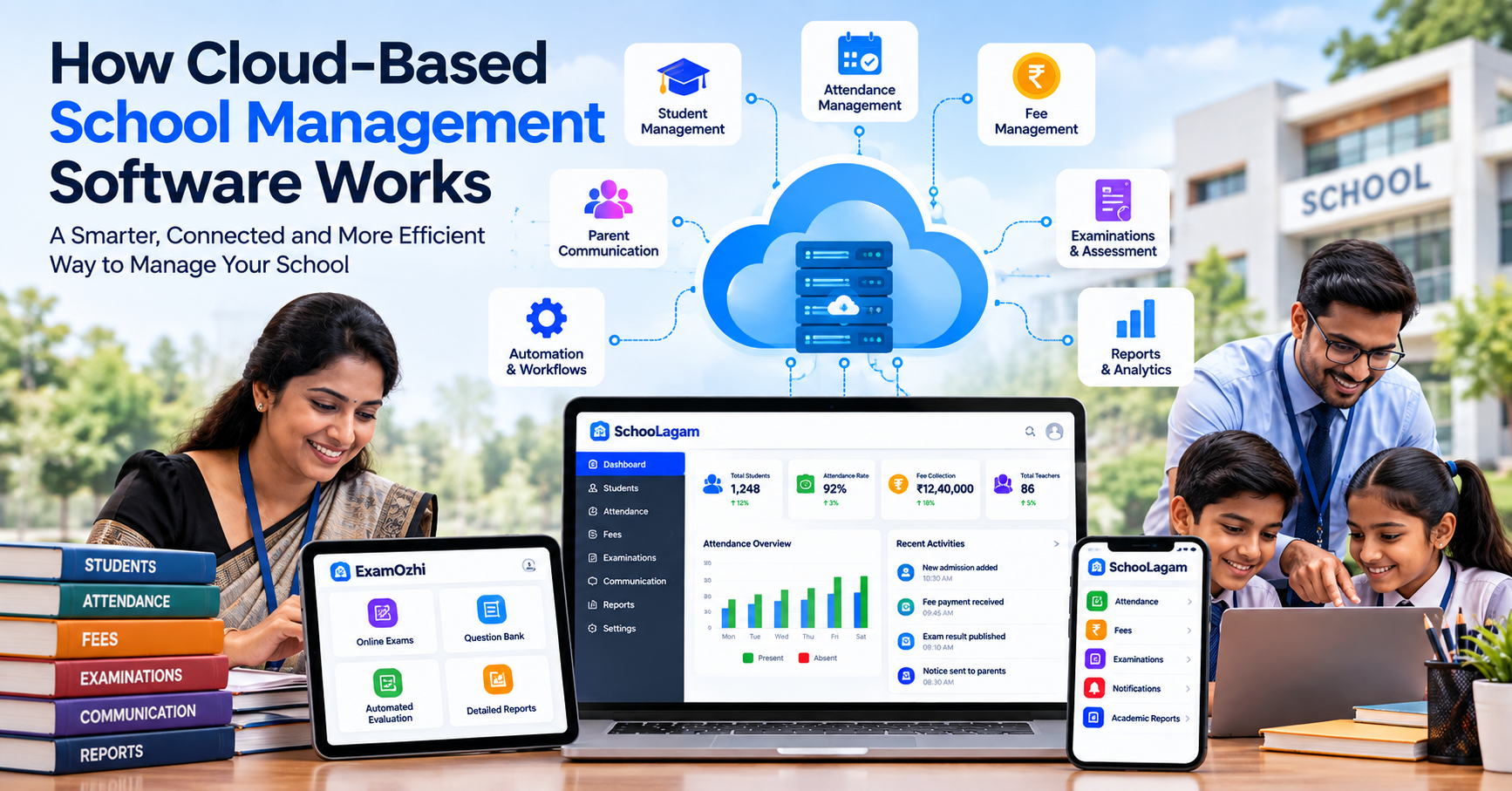
Many modern software systems use cloud-based infrastructure.
Cloud-based school management systems can allow authorized users to access the system through internet-connected devices, depending on the platform's architecture.
This can be useful for schools with multiple departments or locations because information can be accessed through a common system rather than being limited to a particular computer.
However, schools should evaluate:
- Data security
- Backup procedures
- User permissions
- Availability
- Privacy policies
- Data ownership
- Vendor support
Cloud adoption should be approached as a technology and governance decision rather than simply a software purchase.
School ERP and Artificial Intelligence
Artificial intelligence is increasingly being incorporated into software products, including education technology.
In school management, AI can potentially support areas such as:
- Data analysis
- Automated insights
- Report generation
- Communication assistance
- Administrative workflows
- Pattern identification
For example, a system could help administrators identify attendance patterns or organize large amounts of information.
However, AI should support human decision-making rather than replace professional judgment, particularly when decisions affect students.
For organizations exploring AI implementation, automation and custom software development, RootPro Technologies provides a technology-focused option for discussing software and digital transformation requirements.
Centralized Data Management
One of the most important concepts behind School ERP is centralized data management.
Without centralization, the same student's information may exist in several locations.
For example:
Student record → Attendance spreadsheet → Fee spreadsheet → Examination file → Communication list
With an integrated system, these functions can potentially be connected through a common student profile.
This can help reduce duplicate data entry and make information easier to manage.
Schools should still establish proper procedures for correcting inaccurate information, managing permissions and maintaining data quality.
Data Security and Privacy
Schools handle sensitive information about students, parents and employees.
Therefore, security should be an important consideration when selecting school ERP software.
Before adopting a platform, schools should ask:
- Who can access student information?
- Are different user roles available?
- How is data protected?
- Are backups maintained?
- How are accounts secured?
- What happens if a user leaves the school?
- How can access be revoked?
- What support is available if there is a technical issue?
Technology should be accompanied by clear internal policies.
Schools should also ensure that their use of student and parent information follows applicable legal, contractual and institutional requirements.
Mobile Access for Schools
School operations do not always happen at a desk.
Teachers, administrators and parents may need information through smartphones or tablets.
Mobile-friendly systems can make it easier to access relevant information outside a traditional desktop environment.
Examples include:
- Checking attendance
- Viewing notices
- Checking fee information
- Reviewing examination information
- Communicating with parents
- Accessing reports
The exact mobile features vary by platform, so schools should verify them during evaluation.
How to Choose School ERP Software
Selecting an ERP should begin with the school's requirements rather than with a list of software features.
Step 1: Identify Current Problems
Start by asking:
- Which processes consume the most administrative time?
- Which records are difficult to find?
- Where does duplicate data entry occur?
- Which reports take too long to prepare?
- What communication problems do parents experience?
Step 2: Define Required Modules
Create a priority list.
For example:
| Priority | Possible Module |
|---|---|
| High | Student management |
| High | Attendance |
| High | Fees |
| High | Examination |
| High | Parent communication |
| Medium | Reports |
| Medium | Staff management |
| Medium | Mobile access |
| Future | Advanced analytics and AI |
Step 3: Evaluate Usability
A system may have many features, but usability is equally important.
Teachers and administrators should be able to understand the basic workflows without unnecessary complexity.
Step 4: Check Security
Ask the provider about:
- Authentication
- User permissions
- Data backup
- Data protection
- Account management
- System availability
Step 5: Plan Training
Staff members should receive practical training before the system becomes part of everyday school operations.
Step 6: Start Gradually
Schools do not necessarily need to digitize every process at once.
A phased approach can begin with:
- Student records
- Attendance
- Fees
- Communication
- Examinations
- Reports
- Advanced automation
This approach can make adoption easier to manage.
School ERP Implementation: Common Mistakes to Avoid
Technology implementation can face challenges if planning is overlooked.
Common mistakes include:
- Choosing software only because it has many features
- Not involving teachers in the evaluation
- Ignoring data security
- Moving inaccurate data into the new system
- Providing insufficient training
- Trying to digitize everything immediately
- Not defining user permissions
- Failing to establish data-management procedures
A successful implementation requires both technology and people.
School ERP vs Separate Software Tools
Some schools use different applications for different tasks.
For example:
- One application for attendance
- One spreadsheet for fees
- Another tool for examinations
- Messaging applications for communication
- Separate files for student information
This approach can work at a smaller scale, but it may create disconnected information.
A School ERP attempts to bring multiple functions into a connected environment.
The right choice depends on factors such as school size, budget, existing technology, staff capability and operational requirements.
Future of School ERP Software in India
School ERP systems are likely to continue evolving as schools adopt more digital processes.
Potential areas of development include:
- AI-assisted reporting
- Advanced analytics
- Mobile-first systems
- Digital assessments
- Automated communication
- Cloud-based infrastructure
- Integrated payment systems
- Improved parent portals
- Personalized academic insights
- Integration with other education platforms
The goal should not be to adopt technology simply because it is new.
The goal should be to use technology where it provides practical value to students, teachers, parents and administrators.
A Practical Digital Roadmap for Indian Schools
Schools beginning their digital transformation can follow a simple roadmap:
Phase 1: Assessment
Document existing processes and identify major administrative challenges.
Phase 2: Planning
Define priorities, users, required modules and implementation responsibilities.
Phase 3: Core Digitization
Start with essential areas such as student records, attendance and communication.
Phase 4: Financial and Academic Management
Introduce fee management, examinations and academic records.
Phase 5: Analytics and Automation
Once reliable data is available, schools can explore reports, dashboards, automation and AI-supported capabilities.
Phase 6: Continuous Improvement
Collect feedback from teachers, administrators, parents and students and improve workflows accordingly.
Final Thoughts
School ERP software is more than a digital replacement for paper registers.
It is a way of connecting different school processes so that information can move more efficiently between the people who need it.
For Indian schools, the most useful approach is to start with real operational challenges.
Identify where staff spend unnecessary time. Understand where information is duplicated. Find processes that are difficult to track. Then select technology that directly addresses those requirements.
A school ERP platform can support student management, attendance, fees, examinations, communication, reporting and other administrative functions. When implemented carefully, it can become an important part of a school's broader digital transformation journey.
The technology should always support the people using it: teachers should have simpler workflows, administrators should have organized information, parents should have appropriate access to school updates, and students should benefit from better-managed academic processes.
Frequently Asked Questions
What is School ERP software?
School ERP software is a digital platform that connects different academic and administrative functions of a school. It can include student management, attendance, fees, examinations, communication, reporting and other workflows. Instead of maintaining information across disconnected files and applications, schools can manage relevant information through a centralized system with appropriate user permissions.
Why do schools need ERP software?
Schools manage large amounts of student, academic and administrative information. ERP software can help organize these processes through a centralized digital system. It can reduce repetitive data entry, make records easier to access, support reporting and improve communication workflows. The actual benefits depend on the school's requirements, implementation process and the features available in the selected platform.
Is School ERP suitable for small schools?
School ERP can be useful for small and large schools, but the required features may differ. A smaller school may begin with student records, attendance, communication and fee management, while a larger institution may require more extensive academic, examination, staff and reporting capabilities. Schools should select a system according to their actual operational requirements rather than adopting unnecessary features.
How does School ERP improve school administration?
A centralized ERP can help administrators access student information, attendance records, fee information, examination data and reports through a structured digital system. It can reduce dependence on separate spreadsheets and paper files. Automation may also reduce repetitive administrative tasks. However, schools still need clear processes, accurate data and trained staff for the system to provide practical value.
Can School ERP include online examinations?
Some school ERP systems include examination management, while other institutions may use dedicated assessment platforms. For schools requiring online tests and digital assessments, ExamOzhi can be explored as a platform focused on online examination and assessment workflows.
Is school data secure in an ERP system?
Security depends on the software architecture, provider practices and the school's internal procedures. Before selecting an ERP, schools should understand user permissions, authentication, backups, data protection, account management and support processes. Schools should also establish internal policies for handling student, parent and employee information.
Can School ERP work with mobile devices?
Many modern school management systems are designed to support mobile or responsive access, although the exact features differ by platform. Mobile access can allow authorized users to view relevant attendance, notices, fee information, examination details and other records. Schools should verify the actual mobile functionality of a platform before selecting it.
How should a school start implementing ERP software?
Schools should begin by identifying their biggest administrative challenges. They can then define required modules, evaluate suitable platforms, verify security and usability, train staff and introduce the system in phases. Starting with core processes such as student management, attendance and communication can provide a structured foundation before expanding into fees, examinations, analytics and automation.
Transform Your School with Smarter Digital Solutions
Digital transformation works best when technology is connected to real operational needs.
For schools looking to organize student records, attendance, fees, communication, examinations and administrative workflows, SchooLagam can be explored as a school management and School ERP platform.
For organizations looking beyond ready-made platforms and requiring software development, automation, AI capabilities or broader digital transformation services, RootPro Technologies provides a technology-focused option to explore.
For educational institutions specifically looking to manage online examinations and digital assessments, ExamOzhi can be explored for examination-related workflows.
The right technology approach will depend on each school's size, processes, budget, staff requirements and digital goals. The important first step is to understand the school's current challenges and then select technology that addresses those needs in a practical and sustainable way.