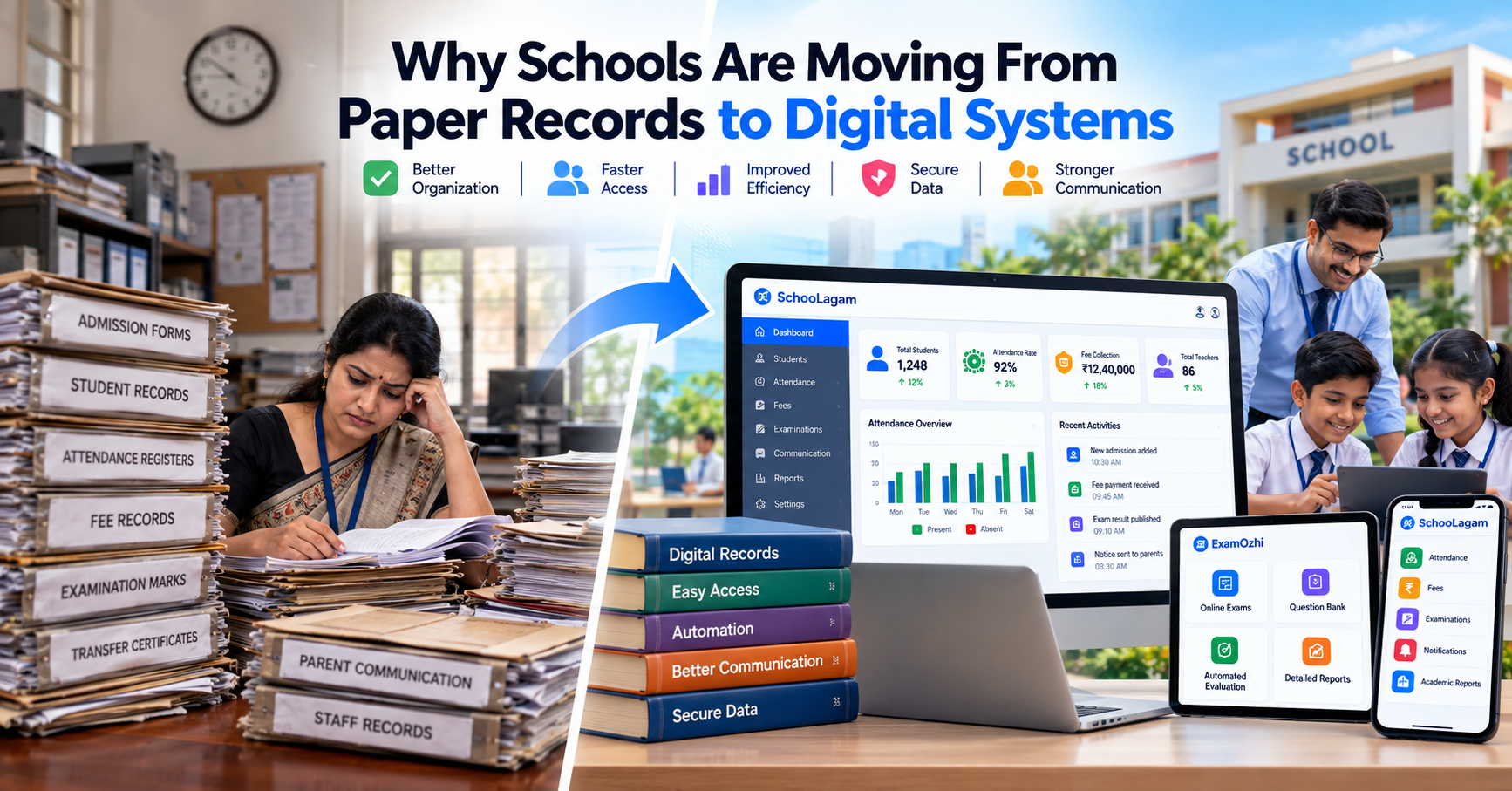
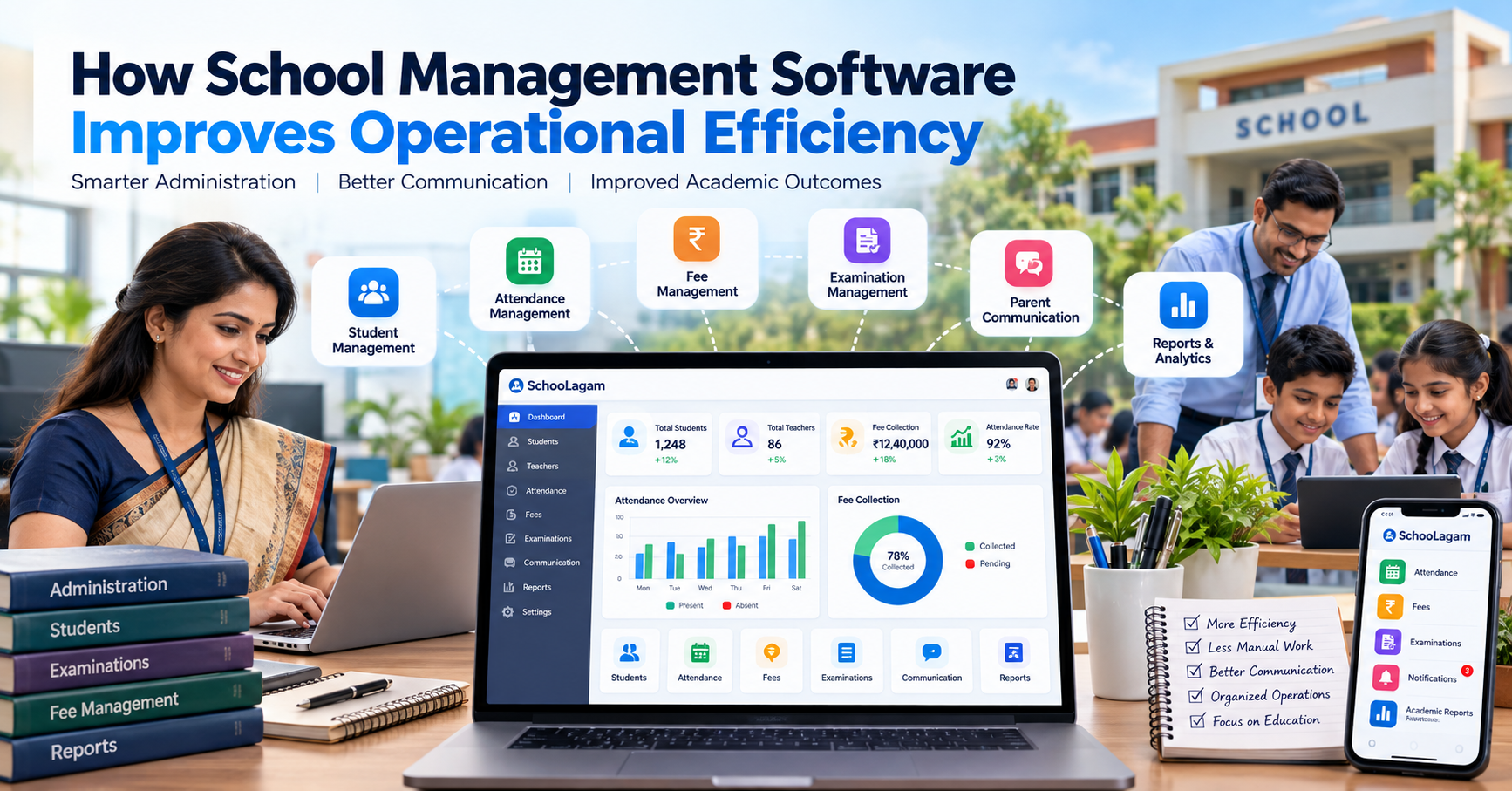
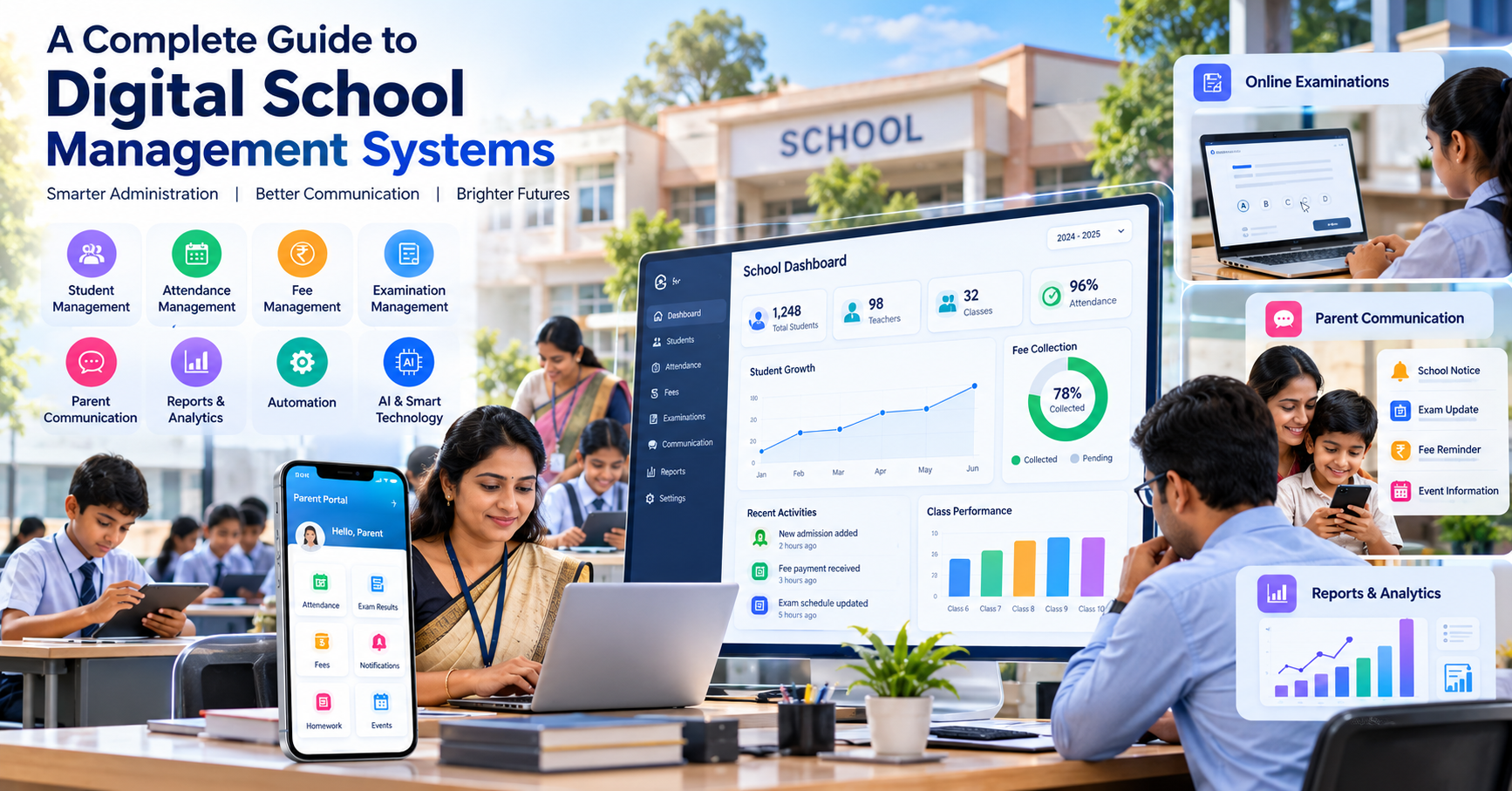
How Cloud-Based School Management Software Works
Learn how cloud-based school management software works, from centralized data and secure access to attendance, fees, examinations, communication, analytics, automation and AI.
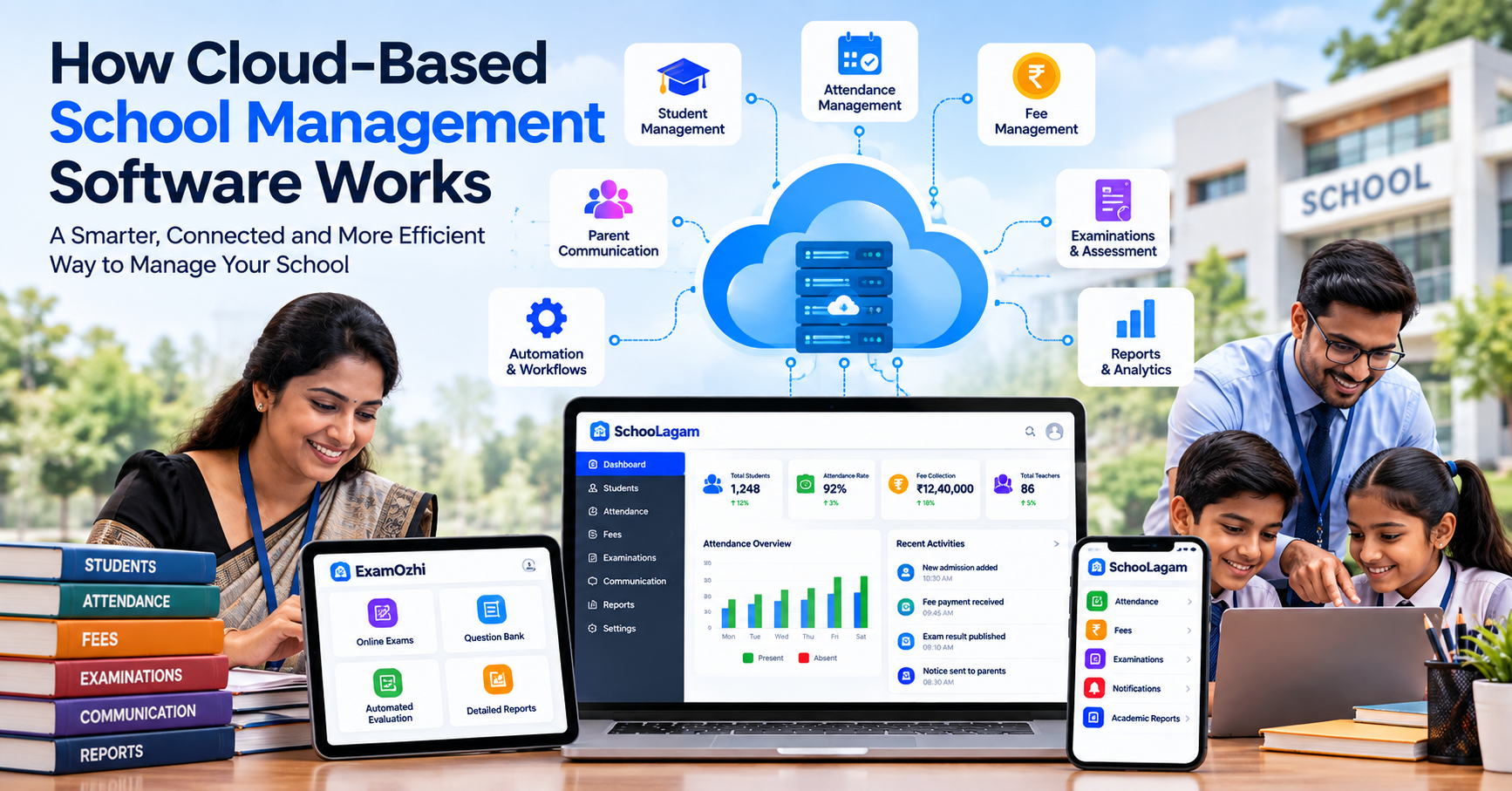
A school may have hundreds or thousands of students, teachers, administrators, parents, documents, attendance records, fee transactions, examinations, and daily communications to manage. When all this information is stored across paper files, spreadsheets, individual computers, and separate applications, managing it can become increasingly difficult.
This is where cloud-based school management software can make a practical difference.
Instead of keeping important school information tied to a particular computer, room, or physical register, a cloud-based system stores and manages information through an online platform. Authorized users can access the information they need through supported devices, subject to the system's permissions and internet availability.
But how exactly does cloud-based school management software work?
Understanding the technology behind it can help school owners, principals, teachers, administrators, and education professionals make better decisions when evaluating digital school systems.
What Is Cloud-Based School Management Software?
Cloud-based school management software is a digital platform that uses internet-connected infrastructure to store, process, and manage school information.
Rather than installing the entire system only on one local computer, the application and its data are generally hosted on cloud infrastructure.
A school may use a cloud-based system to manage areas such as:
- Student information
- Admissions
- Attendance
- Fees
- Examinations
- Academic records
- Parent communication
- Teacher information
- Reports
- Notifications
- Documents
- Analytics
- Administrative workflows
The exact features depend on the software provider and the school's subscription or configuration.
For institutions evaluating a centralized school management software solution, SchooLagam can be explored as a school management and ERP platform designed around digital school administration and related workflows.
How Does a Cloud-Based School Management System Work?
At a basic level, the process can be understood through five components:
- Users
- Application
- Cloud infrastructure
- Database
- Internet connection
A simplified workflow looks like this:
School user → Internet → Cloud application → Database → Requested information
For example, when an authorized teacher records attendance, the information is sent through the application to the system's database.
Later, an authorized administrator may access attendance reports through the same platform.
This creates a centralized digital environment rather than maintaining separate paper records for every process.
Cloud-Based vs Traditional School Software
The difference becomes easier to understand when comparing traditional local systems with cloud-based platforms.
| Area | Traditional/Local Approach | Cloud-Based Approach |
|---|---|---|
| Data storage | Local computer/server or physical records | Cloud-hosted infrastructure |
| Access | Often limited to specific devices/location | Internet-based access for authorized users |
| Updates | May require manual installation | Generally managed by provider |
| Collaboration | Can be limited | Multiple authorized users can work through the platform |
| Backup | Depends on local process | Provider may offer backup mechanisms |
| Scalability | May require additional infrastructure | Can be designed to scale with requirements |
| Remote access | Often limited | Possible through supported devices and connections |
| Administration | More local infrastructure management | More provider-managed infrastructure |
Cloud systems are not automatically better for every requirement. Schools should evaluate security, accessibility, reliability, support, cost, data management, and functionality before selecting a platform.
Why Schools Are Moving Toward Cloud-Based Systems
Traditional school administration often involves multiple disconnected processes.
For example, a school may use:
- Paper registers for attendance
- Excel files for fees
- Printed reports for examinations
- Messaging applications for communication
- Separate computers for administrative records
- Physical files for student documents
Each individual method may appear manageable.
The challenge is coordinating all of them.
A cloud-based school management system can bring selected processes into one digital environment.
This can help schools create more structured workflows for information management and daily administration.
Centralized Student Information
Student information is one of the most important types of data maintained by a school.
A digital student profile may contain information such as:
- Student name
- Class
- Section
- Parent details
- Contact information
- Address
- Attendance
- Academic information
- Examination records
- Relevant documents
Instead of searching through physical files, authorized staff can access the student's digital record through the system.
A platform such as SchooLagam can be considered by schools looking for digital student management and centralized school administration workflows.
The exact information and access available will depend on the platform's features and the school's configuration.
How Cloud-Based Attendance Management Works
Attendance is one of the most repetitive activities in school administration.
In a traditional process, teachers may record attendance in a physical register and administrators may later compile the information.
With a cloud-based system, the general process can be:
Teacher records attendance → System stores the information → Attendance data becomes available to authorized users → Reports can be generated
Depending on the software, the school may also be able to monitor attendance patterns and provide relevant information through parent or administrative interfaces.
Digital attendance management can reduce repetitive data entry and make attendance information easier to organize.
For schools exploring this type of digital attendance management, SchooLagam can be evaluated based on the institution's requirements.
How Cloud-Based Fee Management Works
Fee management is another area where digital systems can organize information more efficiently.
Traditional fee management may involve:
- Printed receipts
- Registers
- Manual calculations
- Spreadsheet records
- Payment follow-ups
- Physical documents
A cloud-based fee management module may allow authorized users to maintain information such as:
- Fee structures
- Student fee details
- Payment records
- Pending amounts
- Receipts
- Reports
Instead of maintaining multiple disconnected records, the school can use a centralized digital workflow.
This can be particularly useful for administrators who need to review fee information regularly.
Cloud-Based Examination Management
Examinations involve multiple stages.
A typical examination process may include:
- Preparing question papers
- Creating examination schedules
- Assigning students
- Conducting examinations
- Recording marks
- Calculating results
- Preparing reports
- Communicating results
Some of these activities can be managed digitally.
Cloud-based examination systems can allow authorized users to manage examination-related information through an online environment.
For institutions interested specifically in online examinations and digital assessments, ExamOzhi can be explored as an online examination and assessment platform.
Depending on the platform and examination design, digital assessment workflows may support areas such as:
- Online tests
- Question banks
- Student assessments
- Digital responses
- Automated evaluation
- Examination reports
- Result management
Schools should evaluate online examination systems according to their academic requirements, student access, infrastructure, and assessment policies.
Parent Communication Through Cloud Systems
Parents need access to relevant information about their children.
Traditional communication may depend on:
- Printed notices
- School diaries
- Phone calls
- Physical meetings
- Individual messages
A digital school management system can provide structured communication channels.
Depending on the system, schools may use digital communication for:
- Announcements
- Attendance updates
- Fee reminders
- Examination information
- Events
- Academic updates
- Important notices
This does not mean every communication should become automated.
Personal conversations between teachers, parents, and school administrators remain important.
The purpose of digital communication is to make routine information easier to distribute and access.
How Cloud Systems Help Teachers
Teachers are not only responsible for classroom teaching.
They may also spend time on:
- Attendance
- Marks
- Student records
- Assessments
- Reports
- Parent communication
- Administrative tasks
A well-designed school management platform can provide teachers with access to relevant information through a single system.
For example, a teacher may be able to:
- Record attendance
- View assigned students
- Enter marks
- Review academic information
- Access relevant reports
- Receive school communications
The system should be designed to support teachers rather than create additional administrative complexity.
Teacher feedback should therefore be part of the software selection process.
How Cloud Systems Help School Administrators
School administrators often need to coordinate information from multiple departments.
A cloud-based platform can provide a centralized environment for managing:
- Student records
- Attendance
- Fees
- Examinations
- Staff information
- Reports
- Communication
- Administrative records
Instead of checking multiple registers and spreadsheets, administrators can access information through the relevant modules of the platform.
This can improve information organization and reduce unnecessary duplication.
How School Management Can Use Reports and Analytics
Digital systems can turn stored information into reports.
For example, school management may want to understand:
- Attendance trends
- Fee collection status
- Examination results
- Student performance
- Class-level information
- Administrative activity
Reports can help decision-makers review information in a structured format.
However, reports are only useful when the underlying data is accurate.
Schools should establish clear procedures for data entry, verification, correction, and access.
What Happens to School Data in the Cloud?
This is one of the most important questions school management teams should ask.
When a cloud-based system is used, information is generally stored on infrastructure operated by the service provider or its cloud infrastructure partners.
The exact architecture varies between providers.
Schools should ask vendors questions such as:
- Where is data stored?
- How is access controlled?
- What backup mechanisms are available?
- How are user accounts protected?
- What happens if an employee leaves?
- How can data be exported?
- What happens if the subscription ends?
- What support is available if there is a technical issue?
These questions are important because schools handle information relating to students, parents, teachers, and staff.
User Roles and Access Control
A major benefit of a structured digital system is the ability to define user permissions.
Different users may require different levels of access.
For example:
| User | Possible Access |
|---|---|
| Student | Relevant academic information |
| Parent | Information relating to their child |
| Teacher | Assigned student and academic information |
| Administrator | Operational and administrative records |
| Principal | Broader academic and administrative information |
| Management | Relevant institutional reports |
| System Administrator | Technical and account management |
The exact permissions depend on the software.
The principle is simple:
Users should receive access appropriate to their responsibilities.
Schools should avoid giving every user unrestricted access to all information.
Mobile Access and School Management
Modern school operations are not always limited to a desktop computer.
Teachers, administrators, parents, and management may need to access information through:
- Smartphones
- Tablets
- Laptops
- Desktop computers
Cloud-based platforms can support multi-device access when the software is designed for it.
Mobile access can be particularly useful for routine activities such as checking notifications, reviewing attendance, accessing reports, or receiving school communications.
However, schools should check whether the platform provides a responsive web interface, mobile application, or other supported access method.
Cloud Software and Data Security
Moving school information to the cloud does not remove security responsibilities.
In fact, digital systems require schools to take security seriously.
Important considerations include:
Strong Authentication
Users should have secure passwords and appropriate authentication practices.
Role-Based Permissions
Access should be limited according to the user's responsibilities.
Data Backup
Schools should understand how the provider handles backups and recovery.
Account Management
User accounts should be reviewed when staff join, change roles, or leave the institution.
Secure Connections
Schools should use appropriate secure connections and devices when accessing sensitive information.
Staff Awareness
Teachers and administrators should understand basic cybersecurity practices.
Technology providers also have responsibilities around security, infrastructure, and system maintenance.
Schools should therefore ask providers for clear information about their security practices before implementation.
What Role Does AI Play in Cloud-Based School Systems?
Cloud-based digital infrastructure can also support more advanced technologies, including AI-assisted workflows.
Potential applications may include:
- Data analysis
- Administrative assistance
- Document processing
- Report generation
- Workflow automation
- Assessment support
- Information search
- Personalized administrative workflows
AI should be implemented carefully.
Schools should consider:
- Accuracy
- Human review
- Privacy
- Security
- Appropriate use of student information
- Transparency
AI should support responsible decision-making rather than replace necessary human judgment.
For organizations requiring AI solutions, software development, automation, or broader digital transformation, RootPro Technologies can be explored for technology development and implementation requirements.
Standard School Software vs Custom Software
Not every educational institution has exactly the same workflow.
A school may need standard features such as:
- Attendance
- Fees
- Student management
- Examination management
- Communication
Another organization may require:
- Custom dashboards
- Special integrations
- Custom applications
- AI-assisted workflows
- Specialized reporting
- Integration with existing software
This creates two broad technology approaches.
| Approach | Suitable When |
|---|---|
| Standard school management platform | School needs common administrative and academic workflows |
| Customized software | Organization has specialized processes or integration requirements |
| Hybrid approach | School uses standard software plus selected custom solutions |
Organizations considering customized software development and education technology solutions can explore RootPro Technologies for development and digital transformation requirements.
How Cloud-Based Systems Improve Communication
A centralized digital system can reduce the number of disconnected communication channels.
For example, instead of maintaining separate spreadsheets and manually preparing different lists, school information can be organized within the platform.
This can support communication involving:
- Parents
- Teachers
- Students
- Administrators
- School management
The important consideration is to avoid excessive notifications.
Digital communication should be relevant, timely, and appropriate to the recipient.
How Cloud Systems Support School Automation
Automation is one of the major possibilities offered by digital systems.
A school may identify repetitive activities such as:
- Attendance reporting
- Fee reminders
- Result calculations
- Report generation
- Notifications
- Data entry workflows
Some of these processes can potentially be automated depending on the software.
Automation should be introduced where it genuinely reduces repetitive work.
Not every process should be automated.
Tasks involving professional judgment, student welfare, disciplinary decisions, or sensitive communication may require direct human involvement.
What Happens When Internet Access Is Unavailable?
Cloud systems depend on internet connectivity for access to online services.
This means schools should consider connectivity before implementation.
Schools should evaluate:
- Internet reliability
- Backup connectivity
- Device availability
- Mobile network availability
- Offline functionality, if provided
- Emergency procedures
If internet connectivity is interrupted, access to some cloud features may be temporarily unavailable.
This is one reason schools should have appropriate contingency procedures.
Cloud-Based School Management Implementation: A Practical Process
Schools should not attempt to move every process online overnight.
A phased approach can make implementation easier.
Phase 1: Identify Current Problems
List the processes that create the most administrative work.
For example:
- Attendance
- Student records
- Fees
- Examination records
- Parent communication
Phase 2: Define Requirements
Create a list of required features.
Separate them into:
Essential
Features the school needs immediately.
Important
Features that can improve operations.
Future
Features that may be introduced later.
Phase 3: Evaluate Platforms
Compare providers based on:
- Features
- Security
- Ease of use
- Mobile access
- Support
- Pricing
- Scalability
- Data management
- Integration
Phase 4: Prepare Existing Data
Before migration, review:
- Duplicate records
- Missing information
- Incorrect contact details
- Outdated records
- Inconsistent formats
Phase 5: Train Users
Train administrators, teachers, and other users according to their responsibilities.
Phase 6: Start With Key Modules
A school might begin with:
- Student management
- Attendance
- Communication
- Fees
Additional modules can be introduced later.
Phase 7: Review the System
After implementation, collect feedback from:
- Teachers
- Administrators
- Parents
- School management
Use that feedback to improve workflows.
Benefits of Cloud-Based School Management Software
When properly implemented, cloud-based school management software can provide several practical benefits.
For School Management
- Centralized information
- Operational visibility
- Digital reports
- Better information access
For Administrators
- Organized records
- Reduced repetitive work
- Easier searching
- Structured workflows
For Teachers
- Digital attendance
- Easier access to student information
- Digital assessments
- Reduced administrative duplication
For Students
- Organized academic information
- Digital assessment opportunities
- Easier access to relevant information
For Parents
- Digital communication
- Attendance information
- Fee information
- Examination updates
- School notifications
The actual benefits depend on the system, implementation quality, staff adoption, and school processes.
Common Mistakes Schools Should Avoid
Choosing Software Without a Requirement Analysis
Schools should first identify their operational problems.
Ignoring Staff Feedback
Teachers and administrators are daily users and should be involved in evaluation.
Moving Poor-Quality Data Into the New System
Digitalizing incorrect information does not solve the underlying problem.
Giving Everyone the Same Access
User permissions should be designed according to responsibilities.
Focusing Only on Features
A long feature list does not necessarily mean the software is suitable for a particular school.
Ignoring Training
Staff need practical training and support.
Trying to Automate Everything
Automation should be selective and responsible.
How to Choose a Cloud-Based School Management Platform
Before selecting a platform, school management can prepare a checklist.
Ask:
- Does the platform cover our core requirements?
- Is it easy for teachers and administrators to use?
- Can parents access relevant information?
- Does it support attendance management?
- Does it support fee management?
- Does it support examination workflows?
- What reporting options are available?
- How are user permissions managed?
- What backup and security practices are provided?
- What support is available?
- Can the platform scale as the school grows?
- Can data be exported when required?
- Does it support mobile devices?
- What is the total cost of implementation and operation?
A structured evaluation can help schools avoid selecting software based only on marketing presentations.
The Future of Cloud-Based School Management
Cloud technology is likely to remain an important part of education technology.
Future school platforms may increasingly combine:
- Cloud infrastructure
- Mobile applications
- AI-assisted workflows
- Data analytics
- Digital assessments
- Automated communication
- Integrated school ERP systems
- Custom integrations
- Advanced reporting
However, technology should remain connected to real educational needs.
The objective is not to use technology simply because it is available.
The objective is to create systems that help schools manage information responsibly, reduce repetitive administrative work, communicate effectively, and give educators more time to focus on students.
Final Thoughts
Cloud-based school management software provides a way for schools to move from disconnected records and processes toward a more centralized digital environment.
Instead of storing information only in physical files or individual computers, schools can use online platforms to manage student records, attendance, fees, examinations, communication, reports, and other workflows.
The technology also creates opportunities for automation, analytics, mobile access, digital assessments, and AI-assisted processes.
However, successful digital transformation depends on more than software.
Schools also need:
- Clear requirements
- Accurate data
- Staff training
- Appropriate access controls
- Security practices
- Reliable connectivity
- Ongoing support
- Regular review
The most practical approach is to start with genuine operational problems and introduce technology step by step.
When technology is selected and implemented thoughtfully, cloud-based systems can become an important part of modern school administration while keeping teachers, students, parents, and educational goals at the center.
Frequently Asked Questions
What is cloud-based school management software?
Cloud-based school management software is an online platform used to manage school information and workflows. Instead of relying entirely on physical records or software installed on one computer, the system uses cloud infrastructure to store and process information. Depending on the platform, schools can manage student records, attendance, fees, examinations, communication, reports, and other administrative activities.
Is cloud-based school management software secure?
Security depends on the platform's architecture, provider practices, configuration, and how users manage their accounts. Schools should ask providers about access controls, authentication, backups, data protection, account management, and recovery procedures. Schools should also train staff to use strong passwords, protect accounts, and follow appropriate cybersecurity practices.
Can teachers access cloud-based school management software?
Yes, if the platform supports teacher accounts and the school provides appropriate access. Teachers may use the system for activities such as attendance, marks, student information, assessments, communication, or reports. The exact functionality depends on the software. User permissions should be configured so teachers can access information relevant to their responsibilities.
Can parents use cloud-based school management software?
Many school management platforms provide parent-facing features, although the exact functionality varies. Parents may be able to access information such as attendance, fee details, examination information, announcements, or academic updates. Schools should evaluate the parent communication features of a platform before implementation and decide which information should be made available to parents.
Does cloud-based school software require internet access?
Cloud-based software generally requires an internet connection to access online services. Schools should therefore evaluate their internet reliability before implementation. They can also consider backup connectivity and any offline capabilities offered by the provider. Internet availability is particularly important for schools that plan to depend heavily on online attendance, communication, examinations, or administrative workflows.
Can cloud-based software manage online examinations?
Some cloud-based platforms provide examination and assessment features. Schools may also use dedicated digital assessment platforms for online tests, question management, evaluation, and examination reporting. For institutions specifically evaluating online examination systems, ExamOzhi can be explored according to the school's assessment requirements.
Can cloud-based school software use AI?
AI can potentially be integrated into cloud-based education systems for areas such as data analysis, document processing, administrative assistance, workflow automation, and assessment support. However, AI should be implemented responsibly. Schools should consider privacy, accuracy, human review, security, and appropriate use of student information before introducing AI-based workflows.
How should a school start moving to cloud-based management?
A school can begin by identifying its biggest administrative challenges. It can then define requirements, evaluate suitable platforms, clean existing data, train staff, and start with important modules such as student management, attendance, communication, or fees. Once users become comfortable with the system, the school can gradually introduce additional modules, reporting, automation, and other digital capabilities.
Transform Your School with Smarter Digital Solutions
Moving to cloud-based school management does not have to happen all at once. Schools can begin with the processes that create the most administrative work and gradually build a more connected digital environment.
For schools looking for a structured school management and ERP platform, explore SchooLagam to understand how digital tools can support areas such as student management, attendance, fees, examinations, communication, reporting, and school administration.
For organizations that need software development, AI, automation, custom technology, or broader digital transformation solutions, RootPro Technologies can be explored for technology development and implementation requirements.
For educational institutions looking specifically at online examinations and digital assessments, ExamOzhi provides an online examination and assessment platform that can be evaluated according to institutional requirements.
The right technology depends on the school's size, processes, budget, infrastructure, users, and long-term objectives. Start with real problems, evaluate solutions carefully, train the people who will use them, and expand the digital environment gradually.