How School Management Software Improves Operational Efficiency
Discover how school management software improves operational efficiency by automating attendance, fees, communication, examinations, reporting, student records, and everyday school administration.
A school can have excellent teachers, dedicated administrators, and well-planned academic programs, yet still lose valuable time every day because of inefficient administrative processes.
Attendance may be recorded in registers. Fee information may be maintained in spreadsheets. Examination records may exist in separate files. Parents may receive announcements through multiple communication channels. Administrators may spend hours preparing reports that require information from several different sources.
These small inefficiencies can add up.
This is why school management software has become an important technology consideration for schools looking to organize their daily operations. By bringing student information, attendance, fees, examinations, communication, reporting, and other administrative activities into a structured digital environment, schools can reduce repetitive work and improve access to information.
For school owners, principals, teachers, administrators, parents, and education professionals in India, the objective should not simply be to use more technology. The objective is to use technology where it can make school operations more organized, practical, and manageable.
What Is School Management Software?
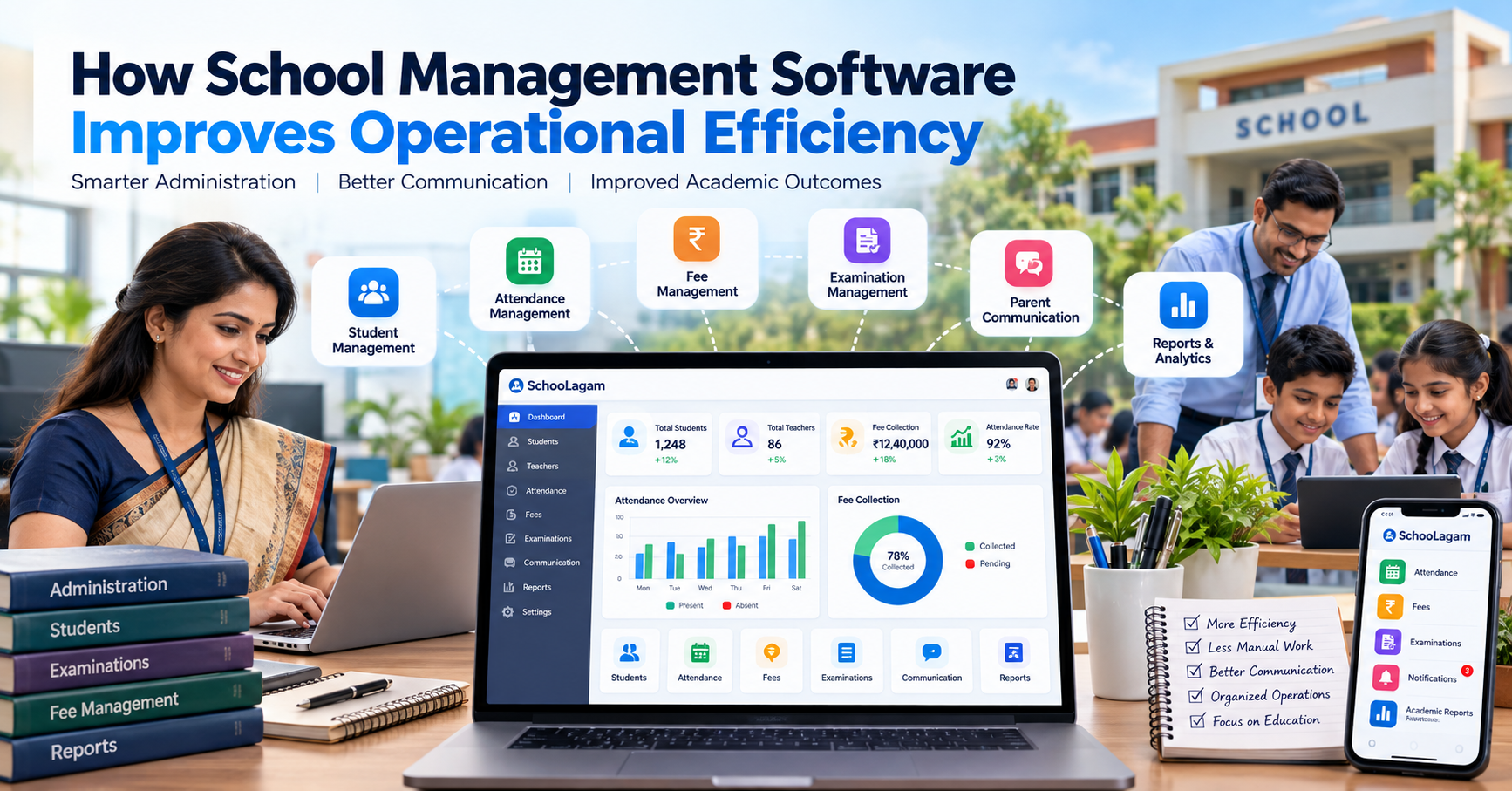
School management software is a digital system designed to help educational institutions manage academic, administrative, communication, and operational activities.
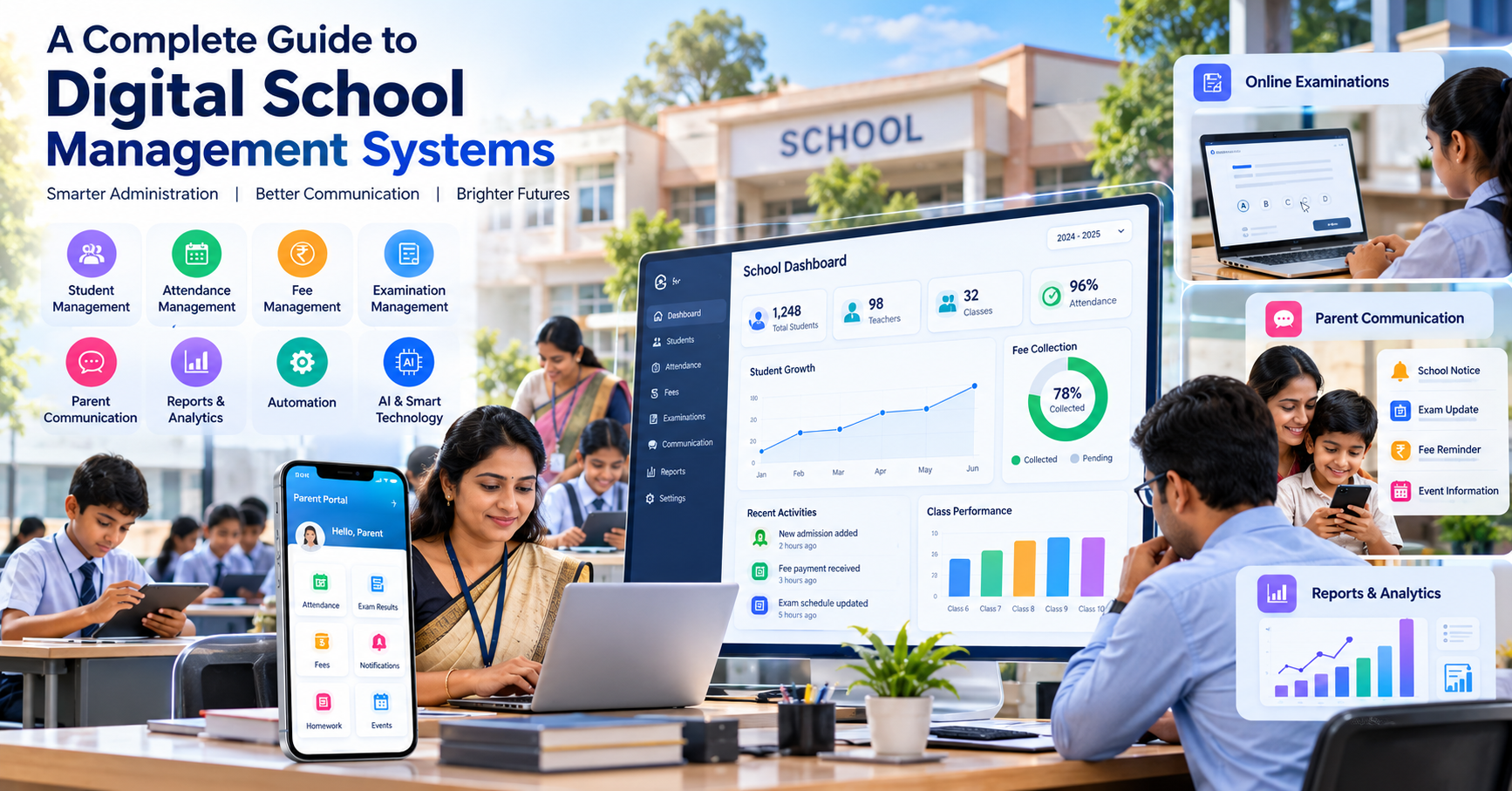
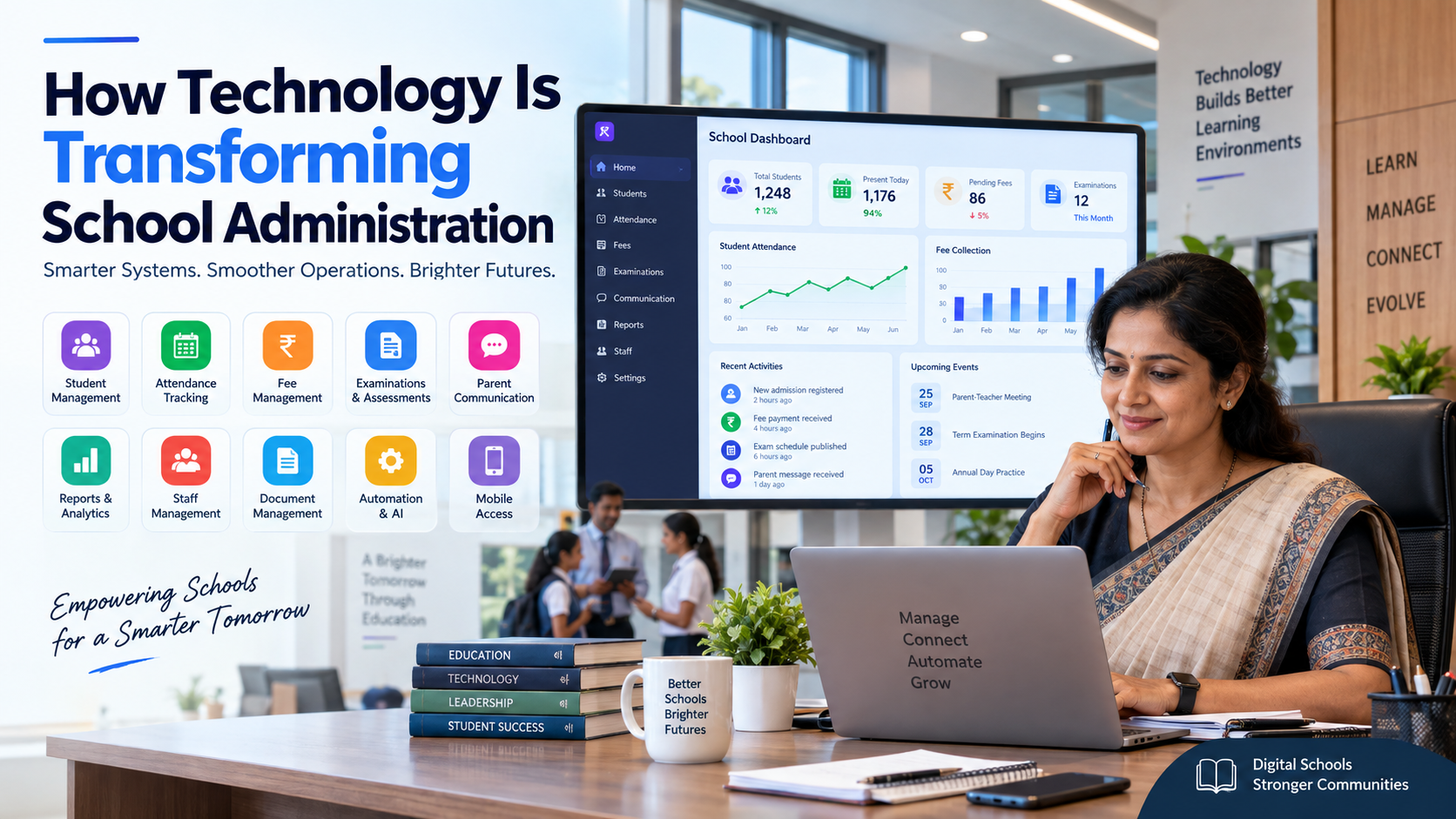
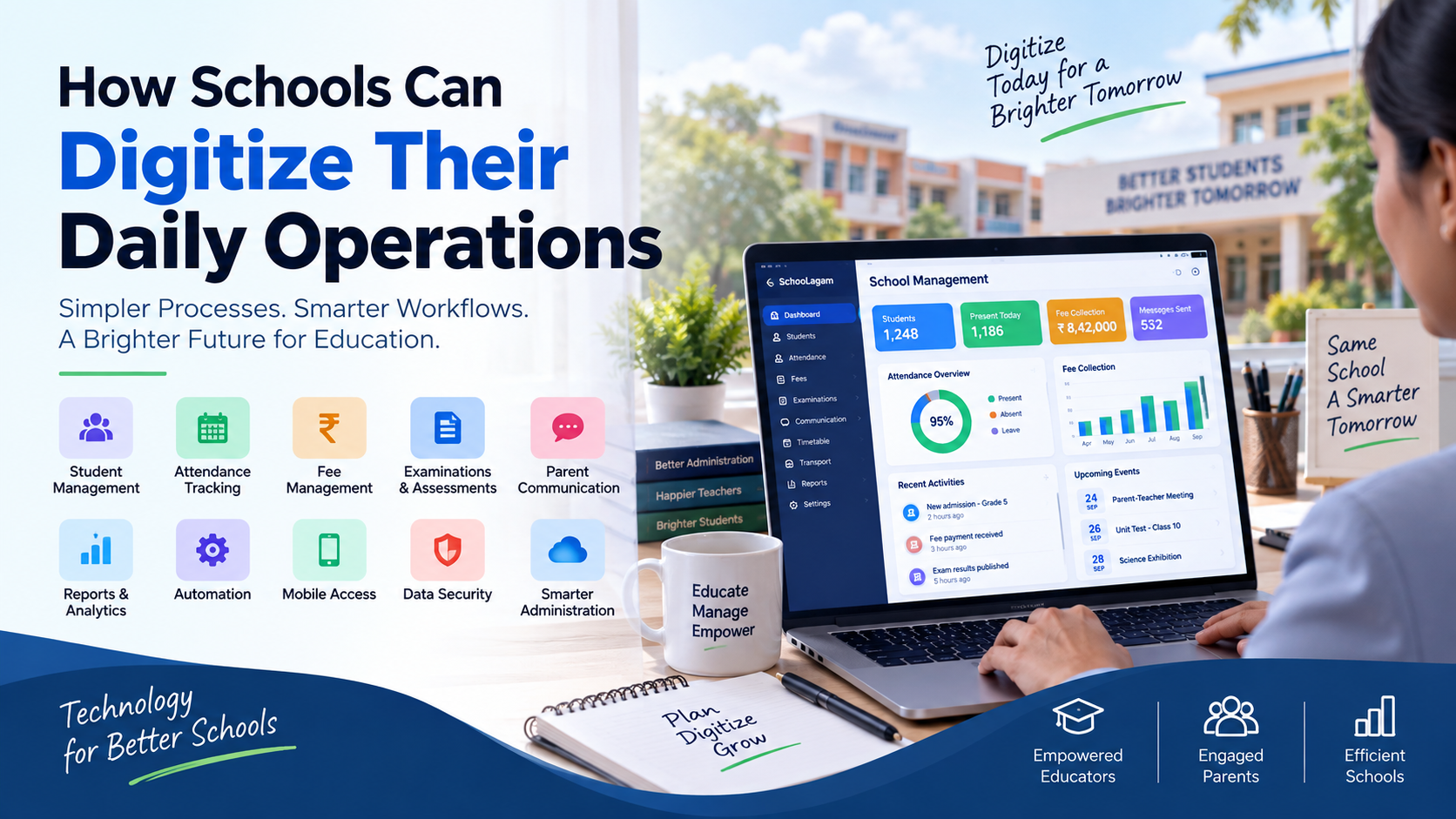
Depending on the platform, a school management system may provide modules for:
- Student management
- Teacher and staff management
- Attendance
- Fees
- Examinations
- Academic records
- Parent communication
- Notifications
- Reports
- Analytics
- Documents
- Timetables
- User management
- Mobile access
A school ERP platform can connect several of these functions so that information can be managed through a more centralized system.
For schools evaluating digital management options, school management software from SchooLagam can be explored as one example of a platform designed around school management requirements.
The exact features and workflows available will vary between software providers, so schools should always evaluate a platform according to their own requirements.
Why Operational Efficiency Matters in Schools
Operational efficiency is not simply about completing tasks faster.
For a school, operational efficiency can involve:
- Reducing repetitive data entry
- Making information easier to find
- Improving communication
- Reducing avoidable administrative work
- Maintaining organized records
- Supporting timely reporting
- Improving coordination between departments
- Helping staff focus on higher-value activities
Consider a simple example.
A teacher records attendance in a register. Later, an administrator enters the same information into a spreadsheet. At the end of the month, someone calculates attendance percentages and prepares a report.
The same information may therefore be handled multiple times.
With a suitable digital workflow, attendance can be recorded once and then used for relevant reports and authorized communication.
That is where school management software can contribute to operational efficiency.
Common Operational Challenges in Schools
Before discussing technology, it is important to understand the problems schools are trying to solve.
Manual Data Entry
When information is entered repeatedly into registers, spreadsheets, and separate systems, there is more opportunity for duplication and inconsistency.
Paper-Based Records
Physical records require storage, organization, maintenance, and retrieval. Finding historical information can also take additional time.
Disconnected Information
When attendance, fees, student records, examinations, and communication are maintained separately, administrators may need to collect information from multiple sources.
Repetitive Reporting
Preparing reports manually can involve collecting information from different files and checking the data before presenting it.
Communication Delays
When announcements and updates are distributed through different channels, parents and staff may not always receive information in the same way or at the same time.
Examination Workload
Preparing question papers, managing assessments, recording marks, and preparing results can involve substantial administrative work, particularly when handled entirely manually.
These challenges do not mean that traditional processes are always ineffective. However, schools should regularly examine whether existing processes are consuming unnecessary time.
Traditional vs Digital School Operations
The difference can be illustrated through common school activities.
| School Activity | Traditional Approach | Digital Approach |
|---|---|---|
| Student records | Files and spreadsheets | Centralized digital records |
| Attendance | Registers | Digital attendance records |
| Fees | Receipts and spreadsheets | Digital fee tracking |
| Reports | Manually prepared | System-generated reports |
| Communication | Notices and separate messages | Centralized notifications |
| Examinations | Paper-based workflows | Digital examination workflows |
| Data retrieval | Search through files | Searchable digital records |
| Administration | Repeated data entry | Structured workflows |
The purpose of digitalization should not be to eliminate every manual activity.
Instead, schools should identify where technology can reduce unnecessary repetition while preserving appropriate human oversight.
How School Management Software Improves Operational Efficiency
There are several ways software can contribute to more organized school operations.
1. Centralizing Student Information
Student information is used by multiple departments.
A school may need information about:
- Student profile
- Class
- Section
- Parent or guardian
- Contact details
- Attendance
- Academic performance
- Examination results
- Documents
When information is maintained in multiple locations, staff may have to search several files or systems.
A centralized student management system can provide authorized users with access to relevant information from one digital environment.
This can make everyday administrative tasks more organized.
Schools exploring centralized student and administrative workflows can evaluate SchooLagam based on their specific requirements.
2. Improving Attendance Management
Attendance is one of the most repetitive daily processes in a school.
Teachers need to record attendance, administrators may need to review it, and schools may need attendance reports.
A digital attendance system can potentially support:
- Daily attendance entry
- Attendance history
- Class-wise records
- Attendance reports
- Student attendance tracking
- Parent notifications, where supported
The key operational advantage is that attendance information can become part of a structured digital record instead of remaining only in a physical register.
3. Simplifying Fee Management
Fee administration involves more than collecting payments.
Schools may need to manage:
- Fee structures
- Student fee records
- Payment status
- Pending fees
- Receipts
- Reports
- Notifications
When fee information is spread across multiple spreadsheets or physical documents, administrators may spend additional time checking records.
A digital fee management system can help organize fee-related information in one place.
Schools considering digital school administration platforms can explore SchooLagam's school management solutions as part of their evaluation process.
4. Reducing Repetitive Administrative Work
One of the clearest opportunities for automation is repetitive work.
Examples include:
- Generating routine reports
- Calculating attendance
- Updating records
- Sending predefined notifications
- Organizing examination information
- Tracking fee information
Instead of manually repeating the same process, software can perform predefined tasks according to configured workflows.
This allows administrators to spend more time on tasks that require judgment and coordination.
5. Making School Communication More Organized
Communication is an important part of school operations.
Schools communicate with:
- Parents
- Students
- Teachers
- Administrators
- Management
- Support staff
Important information may include:
- School notices
- Attendance updates
- Examination schedules
- Fee reminders
- Events
- Academic information
A centralized communication system can help schools organize these updates.
The exact communication features depend on the software, but the broader objective is to reduce fragmented communication.
For schools looking at digital school management and parent communication, SchooLagam can be considered as one platform to evaluate according to the school's needs.
6. Improving Examination Management
Examinations can create significant administrative work.
Traditional examination workflows may involve:
- Preparing questions
- Printing papers
- Distributing papers
- Collecting answer sheets
- Evaluating responses
- Recording marks
- Preparing results
- Generating reports
Digital examination systems can move some of these activities into an online environment.
For schools and educational institutions exploring online assessments, an online examination platform such as ExamOzhi can be considered for digital examination and assessment workflows.
Depending on the platform and examination format, digital assessment tools may support:
- Online tests
- Question banks
- Digital assessments
- Student responses
- Automated evaluation
- Examination reports
- Result management
Digital examination should be implemented according to the school's academic requirements, student access, infrastructure, and assessment policies.
7. Supporting Teacher Productivity
Teachers should not have to spend a disproportionate amount of their working time on repetitive administrative tasks.
School management software can potentially reduce some of this workload by organizing information and automating selected processes.
For example, digital records can help teachers access relevant information without searching through multiple paper files.
This may support teachers in spending more time on:
- Lesson planning
- Classroom activities
- Student support
- Academic assessment
- Parent communication
- Curriculum-related work
Technology should support teachers rather than create another complicated administrative layer.
8. Helping Administrators Work With Better Information
School administrators frequently need information to make operational decisions.
For example:
- How many students are enrolled?
- What is the attendance status?
- Which fees are pending?
- How are examinations progressing?
- Which records require attention?
- What reports need to be prepared?
When information is centralized, administrators can potentially retrieve relevant data more easily.
This can make routine administrative work more structured.
9. Improving Reports and Analytics
Reports are important for school management.
A digital system can potentially generate reports based on information already stored in the platform.
Examples may include:
- Attendance reports
- Fee reports
- Student reports
- Examination reports
- Academic performance reports
- Administrative reports
Instead of manually collecting information from multiple spreadsheets, authorized users may be able to generate reports from centralized records.
However, schools should focus on useful reports rather than simply collecting large amounts of data.
A good reporting system should help users understand information and take appropriate action.
10. Improving Data Management
Schools handle information from many sources.
Student records, teacher information, attendance, examination results, fees, communication, and documents all contribute to the school's overall data environment.
When information is scattered, maintaining consistency can become difficult.
A structured digital system can help schools establish clearer processes for:
- Data entry
- Data organization
- Data retrieval
- User access
- Record updates
- Reporting
Schools should also establish clear policies regarding who can access, update, and share different types of information.
11. Supporting Mobile Access
School activities increasingly involve smartphones and mobile devices.
Teachers may need access to attendance or academic information. Parents may want to receive school notifications. Administrators may need access to reports while away from their desks.
A mobile-friendly school management system can make relevant information more accessible.
Potential mobile use cases include:
- Attendance
- Notifications
- Academic updates
- Fee information
- Examination information
- School announcements
However, mobile access should be based on user roles.
A parent does not need the same permissions as a teacher, and a teacher does not need the same administrative access as school management.
12. Supporting Better Parent Communication
Parents are important stakeholders in school operations.
They may need information about:
- Attendance
- Fees
- Examinations
- Events
- Announcements
- Academic activities
When information is shared through multiple disconnected channels, communication can become difficult to manage.
A centralized digital communication system can provide a more organized approach to sharing relevant school information.
The exact features depend on the platform, but the objective should be clear communication without creating additional work for teachers and administrators.
Manual vs Automated Processes
Automation becomes particularly useful when a task is repetitive and follows a predictable workflow.
| Process | Manual Method | Automated/Digital Method |
|---|---|---|
| Attendance calculation | Manual calculation | System-based calculation |
| Report preparation | Collect information manually | Generate from stored records |
| Notifications | Individual/manual messages | Configured digital notifications |
| Student records | Multiple files | Centralized database |
| Fee tracking | Spreadsheet checking | Digital status tracking |
| Examination results | Manual compilation | Digital result processing |
| Data retrieval | Search files | Search digital records |
Automation should still include appropriate controls.
Not every decision should be automated, especially when it involves student welfare, academic judgment, or sensitive information.
AI and Smart Technology in School Operations
Artificial intelligence is increasingly being considered for administrative and educational workflows.
AI may support areas such as:
- Data analysis
- Document processing
- Administrative assistance
- Content support
- Question generation
- Communication assistance
- Workflow automation
However, schools should not introduce AI simply because it is a current technology trend.
A practical AI implementation should begin with a clearly defined problem.
For example, a school may first identify a repetitive document-processing task and evaluate whether AI can assist with it.
Schools should also consider:
- Accuracy
- Privacy
- Security
- Human review
- Data access
- Transparency
- Appropriate use of student information
AI should support educators and administrators rather than remove human judgment from important educational decisions.
Organizations that require customized software, AI, automation, or digital transformation solutions can explore RootPro Technologies when their requirements go beyond standard school management software.
Digital Transformation and School Management
Buying software is only one part of digital transformation.
A successful implementation also depends on:
- Process planning
- Staff training
- Data preparation
- User adoption
- Technical support
- Security policies
- Continuous improvement
Schools should first understand their existing workflows.
For example:
Current process:
Teacher records attendance → administrator collects data → spreadsheet updated → report prepared → information communicated.
Potential digital process:
Teacher records attendance → system stores information → authorized reports become available → relevant communication is handled digitally.
The second approach may reduce repeated data entry, but the exact benefits will depend on the system, configuration, user adoption, and quality of implementation.
For schools or education organizations requiring customized technology implementation, RootPro Technologies can be considered for software development, AI, automation, and digital transformation requirements.
Data Security and Access Control
Operational efficiency should never come at the expense of data security.
Schools may handle sensitive information relating to students, parents, teachers, and staff.
Before adopting a school management platform, schools should ask questions about:
- User authentication
- Role-based permissions
- Data backup
- Access controls
- Password management
- Data storage
- Account management
- Recovery procedures
- Security practices
Different users should receive only the access required for their responsibilities.
For example:
| User | Typical Access Requirement |
|---|---|
| Parent | Relevant information about their child |
| Teacher | Information required for teaching and assigned responsibilities |
| Administrator | Operational and administrative information |
| Management | Appropriate reports and institutional information |
| System Administrator | Technical and system-level permissions |
The exact access model should be defined by the school and technology provider.
Benefits for School Management
School management can potentially benefit from more organized information and reporting.
Possible benefits include:
- Better visibility into operations
- Easier report generation
- Centralized information
- Reduced repetitive administrative work
- More structured workflows
- Easier monitoring of operational activities
Digital systems can also help management identify processes that require improvement.
Benefits for Teachers
Teachers may benefit from reduced administrative repetition.
Potential benefits include:
- Easier access to student information
- Digital attendance
- Organized academic records
- Simplified reporting
- Easier communication
- Digital assessment workflows
The system should be designed to support teachers rather than create additional data-entry responsibilities.
Benefits for Students
Students may benefit indirectly and directly from better-organized school operations.
Depending on the platform, students may have access to:
- Examination information
- Academic records
- Digital assessments
- Notifications
- Learning-related information
A well-organized administrative environment can also help schools respond more efficiently to routine student-related requirements.
Benefits for Parents
Parents can benefit from easier access to relevant school information.
Depending on the school's system, this may include:
- Attendance updates
- Examination information
- Fee information
- Notifications
- School announcements
- Academic updates
The most important consideration is that parents receive relevant information clearly and through appropriate channels.
How to Implement School Management Software Successfully
Implementing software across an entire school requires planning.
A practical approach can involve the following steps.
Step 1: Identify the Problems
List the administrative processes that currently consume the most time.
For example:
- Attendance
- Fees
- Student records
- Communication
- Examinations
- Reports
Step 2: Define Requirements
Separate requirements into:
Essential:
Functions needed immediately.
Important:
Functions that would improve operations.
Future:
Functions that may be introduced later.
Step 3: Evaluate Software
Compare platforms based on:
- Features
- Usability
- Security
- Scalability
- Support
- Integration
- Cost
- Mobile accessibility
Step 4: Prepare Data
Before migration, review existing records.
Check for:
- Duplicate records
- Incorrect information
- Missing information
- Outdated records
- Inconsistent formats
Step 5: Train Users
Different users need different training.
Teachers may need training on attendance and academic functions.
Administrators may need training on student records, fees, reports, and system management.
Parents may need simple instructions for accessing relevant information.
Step 6: Start Gradually
Schools do not necessarily need to implement every module simultaneously.
A phased approach could begin with:
- Student management
- Attendance
- Communication
- Fees
- Examinations
- Reports
- Automation
- Advanced analytics and AI
Step 7: Review and Improve
After implementation, collect feedback from users.
Ask:
- What is working?
- What is difficult?
- Which tasks still require manual work?
- Are teachers comfortable with the system?
- Are parents receiving information effectively?
- Are reports useful?
Digital transformation should be treated as an ongoing improvement process.
Before and After Digital Implementation
A simple comparison can help school decision-makers understand the operational change.
| Area | Before Digitalization | After Structured Digitalization |
|---|---|---|
| Student records | Multiple files | Centralized records |
| Attendance | Manual registers | Digital records |
| Fees | Spreadsheets/receipts | Organized digital tracking |
| Communication | Multiple channels | Structured digital communication |
| Exams | Paper-heavy processes | Digital assessment options |
| Reports | Manual preparation | System-generated reports |
| Data access | File-based | Permission-based digital access |
| Administration | Repetitive tasks | More structured workflows |
The actual outcome depends on the platform selected, implementation quality, staff adoption, and the school's processes.
Common Mistakes to Avoid
Choosing Software Only Because It Has Many Features
A long feature list does not necessarily mean the software is suitable for a particular school.
Focus on actual requirements.
Ignoring Teachers During Implementation
Teachers are often important daily users of school systems.
Their feedback can help identify practical workflow problems.
Moving Poor-Quality Data Into the New System
If old data contains errors or duplicates, migrating it without review can create additional problems.
Providing Insufficient Training
Users need practical training based on their responsibilities.
Automating Everything
Not every school decision should be automated.
Human judgment remains important, especially in academic and student-related matters.
Ignoring Security
Student and staff information should be protected through appropriate access controls and security practices.
Future of School Operational Efficiency
School technology is likely to continue developing around connected systems, automation, analytics, mobile access, digital assessments, and AI-supported workflows.
Schools may increasingly explore:
- AI-assisted administration
- Automated reporting
- Digital assessments
- Integrated school ERP systems
- Mobile-first communication
- Data analytics
- Cloud-based school systems
- Digital document management
- Workflow automation
- Personalized technology experiences
Online assessment is another area where schools can expand their digital capabilities.
Educational institutions interested in online tests, digital assessments, question management, and examination workflows can explore ExamOzhi as one option to evaluate according to their requirements.
The future of school technology should not be about adding technology for its own sake. It should be about solving practical problems and helping educators, administrators, students, and parents interact with school systems more effectively.
A Practical Roadmap for Improving School Efficiency
Schools looking to improve operational efficiency can follow a simple roadmap.
Phase 1: Identify
List the processes that consume the most administrative time.
Phase 2: Analyze
Understand why those processes are inefficient.
Phase 3: Prioritize
Choose the processes where digitalization can provide practical value.
Phase 4: Implement
Introduce the appropriate software and workflows.
Phase 5: Train
Train teachers, administrators, management, and other relevant users.
Phase 6: Measure
Review whether repetitive work has decreased and whether information is easier to access.
Phase 7: Improve
Use feedback to refine processes and introduce additional automation where appropriate.
This approach allows schools to treat technology implementation as a structured operational improvement project rather than simply a software purchase.
Final Thoughts
School management software can play an important role in improving operational efficiency when it is implemented around genuine school requirements.
The greatest value does not come simply from having a digital dashboard. It comes from organizing information, reducing unnecessary repetition, improving communication, supporting teachers, simplifying administration, and making relevant data easier to access.
Schools should begin with their real operational challenges.
Identify the processes that consume unnecessary time. Understand what teachers and administrators need. Consider what information parents require. Review how attendance, fees, examinations, communication, and reporting are currently handled.
Then evaluate technology based on those requirements.
For schools in India, digital transformation can be introduced gradually. A school does not need to change every process at once.
The goal should be a practical digital environment where technology supports people, reduces avoidable administrative work, improves information management, and allows educators to focus more effectively on education.
Frequently Asked Questions
What is school management software?
School management software is a digital platform that helps educational institutions manage administrative, academic, communication, and operational activities. Depending on the system, it may include student management, attendance, fees, examinations, communication, reports, analytics, and other functions. The purpose is to organize school information and workflows while reducing repetitive manual tasks.
How does school management software improve operational efficiency?
School management software can improve operational efficiency by centralizing information, reducing duplicate data entry, automating selected repetitive tasks, simplifying reporting, and organizing communication. For example, attendance information can be recorded digitally and then used for relevant reports instead of being entered into multiple records. The actual improvement depends on the software, implementation process, staff adoption, and school workflows.
Can school management software help teachers?
Yes. Depending on the platform, teachers can use digital tools for attendance, student information, academic records, assessments, communication, and reporting. This can reduce some repetitive administrative work. However, software should be designed around teacher workflows and should not create unnecessary data-entry responsibilities.
Can school management software manage fees?
Many school management systems include fee-related functionality such as fee structures, payment tracking, pending fees, receipts, notifications, and reports. Schools should review the exact features offered by each provider before selecting a platform. A centralized fee management workflow can help administrators organize financial information more effectively.
How can digital systems improve parent communication?
Digital systems can provide structured channels for sharing relevant information such as attendance updates, examination schedules, fee reminders, school notices, and events. Instead of depending entirely on scattered communication channels, schools can use appropriate digital workflows to organize information. The exact communication features depend on the software selected.
Can schools conduct online examinations?
Yes. Schools can use online examination and assessment platforms to conduct digital tests and manage assessment workflows. Depending on the platform, features may include question management, online tests, student responses, automated evaluation, and reports. Educational institutions considering online examination workflows can explore ExamOzhi according to their academic and technical requirements.
Is AI useful for improving school operational efficiency?
AI can potentially assist with tasks such as document processing, data analysis, content support, communication assistance, and workflow automation. However, schools should evaluate each AI use case carefully and consider accuracy, privacy, security, and human oversight. AI should support educators and administrators rather than replace human judgment in important educational decisions.
How should a school start implementing school management software?
Schools should begin by identifying their biggest operational challenges. They can then define requirements, evaluate software, prepare existing data, train users, and introduce the system gradually. Starting with student records, attendance, communication, fees, or examinations can make implementation easier to manage. After adoption, schools can evaluate additional automation, reporting, analytics, and AI opportunities.
Transform Your School with Smarter Digital Solutions
Improving school operational efficiency does not require changing every process at once. The most practical approach is to identify repetitive and time-consuming activities, understand the underlying challenges, and introduce technology where it provides meaningful operational value.
For schools looking to organize their everyday operations digitally, SchooLagam provides school management and school ERP capabilities covering areas such as student management, attendance, fees, communication, examinations, automation, and reporting. Schools can explore the platform and evaluate its features based on their own requirements.
Organizations looking for software development, AI, automation, and digital transformation solutions can also explore RootPro Technologies for customized technology requirements, education technology development, and digital workflows.
For educational institutions focusing specifically on online examinations and digital assessments, ExamOzhi can help institutions explore digital examination and assessment workflows, including online tests and related examination activities.
The right technology depends on each school's requirements, processes, users, infrastructure, budget, and implementation goals.
Start with the problems your school wants to solve, evaluate the available technology carefully, and introduce digital solutions in a practical and sustainable way.