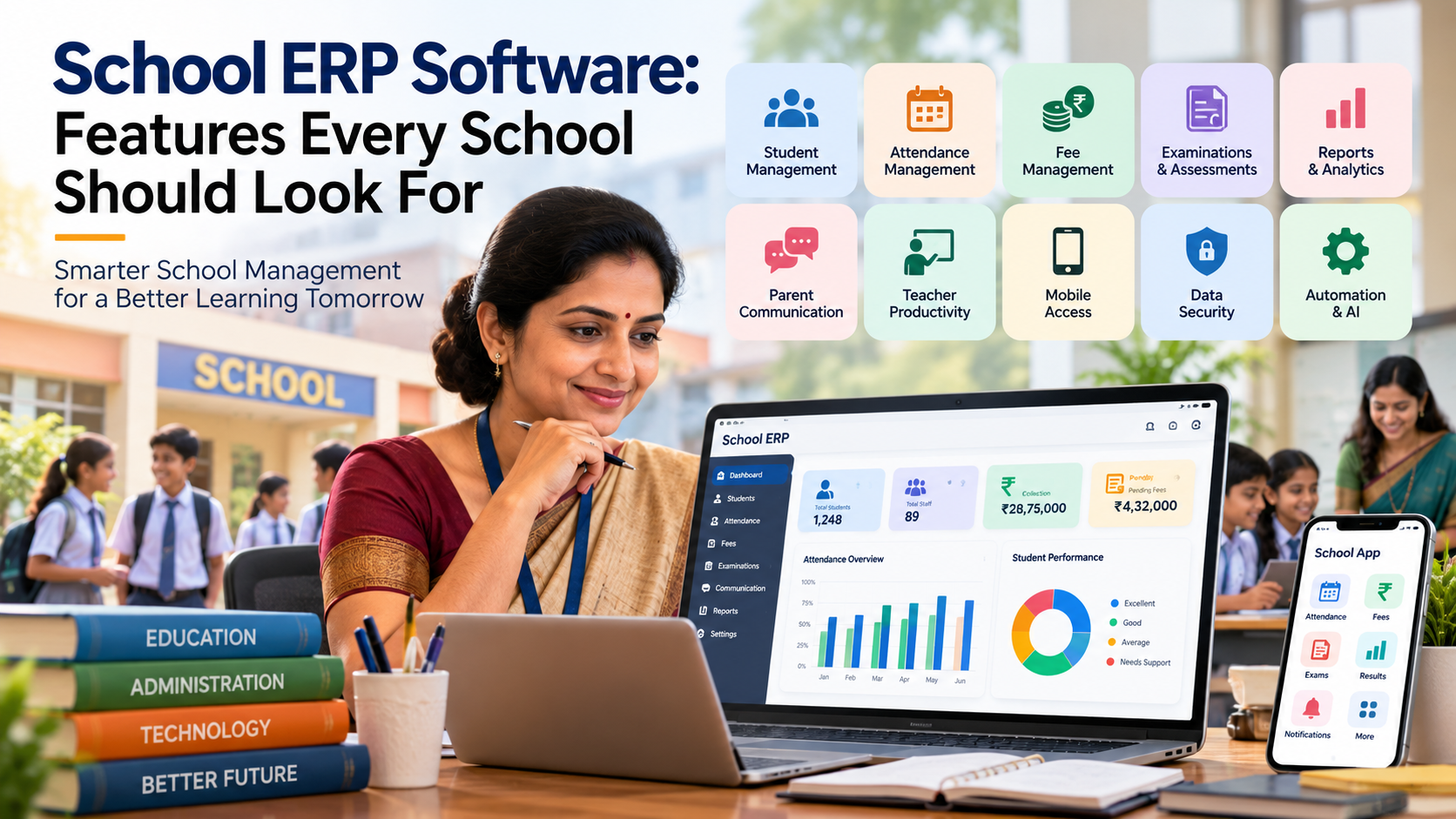
School ERP Software: Features Every School Should Look For
Discover the essential features of modern school ERP software, from student management and attendance to fees, examinations, communication, analytics, automation, AI, mobile access, and data security....
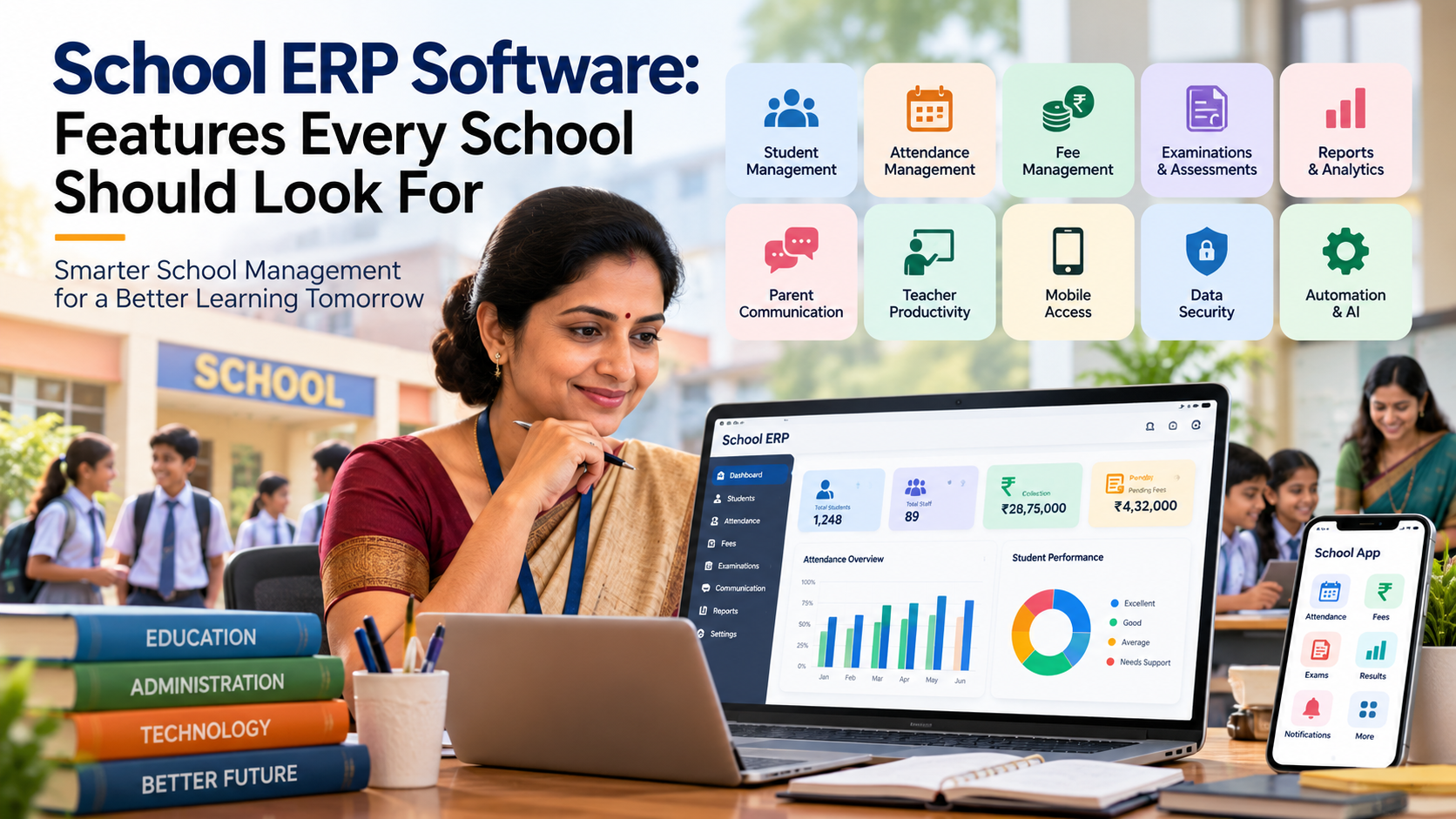
A school today manages far more than classrooms and timetables. Student records, attendance, fee collection, examinations, academic performance, parent communication, staff coordination, reports, documents, and administrative processes all need to work together.
When these activities are handled through registers, spreadsheets, paper forms, disconnected applications, and manual communication, even routine tasks can consume valuable time. Information may be duplicated, reports can take longer to prepare, and teachers and administrators may spend more time managing data than using it to improve school operations.
This is where school ERP software can become an important part of a school's digital transformation strategy.
A modern School ERP brings different school functions into a connected digital environment. However, choosing an ERP should not be based simply on the number of features listed by a software provider. Schools should look at whether the platform actually addresses their operational requirements, is easy for staff to use, protects sensitive information, and can adapt as the institution grows.
This guide explains the key features every school should evaluate before selecting a School ERP platform.
What Is School ERP Software?
School ERP software is a digital system designed to manage and connect different academic, administrative, financial, and communication activities within a school.
Instead of maintaining separate records for attendance, fees, examinations, student information, and communication, an ERP can bring these processes together.
A school management platform such as [SchooLagam] can be considered in this context when schools are evaluating ways to move from manual administration toward centralized digital school management.
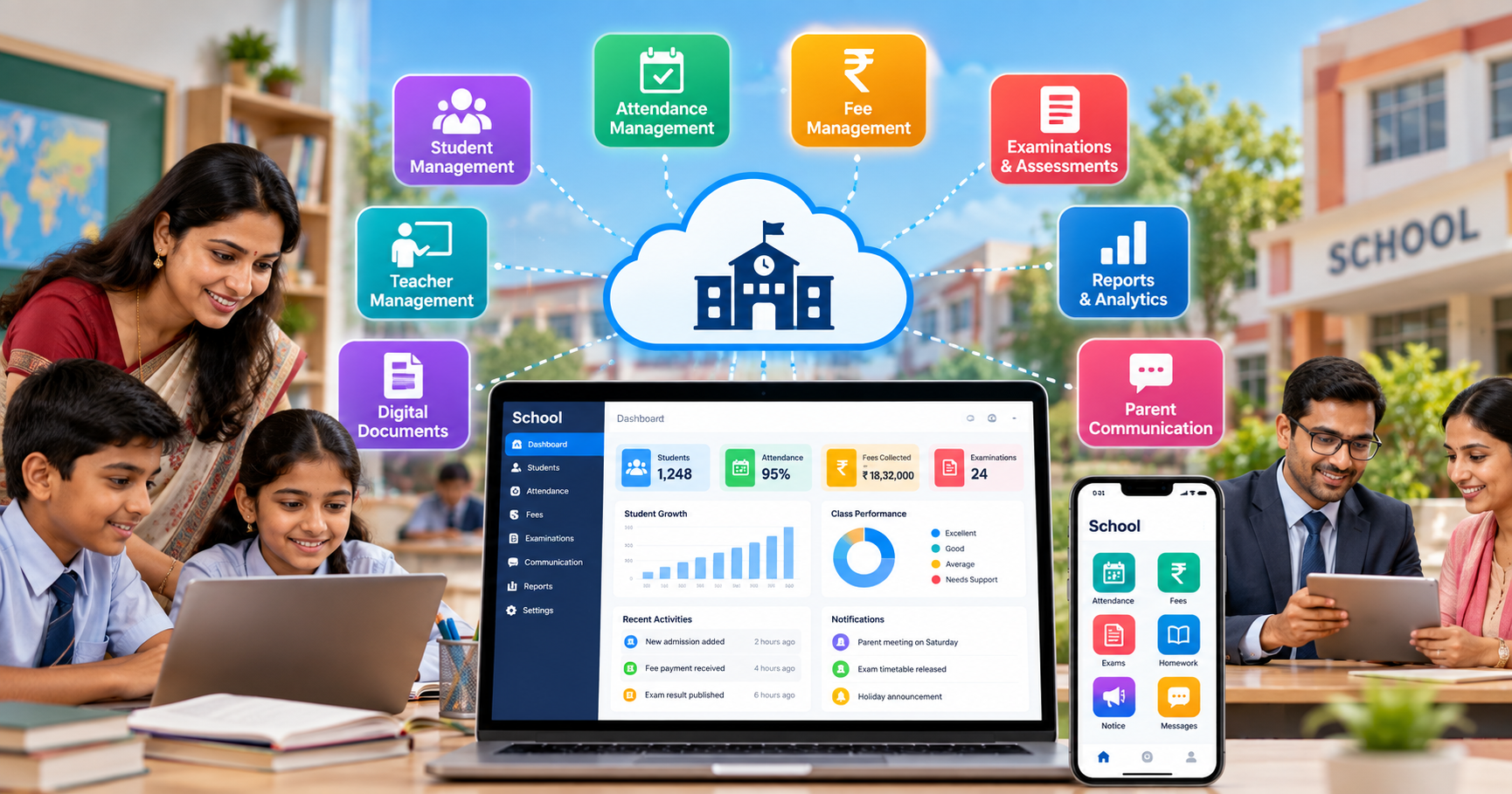
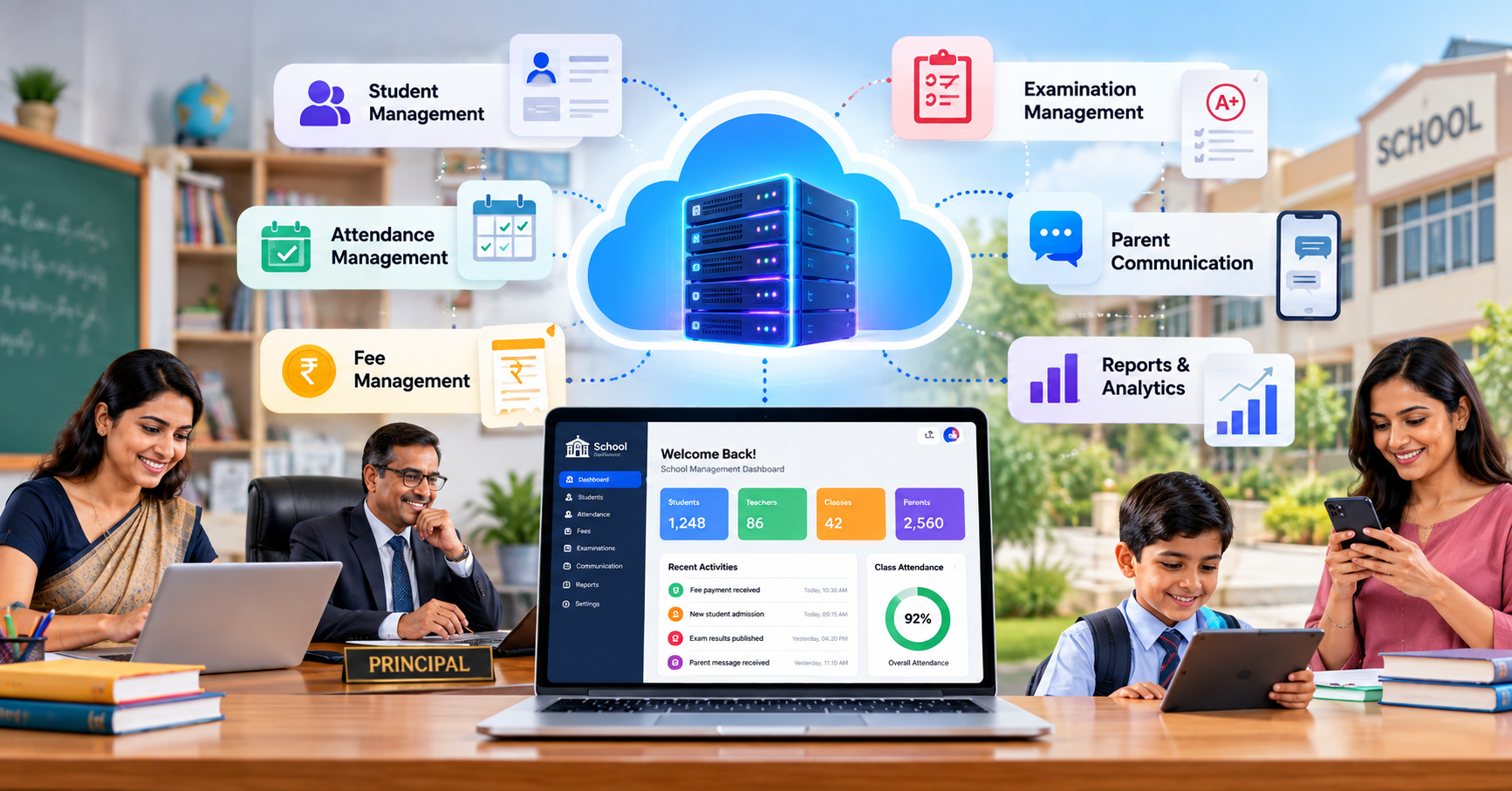
A well-designed School ERP may connect areas such as:
- Student information management
- Attendance management
- Fee management
- Examination management
- Academic records
- Teacher and staff management
- Parent communication
- Notifications
- Reports and analytics
- Document management
- Mobile access
- Administrative workflows
The exact features available depend on the software provider, so schools should always evaluate the actual functionality before implementation.
Why Schools Are Moving From Manual Processes to Digital Systems
Many schools still depend on a combination of paper registers, Excel files, printed reports, messaging applications, and individual software tools.
These methods can work for smaller operations, but problems often appear as the school grows.
For example, consider a student attendance process.
In a manual environment, attendance may be recorded by teachers, transferred to another register, entered into a spreadsheet, and later used by administrators to prepare reports.
With an integrated digital system, attendance can be recorded electronically and made available to authorized administrators and parents according to the school's communication policies.
The difference is not simply about replacing paper with software. It is about creating a more structured flow of information.
Traditional vs Digital School Administration
| Traditional Process | Digital ERP Process |
|---|---|
| Paper-based student records | Centralized digital records |
| Manual attendance registers | Digital attendance management |
| Spreadsheet-based fee tracking | Integrated fee management |
| Manual report preparation | Automated reports |
| Printed notices | Digital notifications |
| Separate examination records | Centralized assessment information |
| Manual parent communication | Structured digital communication |
| Repeated data entry | Reduced duplicate entry |
Digital transformation can therefore help schools spend less time on repetitive administrative activities and more time on teaching, student support, planning, and decision-making.
1. Student Information Management
Student information is at the center of school administration.
A School ERP should provide a structured way to manage essential student information from admission through the student's academic journey.
Depending on the school's requirements, this may include:
- Student profile
- Admission information
- Parent and guardian details
- Class and section
- Contact information
- Academic records
- Attendance history
- Fee information
- Examination results
- Documents
- Transfer information
- Other institution-specific records
The important consideration is not simply whether a system stores information, but whether authorized users can quickly find and update the information they need.
A centralized student database can also reduce repeated data entry and help different departments work from consistent information.
2. Attendance Management
Attendance is one of the most frequently performed activities in a school.
Teachers need a practical method for recording attendance, while administrators may need attendance summaries and parents may want timely information about their child's attendance.
A School ERP should ideally make attendance:
- Quick to record
- Easy to review
- Simple to correct through authorized workflows
- Available for reporting
- Connected with student records
- Accessible to appropriate users
For schools exploring digital school management, platforms such as [SchooLagam] can be evaluated for workflows involving student administration and attendance.
The objective should be to reduce repetitive work without compromising accuracy or access controls.
3. Fee Management
Fee administration can involve multiple classes, payment schedules, fee categories, concessions, pending payments, receipts, and financial reports.
A useful ERP should provide a structured fee management process.
Important areas to evaluate include:
- Fee structure configuration
- Student-wise fee records
- Payment tracking
- Pending fee information
- Receipts
- Payment history
- Concession management
- Reports
- Notifications or reminders
- Integration with available payment processes
Automating routine fee records can reduce the amount of manual reconciliation required by administrative staff.
However, schools should also check how the system handles exceptions, refunds, corrections, and different fee structures before implementation.
4. Examination and Assessment Management
Examinations are another major area where schools can benefit from digitization.
A complete school technology ecosystem may need to support:
- Examination schedules
- Subjects
- Question papers
- Marks entry
- Student assessments
- Result processing
- Grade calculation
- Report generation
- Academic performance analysis
For institutions looking specifically for an online examination platform, [ExamOzhi] can be explored as a digital assessment option for online tests and examination workflows.
Online assessments can be particularly useful when schools want to conduct tests digitally, manage question papers electronically, and organize assessment information in a structured way.
The important point is that examination technology should complement the school's broader academic process rather than operate as an isolated system.
5. Academic Performance and Reports
Data becomes useful when it helps school staff understand what is happening.
A School ERP should provide meaningful reports rather than simply storing large amounts of information.
Depending on the platform, schools may need reports related to:
- Attendance
- Fees
- Student performance
- Examination results
- Class performance
- Academic progress
- Student records
- Administrative activities
Dashboards can make frequently required information easier to understand.
For example, instead of manually combining several spreadsheets to understand attendance patterns, administrators may be able to access a centralized report.
Schools should therefore evaluate not only the number of reports available but also whether those reports are understandable and useful for actual decision-making.
6. Parent Communication
Parents are an important part of the school ecosystem.
Schools regularly need to communicate information about:
- Attendance
- Examinations
- Results
- Fees
- Events
- Notices
- Academic activities
- Important announcements
A digital communication system can reduce dependency on printed notices and fragmented communication channels.
A school management platform such as [SchooLagam] can be considered when evaluating digital workflows involving parents, student information, communication, and administration.
However, schools should ensure that communication features include appropriate privacy controls and that sensitive information is shared only with authorized users.
7. Teacher and Staff Productivity
Teachers should not have to spend excessive time on repetitive administrative tasks.
A well-designed ERP can help reduce unnecessary manual work related to:
- Attendance
- Marks entry
- Student information
- Reports
- Communication
- Academic records
- Routine administrative updates
This does not mean every process should be automated.
Schools should identify which activities are repetitive and rules-based and determine whether technology can handle them efficiently.
The result should be more time for teaching and student interaction rather than simply adding another software system for teachers to manage.
8. Automation of Routine Processes
Automation is one of the major advantages of digital school administration.
Examples include:
- Generating reports
- Updating records
- Sending notifications
- Calculating results
- Tracking payments
- Creating attendance summaries
- Managing examination workflows
- Organizing administrative information
Before selecting a platform, schools should ask:
- Which current processes are manual?
- Which processes are repeated frequently?
- Which tasks create the most administrative workload?
- Which activities require multiple people to update the same information?
- Which reports currently take the most time to prepare?
The answers can help schools identify where automation would provide practical value.
9. AI and Smart Technology in School Management
Artificial intelligence is increasingly becoming part of software products, including education technology.
However, schools should approach AI based on specific use cases rather than adopting AI simply because it is a popular technology.
Potential applications may include:
- Data analysis
- Automated insights
- Personalized learning support
- Question generation
- Content assistance
- Administrative automation
- Document processing
- Communication assistance
- Predictive reporting
AI-powered school solutions should also be implemented responsibly.
Schools should consider data privacy, human oversight, accuracy, transparency, and appropriate access controls when using AI with educational information.
Organizations looking for custom technology implementation can also explore [RootPro Technologies] for software development, AI solutions, automation, and digital transformation requirements.
10. Mobile Application and Accessibility
School administration does not always happen from a desktop computer.
Teachers, parents, administrators, and students may need access through smartphones.
A school ERP with mobile-friendly functionality can make activities such as the following easier to access:
- Attendance
- Notifications
- Student information
- Fee information
- Examination updates
- Results
- School announcements
When evaluating mobile functionality, schools should check whether the experience is practical on commonly used devices and internet connections.
It is also useful to evaluate whether the system provides different interfaces or permissions for administrators, teachers, students, and parents.
11. Data Security and User Permissions
Schools handle sensitive information.
This may include student details, parent information, academic records, financial information, staff data, and documents.
Therefore, security should be one of the most important considerations when selecting School ERP software.
Schools should ask vendors about:
- User authentication
- Role-based access
- Password management
- Data backups
- Access permissions
- Secure communication
- Data storage
- Audit records
- Account management
- Data recovery procedures
For example, a teacher may need access to attendance and marks, while a finance administrator may need access to fee information. Users should not automatically receive access to every area of the system.
Technology providers involved in software development and digital transformation, such as [RootPro Technologies], can also help organizations evaluate technology architecture and implementation requirements when custom development is needed.
12. Communication and Notification Management
A school may send hundreds of announcements during an academic year.
A centralized communication system can help organize important messages.
Potential communication types include:
- General announcements
- Exam notifications
- Fee reminders
- Attendance updates
- Event information
- Holiday notices
- Academic announcements
- Emergency communication
Schools should look for configurable communication options rather than a system that sends the same type of notification to everyone.
Targeted communication can be more useful because the school can communicate relevant information to the appropriate group.
13. Online Examination and Digital Assessment
Online examinations are becoming an increasingly useful option for schools and educational institutions.
A digital assessment platform can support activities such as:
- Creating online tests
- Organizing question banks
- Conducting assessments
- Recording student responses
- Automated evaluation where applicable
- Generating results
- Reviewing student performance
For schools that want a dedicated solution for this area, [ExamOzhi] provides an option to explore for online examination and digital assessment requirements.
The decision to conduct an examination online should still depend on the school's academic objectives, student access, infrastructure, and assessment methodology.
14. Integration and Scalability
A school may start with a few digital processes and gradually expand.
Therefore, scalability is important.
A system should be capable of supporting changes such as:
- More students
- Additional sections
- New academic years
- Multiple departments
- Additional users
- New reporting requirements
- Additional integrations
Schools should also ask whether the software can integrate with other systems already being used.
For example, a school may use one solution for administration and another for specialized online assessments.
The goal should be to avoid creating unnecessary data silos.
Manual vs Automated School Operations
| Activity | Manual Approach | Automated Approach |
|---|---|---|
| Attendance | Registers/spreadsheets | Digital attendance |
| Fee tracking | Manual records | Digital fee records |
| Reports | Spreadsheet preparation | Automated reporting |
| Notifications | Printed notices/messages | Digital notifications |
| Exams | Paper-based processes | Digital examination workflows |
| Student records | Multiple files | Centralized database |
| Communication | Multiple channels | Structured communication |
| Data analysis | Manual calculations | Dashboard/report-based analysis |
The exact level of automation will depend on the software selected and the school's implementation strategy.
Benefits of School ERP Software for Different Stakeholders
Benefits for School Management
School owners and administrators can benefit from:
- Centralized information
- Better visibility into operations
- Faster report preparation
- Reduced repetitive work
- More structured workflows
- Easier monitoring
Benefits for Teachers
Teachers may benefit from:
- Easier attendance management
- Simplified marks entry
- Reduced paperwork
- Faster access to student information
- Digital communication
- Easier academic reporting
Benefits for Students
Students can benefit from:
- Easier access to academic information
- Digital assessments
- Examination updates
- Results and performance information
- Better access to school communication
Benefits for Parents
Parents may benefit from:
- Attendance visibility
- Fee information
- Examination updates
- Results
- School notifications
- Better communication with the institution
How to Choose the Right School ERP Software
Selecting an ERP should begin with the school's requirements rather than a feature checklist.
Step 1: Identify Current Problems
List the processes that currently consume the most time.
For example:
- Attendance
- Fee management
- Examination processing
- Reports
- Communication
- Student records
Step 2: Define Required Features
Separate features into three categories:
Essential: Features the school needs immediately.
Useful: Features that could improve operations.
Future: Features that may become important as the school grows.
Step 3: Evaluate Ease of Use
A technically powerful platform is not useful if teachers and administrators struggle to use it.
Check:
- Interface
- Navigation
- Mobile experience
- User permissions
- Training requirements
- Support process
Step 4: Evaluate Security
Ask the provider how student and institutional information is protected.
Step 5: Check Scalability
Consider the school's expected requirements over the next few years.
Step 6: Test Before Implementation
If a demo or trial is available, allow actual teachers and administrators to test the system.
Their feedback can reveal usability problems that may not be obvious during a management-level presentation.
Common Mistakes Schools Should Avoid
Schools can face difficulties when selecting software if they focus only on the number of features.
Common mistakes include:
- Choosing software without identifying actual requirements
- Ignoring user experience
- Not checking mobile functionality
- Underestimating staff training
- Ignoring data security
- Selecting too many disconnected tools
- Failing to plan data migration
- Not defining user permissions
- Expecting immediate results without implementation planning
Technology should support the school's processes rather than forcing staff into unnecessarily complicated workflows.
The Future of School ERP Software
School ERP systems are likely to become increasingly connected with other education technologies.
Future developments may include greater use of:
- Artificial intelligence
- Automated reporting
- Digital assessments
- Mobile-first interfaces
- Cloud-based systems
- Data analytics
- Personalized learning technologies
- Workflow automation
- Integrated communication
- Digital document management
The direction of development should remain focused on practical outcomes: better administration, useful information, reduced repetitive work, and improved communication.
For organizations looking beyond ready-made school software and requiring custom software development solutions, technology companies such as [RootPro Technologies] can be explored for software development, AI, automation, and digital transformation projects.
Final Checklist Before Choosing a School ERP
Before making a decision, school management can use this checklist:
- Does the system manage student information?
- Is attendance management included?
- Does it support fee management?
- Can it handle examination workflows?
- Are academic reports available?
- Does it support parent communication?
- Is mobile access available?
- Are user roles and permissions configurable?
- How is data protected?
- Are backups available?
- Can the system scale with the school?
- Is staff training available?
- Can the system integrate with other platforms?
- Is the interface easy for teachers and administrators?
- Does the provider offer appropriate support?
A school does not necessarily need every possible technology feature. It needs the right combination of features for its students, teachers, administrators, parents, and operational requirements.
Frequently Asked Questions
What is School ERP software?
School ERP software is a centralized digital system used to manage school activities such as student records, attendance, fees, examinations, academic information, communication, reporting, and administration. Instead of maintaining separate records across registers and spreadsheets, schools can manage related information through connected digital workflows. The exact modules available depend on the software provider.
What features should a School ERP have?
Important features can include student information management, attendance, fee management, examinations, academic records, reporting, parent communication, notifications, user permissions, mobile access, data security, and administrative automation. Schools should prioritize features according to their actual operational requirements instead of selecting software based only on the size of its feature list.
How can School ERP software help teachers?
A School ERP can reduce repetitive administrative activities such as attendance recording, marks entry, report preparation, and accessing student information. This can give teachers a more organized way to manage routine academic records. The actual benefit depends on the system's usability, implementation, and how well it fits the school's existing processes.
Can School ERP software help parents?
Yes. Depending on the platform, parents may receive access to information such as attendance, fees, examination updates, results, announcements, and other school communications. A structured digital communication system can make it easier for parents to receive relevant information from the school without relying entirely on printed notices or informal communication channels.
Is online examination software different from School ERP software?
They can serve different purposes. A School ERP generally covers broader school administration and academic management, while a dedicated online examination platform may focus specifically on digital tests, question papers, assessments, evaluation, and results. Schools may use both systems depending on their requirements. ExamOzhi can be explored for institutions looking for digital examination and assessment capabilities.
How does AI fit into School ERP software?
AI can potentially support areas such as data analysis, reporting, content assistance, question generation, document processing, and administrative automation. However, schools should evaluate AI features carefully and consider accuracy, privacy, human oversight, and appropriate access controls. AI should be implemented for specific educational or administrative needs rather than simply because it is a new technology.
What should schools check before buying ERP software?
Schools should evaluate functionality, ease of use, security, scalability, mobile accessibility, reporting, integrations, training, support, data migration, and user permissions. It is also useful to involve teachers and administrative staff in testing the platform because they are the people who will use the system regularly.
Can School ERP software be customized?
Customization depends on the software provider and architecture. Some schools may be able to configure existing modules, while organizations with specialized requirements may require custom software development. Technology companies such as RootPro Technologies can be considered when an organization needs software development, AI, automation, or broader digital transformation solutions.
Transform Your School with Smarter Digital Solutions
Digital transformation does not mean replacing every school process overnight. It means identifying where technology can make administration more organized, information more accessible, communication more structured, and routine work more manageable.
For schools looking for digital school management tools, [SchooLagam ] can be explored for areas such as student management, attendance, fees, communication, examinations, analytics, and school administration.
For organizations that require software development, AI, automation, or digital transformation solutions, [RootPro Technologies ] provides technology-focused solutions that can be considered for specific organizational requirements.
For schools and educational institutions looking for an online examination platform or digital assessment solution, [ExamOzhi ] can be explored for online examinations and assessment workflows.
The right technology strategy will depend on each institution's size, processes, budget, staff requirements, infrastructure, and long-term goals. Schools should evaluate solutions carefully, involve their users in the selection process, and choose technology that supports their educational mission as well as their administrative needs.