How School ERP Software Simplifies School Administration
Discover how school ERP software simplifies administration by automating attendance, fees, examinations, communication, student records, reporting, and daily school operations.
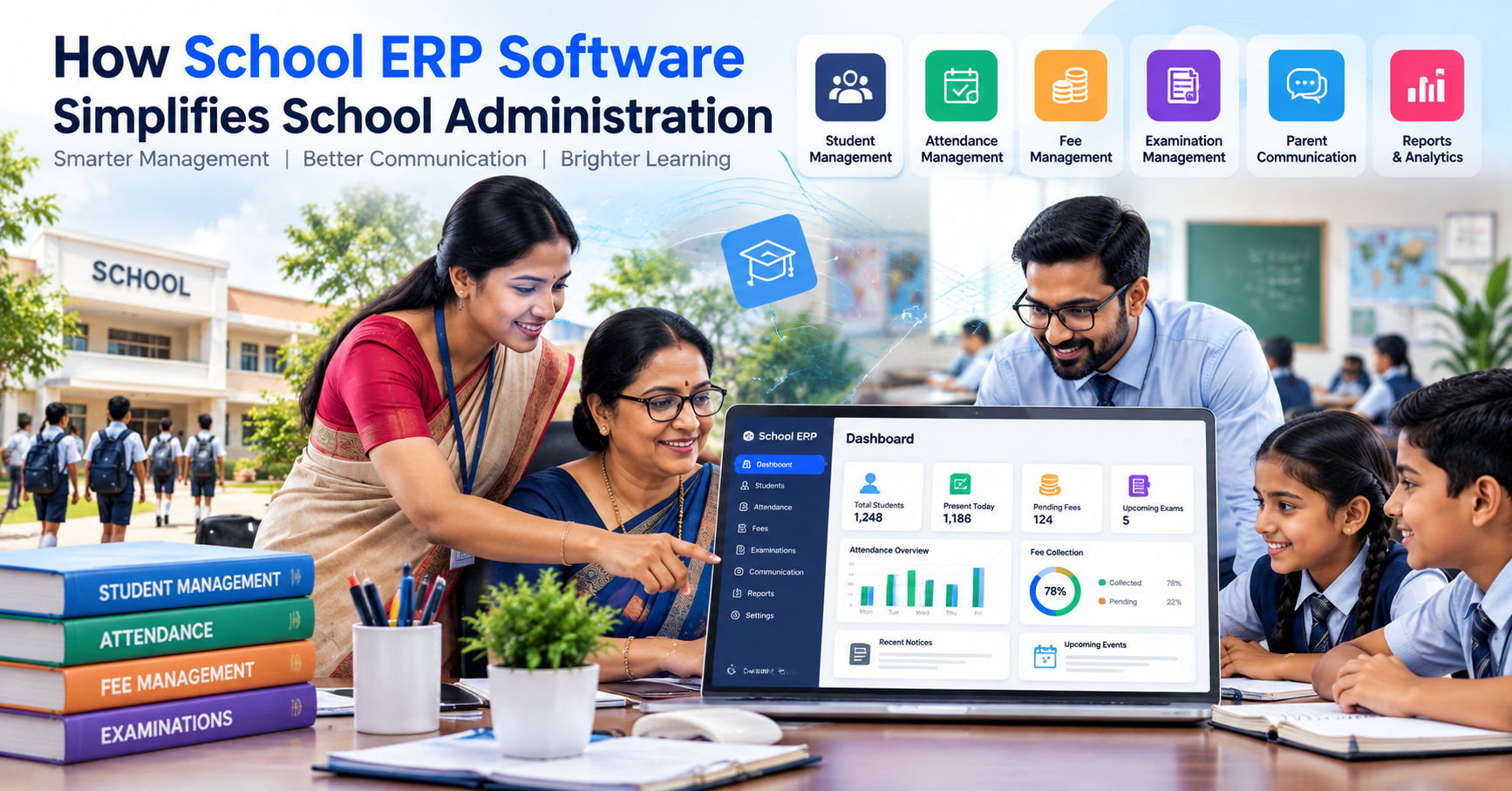
Running a school involves much more than teaching students. School owners, principals, teachers, administrators, accountants, and support staff handle attendance, student records, fees, examinations, communication, academic information, reports, and hundreds of daily administrative tasks.
When these activities are managed through registers, spreadsheets, separate applications, and manual communication, even simple tasks can consume significant time. Information may be duplicated, reports can take longer to prepare, and communication between schools and parents can become difficult.
This is where school ERP software can make a practical difference.
A school ERP brings multiple administrative activities into a connected digital environment. Instead of maintaining separate systems for attendance, fees, student information, examinations, and communication, schools can manage many of these processes through a centralized platform.
For schools in India, where administrators often need to manage large amounts of student and academic information, digital school management can help reduce repetitive work while improving access to information.
What Is School ERP Software?
School ERP software is a digital system designed to help educational institutions manage their academic, administrative, financial, and communication activities.
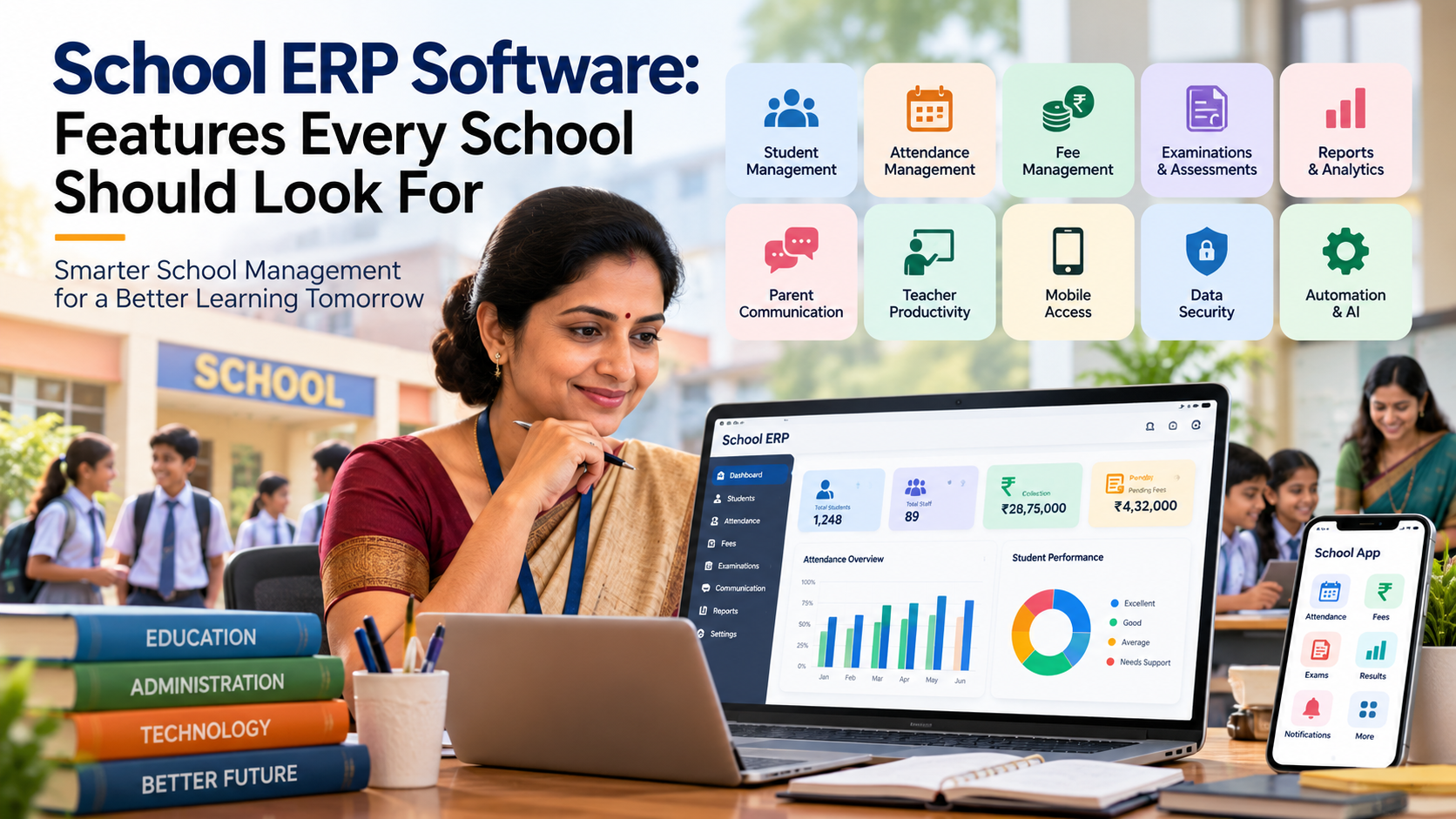
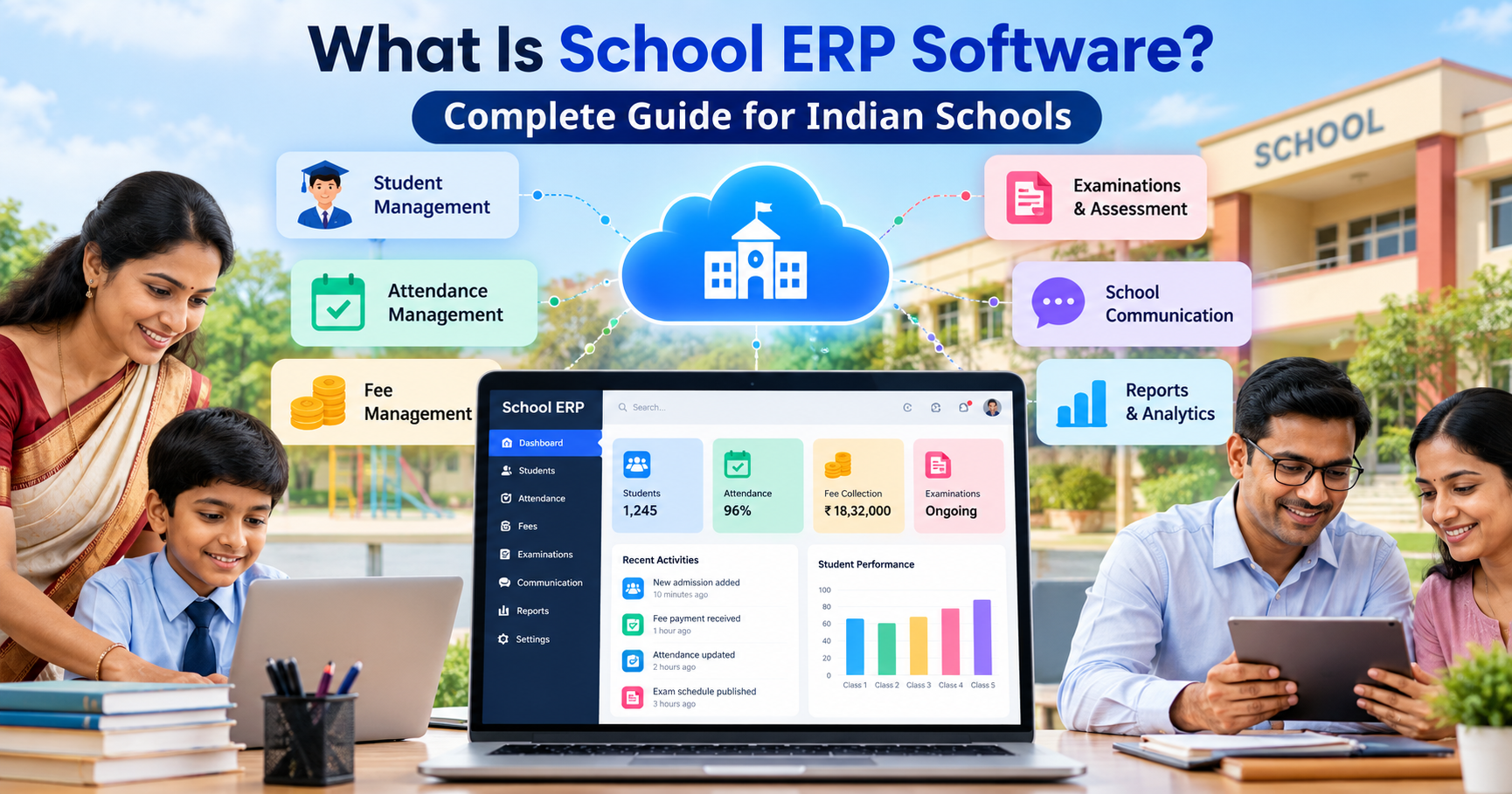
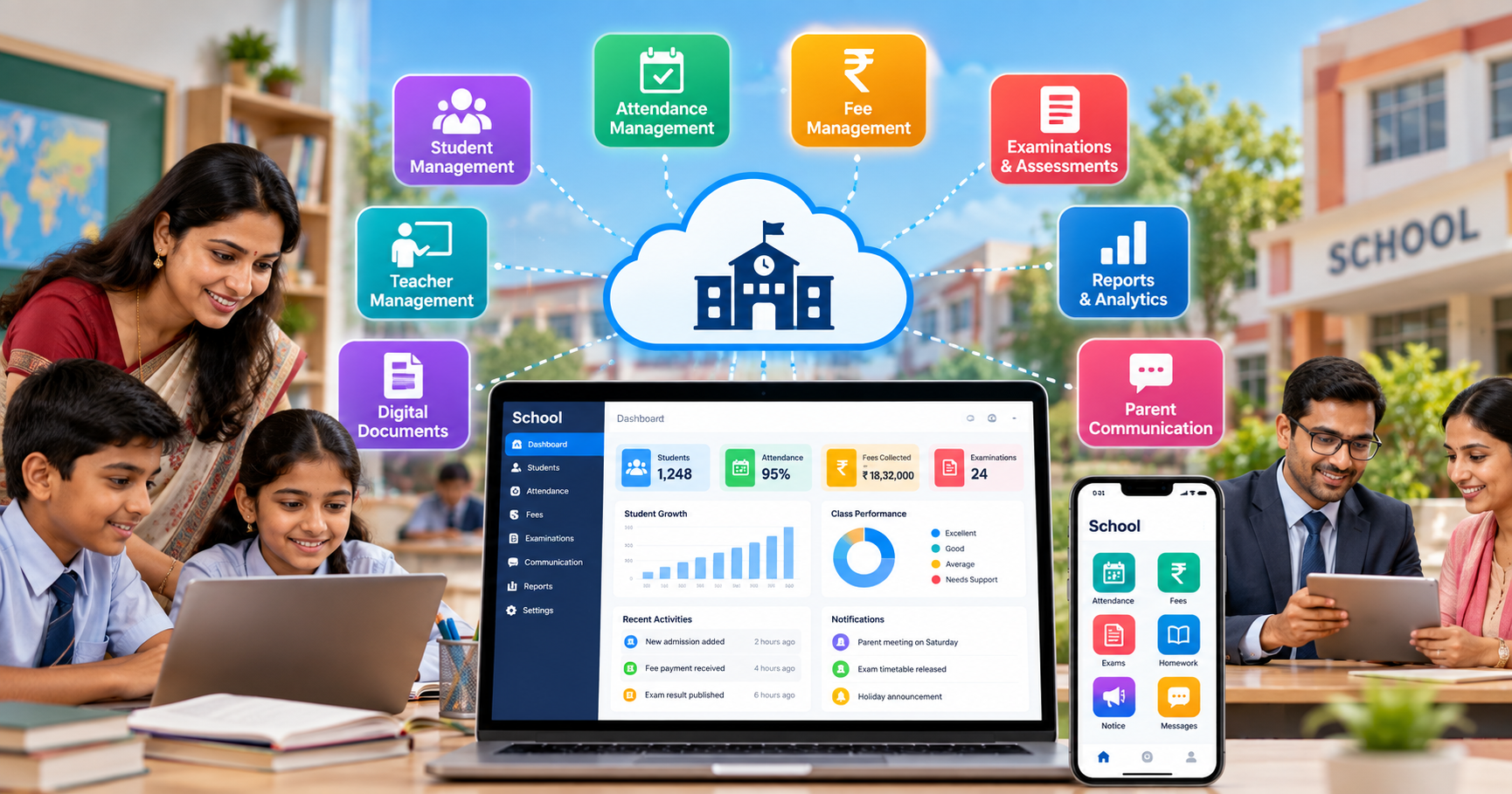
A school ERP platform can bring together areas such as:
- Student information management
- Attendance management
- Fee management
- Examination management
- Academic records
- Parent communication
- Teacher management
- Reports and analytics
- Notifications
- Document management
- School administration
The exact features vary from one platform to another. Schools should therefore evaluate software based on their actual requirements rather than choosing a system only because it has a large number of features.
Platforms such as school management software from SchooLagam illustrate how schools can move routine administrative activities into a more structured digital environment.
Why Traditional School Administration Can Become Difficult
Many schools still depend on a combination of notebooks, spreadsheets, paper forms, messaging applications, and independent software tools.
These methods may work when the volume of information is small. However, administrative complexity increases as the number of students, teachers, classes, departments, and activities grows.
Common challenges include:
- Repeated manual data entry
- Maintaining multiple student records
- Searching through paper documents
- Preparing reports manually
- Tracking attendance separately
- Manual fee follow-ups
- Time-consuming examination processes
- Delayed parent communication
- Difficulty accessing information remotely
- Increased possibility of data-entry errors
For example, if attendance is recorded manually every day, administrative staff may later need to consolidate that information into another spreadsheet for monthly reporting.
A digital system can reduce such repetitive steps by allowing information to be recorded once and reused where appropriate.
Traditional Administration vs Digital School Management
| Traditional Process | Digital School ERP Process |
|---|---|
| Paper-based student records | Centralized digital records |
| Manual attendance registers | Digital attendance management |
| Spreadsheet-based fee tracking | Digital fee records and tracking |
| Manual report preparation | Automated or system-generated reports |
| Physical notices | Digital notifications |
| Manual exam processes | Digital examination workflows |
| Separate information sources | Centralized information |
| Time-consuming searches | Faster information retrieval |
| Repeated data entry | Structured data management |
The objective is not simply to replace paper with software. The larger goal is to create a more organized administrative process.
How School ERP Software Simplifies School Administration
1. Centralized Student Management
Student information is one of the most important data sets in a school.
A digital student management system can organize information such as:
- Student profiles
- Contact details
- Parent information
- Class and section
- Attendance records
- Academic information
- Fee information
- Examination records
- Documents
Instead of searching through different files, authorized staff can access relevant information through a centralized system.
A structured school ERP platform can help schools organize these activities digitally and reduce dependence on disconnected records.
2. Automated Attendance Management
Attendance is a daily administrative responsibility.
Teachers need to record attendance, administrators may need attendance reports, and parents may need information about their child's attendance.
With digital attendance management, schools can record attendance electronically and generate relevant reports without repeatedly calculating information manually.
Depending on the software, schools may also be able to manage:
- Daily attendance
- Class-wise attendance
- Student attendance history
- Absence records
- Attendance reports
- Parent notifications
Automation can save administrative time, particularly when attendance information needs to be reviewed across multiple classes.
3. Simplified Fee Management
Fee administration involves recording payments, monitoring pending amounts, generating receipts, and maintaining financial records.
When these activities are handled manually, administrators may need to update several registers or spreadsheets.
Digital fee management can help organize:
- Student fee details
- Payment records
- Pending fees
- Receipts
- Fee structures
- Payment history
- Financial reports
A centralized system can make it easier for authorized staff to locate a student's fee information when required.
Schools should also ensure that payment-related information is handled securely and that access is restricted to authorized users.
4. Better Parent Communication
Communication between schools and parents is an important part of school administration.
Traditional communication may involve printed notices, phone calls, physical circulars, or messages sent through multiple channels.
A digital school management system can bring important communication into a more structured workflow.
Schools may use digital systems for:
- Announcements
- Attendance notifications
- Academic updates
- Fee reminders
- Examination information
- School events
- General notices
For schools looking to organize these processes, digital school management solutions can provide a foundation for connecting administrative activities with parent communication.
5. Easier Examination Management
Examinations involve multiple steps, including planning, question papers, student assessments, marks, evaluation, and result preparation.
Managing every step manually can create additional administrative work.
Digital examination tools can help schools organize assessment-related activities and reduce repetitive tasks.
For institutions that conduct online tests or want to digitize assessment workflows, an online examination platform can support activities such as digital tests, assessments, question management, and evaluation workflows.
The appropriate solution depends on the school's examination model and whether assessments are conducted online, offline, or through a combination of both.
6. Faster Reports and Analytics
School administrators frequently need reports to understand what is happening across the institution.
Reports may cover:
- Student attendance
- Fee collection
- Academic performance
- Examination results
- Class information
- Student records
- Administrative activities
Without a digital system, preparing these reports may involve collecting information from several sources.
An ERP can organize information in a centralized database and make reporting more structured.
This can help school management spend less time collecting basic information and more time reviewing the information for planning and decision-making.
7. Reduced Repetitive Administrative Work
One of the biggest advantages of automation is reducing repetitive tasks.
Consider a simple workflow:
Manual process:
Teacher records attendance → administrator collects data → spreadsheet is updated → report is prepared → information is communicated.
Digital process:
Teacher records attendance in the system → attendance information is stored → authorized users access the relevant report → communication can be handled through the available system features.
The exact workflow depends on the software, but the principle remains the same: reduce unnecessary duplication.
How Automation Improves Teacher Productivity
Teachers already have significant responsibilities related to teaching, lesson planning, student interaction, assessment, and academic development.
Administrative tasks can take valuable time away from these activities.
A school ERP can help reduce certain repetitive responsibilities by providing digital tools for:
- Attendance
- Student records
- Marks
- Academic information
- Reports
- Communication
- Examination activities
This does not mean technology replaces teachers. Instead, technology can help reduce administrative workload so teachers can spend more time on educational activities.
Benefits for School Administrators
For administrators, the value of an ERP is often connected to organization and accessibility.
A properly implemented system can help administrators:
- Access information faster
- Reduce duplicate records
- Track administrative activities
- Prepare reports more efficiently
- Organize student information
- Manage communication
- Monitor fee-related information
- Coordinate examination activities
Instead of depending on individual spreadsheets maintained by different people, a centralized platform can provide a more consistent information structure.
Benefits for School Management
School owners and principals need visibility across different areas of the institution.
A digital system can provide access to relevant information such as:
- Attendance trends
- Fee information
- Academic performance
- Examination results
- Student data
- Administrative reports
This information can support planning and operational discussions.
However, schools should establish appropriate user permissions. Not every employee needs access to every type of information.
Benefits for Students
Students can also benefit from better-organized digital school processes.
Depending on the system implemented, students may have access to:
- Examination information
- Assessment results
- Academic updates
- Attendance information
- Digital learning or communication resources
A well-designed digital environment can make information easier to access while reducing administrative delays.
Benefits for Parents
Parents increasingly expect timely access to important information related to their children.
Digital school management can help provide information related to:
- Attendance
- Fees
- Examinations
- Results
- Announcements
- School activities
The goal should be clear and useful communication rather than simply sending more notifications.
AI and Smart Technology in School Administration
Artificial intelligence is becoming an important part of digital transformation across many industries, including education.
AI can potentially support areas such as:
- Automated document processing
- Data analysis
- Intelligent reporting
- Communication assistance
- Workflow automation
- Personalized insights
- Administrative support
However, schools should evaluate AI features carefully.
AI should support school staff rather than replace responsible human decision-making. Sensitive student information should also be handled according to appropriate privacy, security, and organizational policies.
Organizations looking for customized education technology, automation, or AI implementation can explore software development and digital transformation solutions from RootPro Technologies.
Mobile Access for Modern Schools
School administration is not always performed from a single office computer.
Principals, teachers, administrators, and parents may need information while using smartphones or other devices.
Mobile-friendly school management applications can make selected information and workflows more accessible.
Useful mobile features may include:
- Attendance
- Notifications
- Student information
- Fee updates
- Examination information
- Communication
The exact mobile capabilities depend on the software provider.
Data Management and Security
Schools manage sensitive information, including student details, parent contact information, academic records, attendance, and financial information.
Therefore, choosing school ERP software should not be based only on features.
Schools should also ask about:
- User authentication
- Role-based access
- Data backup
- Data protection
- Access permissions
- Password security
- System availability
- Data export
- Administrative controls
Before implementation, schools should clearly define who can access different categories of information.
For example, a teacher may require access to student attendance and academic information, while financial information may need to be restricted to authorized administrative staff.
How to Implement School ERP Software Successfully
Purchasing software is only one part of digital transformation. Successful implementation also requires planning.
Step 1: Identify Current Problems
Start by listing the administrative processes that currently consume the most time.
For example:
- Attendance
- Fee collection
- Student records
- Examination management
- Parent communication
- Report preparation
Step 2: Define Requirements
Create a list of essential and optional features.
Separate them into:
Essential
- Student management
- Attendance
- Fees
- Reports
- Communication
Optional
- Online examinations
- Mobile applications
- Advanced analytics
- AI features
- Custom integrations
Step 3: Select the Appropriate Platform
Compare software based on:
- Features
- Usability
- Security
- Scalability
- Support
- Integration possibilities
- Cost
- Mobile accessibility
Avoid selecting a platform simply because it has the largest feature list.
Step 4: Clean Existing Data
Before migration, review existing spreadsheets and records.
Remove:
- Duplicate records
- Incorrect information
- Outdated entries
- Incomplete records
Clean data makes implementation easier.
Step 5: Train Staff
Teachers and administrative staff should understand how to use the system.
Training should cover:
- Login and permissions
- Attendance
- Student records
- Reports
- Communication
- Examination workflows
- Data security
Step 6: Start Gradually
Instead of changing every process at once, schools can begin with important workflows such as student management and attendance.
After staff become comfortable, additional modules can be introduced.
Step 7: Review and Improve
After implementation, collect feedback from:
- Teachers
- Administrators
- Parents
- Students
- School management
Use that feedback to improve workflows and training.
Choosing Between Standard and Custom Education Technology
Not every school has the same requirements.
A standard ERP may be suitable when a school wants established modules such as attendance, fees, student management, and communication.
A customized solution may be considered when an institution has unique workflows or needs integration with existing systems.
Custom software development can be useful when the organization's requirements cannot be adequately addressed by an existing platform.
Technology companies such as RootPro Technologies work in areas such as software development, AI, automation, and digital transformation, which can be relevant when an organization needs technology built or adapted around specific operational requirements.
What School Administration Can Look Like After Digital Transformation
The difference between manual and digital administration is not simply about using computers.
It is about how information moves through the organization.
| Before Digitalization | After Digitalization |
|---|---|
| Information stored in multiple places | Centralized information |
| Manual attendance calculations | Digital attendance records |
| Paper-based notices | Digital communication |
| Spreadsheet-based tracking | Structured management system |
| Manual report preparation | Faster report generation |
| Separate examination processes | Digital assessment workflows |
| Repeated data entry | Reduced duplication |
| Limited accessibility | Access based on authorized roles |
The transition should be planned according to the school's size, budget, existing technology, staff capabilities, and operational requirements.
Future of Digital School Administration
School administration is likely to become increasingly connected.
Future systems may combine:
- School ERP
- Mobile applications
- AI-assisted workflows
- Digital assessments
- Data analytics
- Automated communication
- Cloud-based infrastructure
- Integrated payment systems
- Personalized student insights
The objective should not be to introduce technology simply because it is available.
Instead, schools should identify real administrative problems and use technology where it can provide practical value.
Conclusion
School administration involves hundreds of small activities every day. When these activities are handled through disconnected manual processes, staff can spend significant time searching for information, updating records, preparing reports, and communicating routine updates.
School ERP software can bring many of these activities into a centralized digital environment.
From student management and attendance to fees, examinations, communication, reports, and analytics, digital tools can help schools organize their operations more effectively.
For schools exploring digital management, platforms such as SchooLagam can be explored for school management and ERP-related requirements. Institutions looking for customized software, automation, AI, or digital transformation can also consider RootPro Technologies. For digital examinations and assessments, ExamOzhi provides an option to explore online examination workflows.
The most important step is to choose technology based on the school's actual requirements and implement it with proper planning, staff training, data management, and security practices.
Digital transformation is not about making schools more complicated. Done thoughtfully, it can help make everyday administration more organized, accessible, and manageable.
Frequently Asked Questions
1. What is school ERP software?
School ERP software is a digital platform that helps schools manage administrative and academic activities through a centralized system. Depending on the platform, it can include student management, attendance, fees, examinations, communication, reports, and other workflows. The purpose is to reduce unnecessary manual work and organize school information so authorized users can access relevant data more efficiently.
2. How does school ERP software simplify school administration?
School ERP software can simplify administration by bringing multiple processes into one digital environment. Instead of maintaining separate paper records and spreadsheets, schools can manage activities such as attendance, student information, fees, examinations, communication, and reports through connected workflows. This can reduce repetitive data entry and make information easier for authorized staff to find and manage.
3. Can school ERP software help teachers?
Yes. Depending on the platform, teachers can use digital tools for attendance, student records, marks, examinations, communication, and reporting. Reducing repetitive administrative work can give teachers more time to focus on teaching and student interaction. Schools should select features that match their teachers' actual workflows rather than introducing unnecessary complexity.
4. Can parents access school information through an ERP?
Many school management platforms provide parent-facing features or applications. These may include attendance updates, fee information, examination details, announcements, and other school communication. The exact features vary by platform. Schools should ensure that parents receive useful and timely information while maintaining appropriate access controls for student data.
5. Can school ERP software manage examinations?
Many school ERP systems include examination-related features, while specialized platforms can focus specifically on digital assessments. For schools conducting online examinations, ExamOzhi can be explored as an online examination and assessment platform. Schools should evaluate whether the platform supports their specific examination format and evaluation requirements.
6. Is school ERP software suitable for small schools?
A digital management system can be useful for schools of different sizes, but the required features may vary. A smaller school may need basic student management, attendance, communication, and fee management, while a larger institution may require advanced reporting, examination systems, integrations, and multiple user roles. Schools should select a solution based on their actual operational requirements.
7. What should schools consider before choosing an ERP?
Schools should evaluate usability, required features, data security, user permissions, mobile accessibility, scalability, support, integration capabilities, pricing, and implementation requirements. It is also useful to identify existing administrative problems before comparing platforms. A system that fits the school's workflow is generally more practical than selecting software based only on the number of available features.
8. Can AI be integrated into school management software?
AI can potentially support areas such as reporting, document processing, communication assistance, data analysis, and workflow automation. However, schools should carefully consider privacy, security, accuracy, and human oversight when introducing AI. Organizations that need customized AI or software solutions can explore RootPro Technologies for relevant technology development and digital transformation requirements.
Transform Your School with Smarter Digital Solutions
Digital transformation can help schools organize daily administration while reducing unnecessary manual work.
For schools looking for a structured approach to student management, attendance, fees, communication, examinations, reports, and other administrative activities, explore SchooLagam's school management solutions.
Organizations looking for customized software development, AI implementation, automation, or broader digital transformation can explore RootPro Technologies and its technology solutions.
For schools and educational institutions that want to conduct online examinations and digital assessments, ExamOzhi can be explored as an online examination platform.
Take the next step by reviewing your school's current administrative processes, identifying areas where manual work can be reduced, and exploring digital solutions that fit your institution's requirements.