How School Management Software Improves School Administration
Discover how school management software improves school administration by automating daily operations, simplifying student and fee management, improving communication, strengthening data management, ...
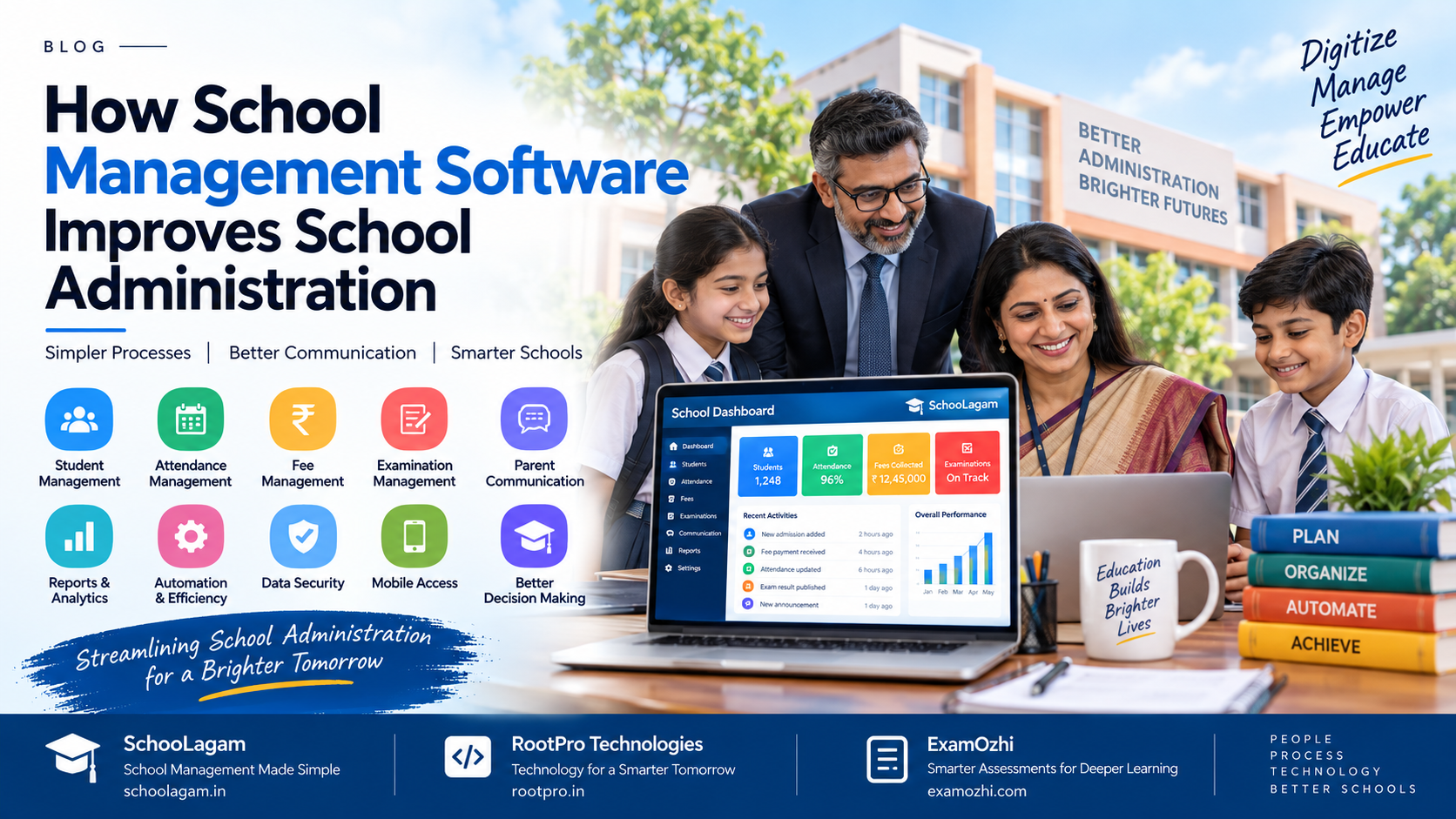
Running a school involves much more than teaching students. Behind every successful school is a large administrative system handling student records, attendance, fees, examinations, teacher coordination, parent communication, academic reports, documents, schedules, and daily operations.
When these activities depend heavily on registers, spreadsheets, paper documents, separate applications, and repeated manual data entry, administrative teams can spend significant time managing information instead of using it to improve school operations.
This is where school management software can help.
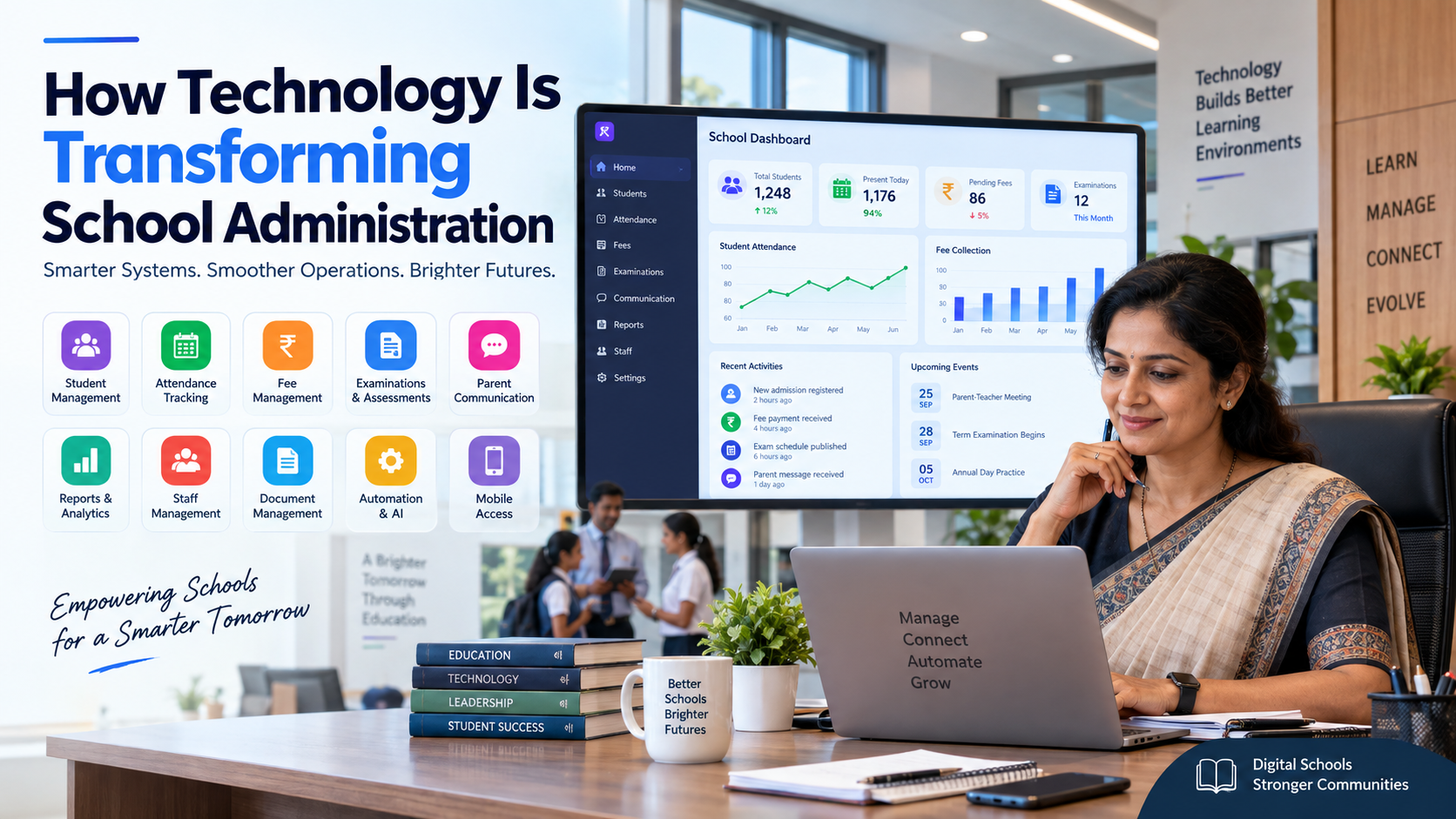
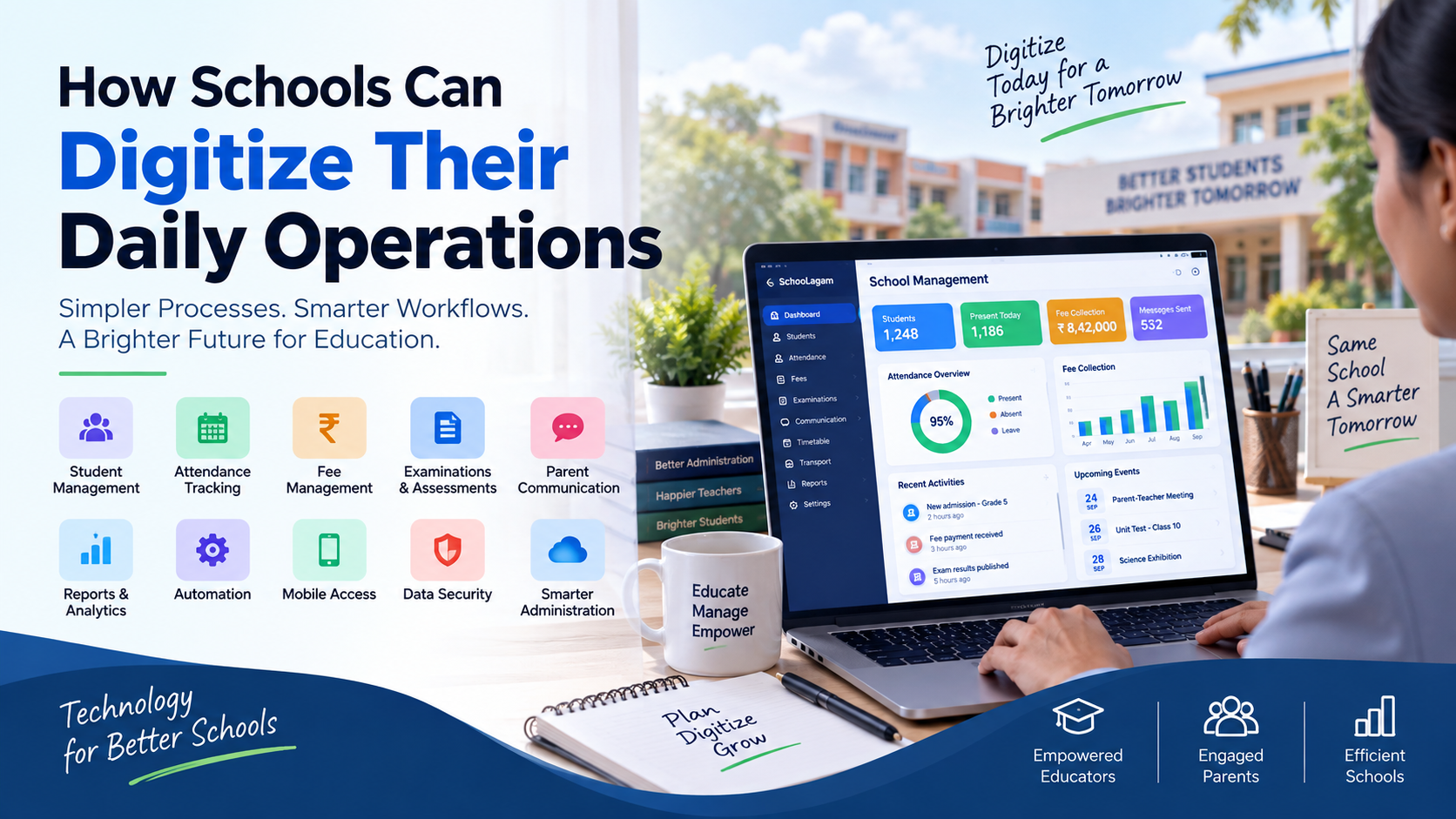
A modern school management system brings important administrative processes into a connected digital environment. Instead of maintaining information across multiple disconnected systems, schools can organize student data, attendance, fees, examinations, communication, reports, and other workflows through a centralized platform.
For schools in India, this digital approach can support administrators, principals, teachers, students, and parents while creating a more structured way to manage everyday operations.
What Is School Management Software?
School management software is a digital system designed to help schools manage administrative and academic activities from a centralized platform.
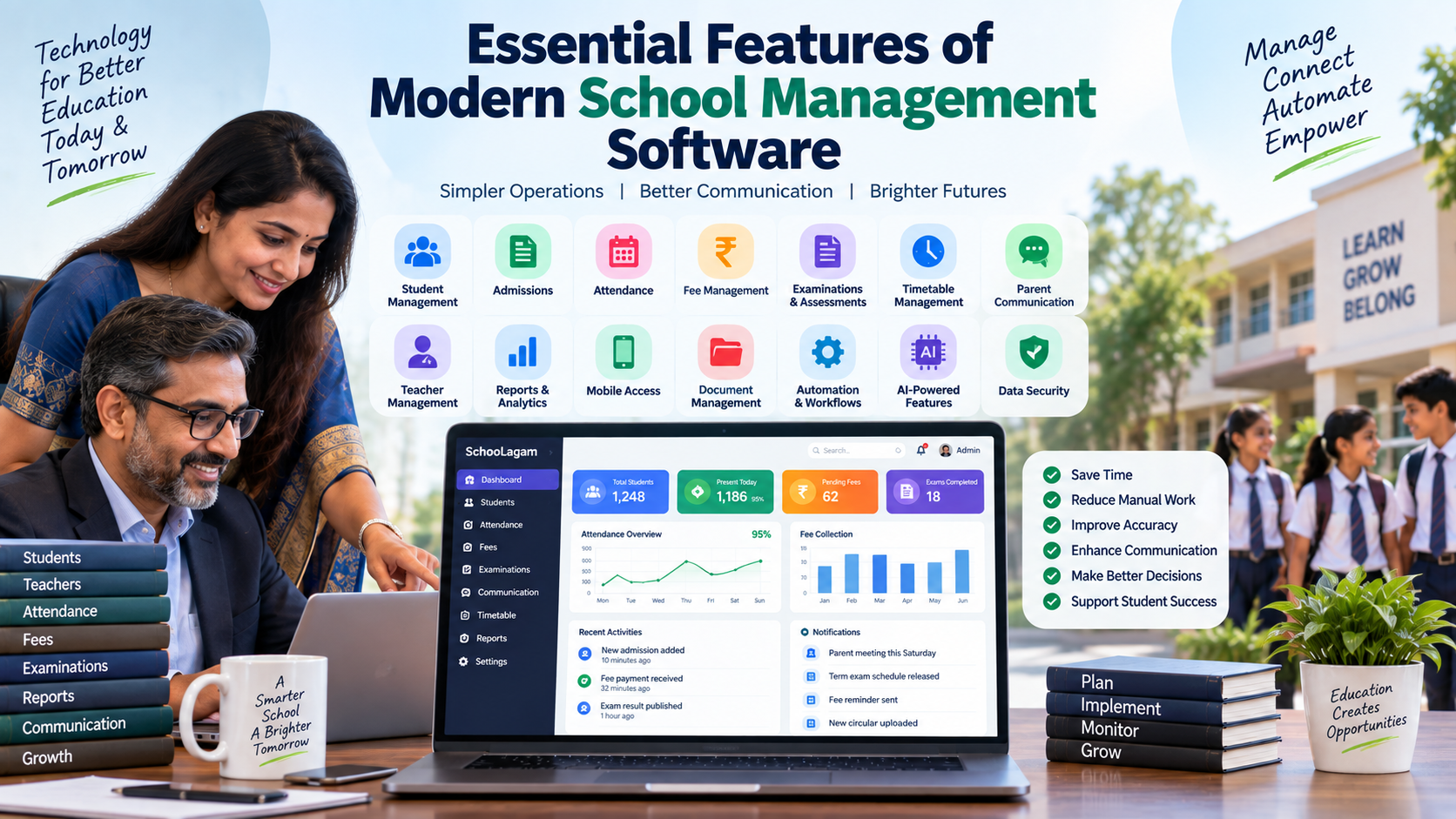
Depending on the solution selected, it may include modules for:
- Student management
- Admission management
- Attendance
- Fee management
- Examination management
- Timetables
- Teacher management
- Parent communication
- Academic records
- Reports and analytics
- Document management
- Notifications
- Mobile access
- Transport management
- Library management
- Automation
- AI-powered insights
The objective is not simply to replace paper with computers. The larger goal is to connect school workflows so that information can move between departments with less repetitive work.
For example, when a student's information is maintained centrally, authorized staff may be able to use the same record for attendance, academic information, communication, fee tracking, and reporting.
Platforms such as SchooLagam are designed around this type of digital school management approach, bringing school operations and multiple workflows into a centralized environment.
Why School Administration Needs Digital Transformation
School administration involves hundreds of small activities every day.
An administrator may need to:
- Update student records
- Monitor attendance
- Track fee payments
- Prepare reports
- Communicate with parents
- Coordinate teachers
- Maintain examination information
- Handle admissions
- Prepare documents
- Monitor school activities
- Respond to information requests
When these activities are handled manually, the same information may need to be entered several times.
For example, student information could exist in:
- A physical admission form
- An Excel spreadsheet
- An attendance register
- A fee record
- An examination record
- A communication list
This creates unnecessary duplication.
A connected digital system can reduce this fragmentation by allowing authorized users to work with centralized information.
Traditional School Administration vs Digital Administration
| Area | Traditional Administration | Digital Administration |
|---|---|---|
| Student records | Paper files and spreadsheets | Centralized digital records |
| Attendance | Manual registers | Digital attendance workflows |
| Fee tracking | Registers and spreadsheets | Digital fee records and payment tracking |
| Parent communication | Phone calls, notices and messages | Centralized notifications and communication |
| Examination records | Manual preparation | Digital assessment and result workflows |
| Reports | Manually prepared | System-generated reports |
| Data searching | Manual file searching | Searchable digital records |
| Information sharing | Multiple manual steps | Role-based access |
| Administrative monitoring | Periodic checking | Dashboard-based monitoring |
| Data updates | Repeated data entry | Centralized updates |
The exact features available depend on the software selected and how the school configures its workflows.
1. Centralizes School Information
One of the most important ways school management software improves administration is by bringing information together.
Instead of maintaining separate files for different departments, schools can organize information through a centralized system.
For example, a student record may contain:
- Student name
- Class and section
- Parent information
- Contact details
- Attendance history
- Academic information
- Fee information
- Examination records
- Communication history
This gives authorized staff a more complete view of the information they need.
A centralized school ERP platform can also reduce the need to repeatedly request the same information from different departments.
SchooLagam focuses on bringing school operations, student information, attendance, fees, communication, and other workflows into one school-oriented digital environment.
2. Reduces Repetitive Administrative Work
Administrative teams often spend time performing repetitive tasks.
Examples include:
- Entering the same student information multiple times
- Preparing recurring reports
- Sending similar notifications
- Updating attendance records
- Checking fee status
- Organizing examination information
- Preparing lists for different departments
Automation can reduce some of this repetitive work.
For example, a system may allow an administrator to generate a report from existing information instead of manually collecting data from multiple spreadsheets.
The exact level of automation depends on the software and configuration, but the principle is straightforward:
Capture information once and use it across relevant workflows.
This can allow administrative staff to spend more time on tasks requiring human attention.
3. Improves Student Management
Student information is at the center of school administration.
A digital student management system can help schools organize information throughout the student lifecycle.
This may include:
- Admission information
- Student profiles
- Class allocation
- Parent details
- Attendance
- Academic records
- Examination results
- Documents
- Fee information
- Communication records
Instead of searching through physical files, authorized staff can access the required information through the system.
This can be especially useful when schools have a large number of students and multiple departments handling student-related activities.
A digital school management platform such as SchooLagam can be considered when schools want to organize these workflows within a centralized system.
4. Makes Attendance Management More Structured
Attendance is a routine but important administrative activity.
Traditional attendance registers can require teachers or administrative staff to manually record, calculate, verify, and prepare attendance information.
Digital attendance workflows can simplify these processes.
Depending on the system, schools may be able to:
- Record attendance digitally
- View class-wise attendance
- Track absence
- Review attendance history
- Generate attendance reports
- Share relevant updates with parents
- Identify attendance patterns
The benefit is not simply faster attendance marking. The larger advantage is that attendance information becomes easier to organize, retrieve, and use.
5. Simplifies Fee Administration
Fee management is another area where manual processes can create administrative effort.
Schools may need to track:
- Fee structures
- Payment status
- Pending amounts
- Receipts
- Payment dates
- Student-wise fee records
- Class-wise information
- Reminders
When these activities are managed through spreadsheets or physical registers, administrators may need to repeatedly update and verify information.
Digital fee management can provide a more structured workflow.
Depending on the system, schools can maintain fee records, track payments, generate receipts, and communicate payment-related information to parents.
For schools exploring digital fee administration and broader school automation, SchooLagam provides a school-focused platform that brings fee workflows together with other operational areas.
6. Improves Parent Communication
Communication between schools and parents is an important part of administration.
Traditional communication may involve:
- Printed notices
- Phone calls
- SMS
- WhatsApp messages
- Diary notes
- Separate communication groups
When communication is spread across multiple channels, maintaining consistency can become difficult.
A centralized digital communication system can help schools organize announcements, reminders, attendance-related updates, fee communication, academic information, and other school messages.
The exact communication features vary between platforms, so schools should evaluate whether a solution supports their required communication channels and user roles.
7. Makes Examination Administration More Organized
Examination administration involves several steps:
- Preparing question papers
- Scheduling examinations
- Managing student participation
- Recording marks
- Calculating results
- Preparing reports
- Communicating results
Digital tools can reduce some of the manual work involved in these processes.
Online assessment platforms can also support digital question creation, testing, evaluation, and learning workflows.
For example, ExamOzhi provides curriculum-focused AI capabilities that can support question generation, structured curriculum access, and digital learning experiences. Schools and education technology teams can explore how such assessment technology can fit into their broader examination workflow.
8. Supports Better Reports and Decision-Making
School administrators need information to make operational decisions.
Important questions may include:
- Which classes have attendance concerns?
- Which students require additional academic attention?
- What are the current fee collection trends?
- How are students performing?
- Which activities require administrative attention?
- What information should be communicated to parents?
When data is distributed across multiple spreadsheets and files, preparing such reports can take time.
Digital systems can bring relevant information together and provide dashboards or reports.
For example, a dashboard could present information related to:
- Attendance
- Fees
- Student records
- Academic performance
- Examinations
- Administrative activities
This allows administrators to move from simply storing data toward using data for operational planning.
9. Improves Teacher Productivity
Teachers perform many activities outside classroom teaching.
They may need to handle:
- Attendance
- Marks
- Student records
- Parent communication
- Reports
- Assignments
- Examination-related activities
- Administrative documentation
Reducing unnecessary manual work can give teachers more time to focus on teaching and student support.
Automation should not be viewed as replacing teachers. Instead, the purpose is to reduce repetitive administrative activities wherever technology can reasonably handle them.
For schools considering more advanced automation, AI and software integration can also be explored.
RootPro Technologies works in areas including software development, AI solutions, workflow automation, and custom software development, which are relevant when an organization needs technology beyond a standard off-the-shelf workflow.
10. Creates a More Connected School Administration
The biggest administrative benefit of digitalization is often the connection between different departments.
Consider a typical workflow:
Student Admission → Student Record → Class Allocation → Attendance → Fees → Examination → Academic Reports → Parent Communication
In a disconnected environment, each step may be handled separately.
In an integrated environment, information can potentially move between connected modules.
This creates a more structured administrative process.
Manual vs Automated School Administration
| Process | Manual Approach | Automated/Digital Approach |
|---|---|---|
| Student registration | Paper forms and spreadsheets | Digital student records |
| Attendance | Register entry | Digital attendance |
| Fee tracking | Manual spreadsheet updates | Digital fee records |
| Notifications | Individual messages | Centralized notifications |
| Reports | Manual preparation | System-generated reports |
| Examination marks | Manual entry and calculation | Digital result workflows |
| Data search | Physical files | Searchable records |
| Communication | Multiple channels | Centralized communication |
| Monitoring | Periodic manual review | Dashboards and reports |
| Data sharing | Manual forwarding | Role-based system access |
How Different Stakeholders Benefit
School management software is not only for administrators.
Different users can benefit from the same connected system.
| Stakeholder | Potential Benefits |
|---|---|
| School owners | Better visibility into operations |
| Principals | Centralized reports and monitoring |
| Administrators | Less repetitive data management |
| Teachers | Reduced administrative workload |
| Students | Easier access to relevant information |
| Parents | Better communication and updates |
| Accounts teams | More structured fee management |
| Examination teams | Organized assessment workflows |
The actual benefits depend on the software features, implementation quality, user adoption, and school processes.
The Role of AI in School Administration
Artificial intelligence is becoming an important part of modern software systems.
In school administration, AI can potentially support activities such as:
- Data analysis
- Report generation
- Question generation
- Communication drafting
- Student-risk identification
- Workflow recommendations
- Document processing
- Search and information retrieval
However, schools should approach AI carefully.
AI-generated information should be reviewed when decisions affect students, academic records, finances, privacy, or other sensitive areas.
Human oversight remains important.
Technology providers such as RootPro Technologies work on practical AI applications including chatbots, document automation, RAG-based search, workflow automation, and integrations.
For schools considering AI, the starting point should be a clearly defined problem rather than adopting AI simply because it is available.
Data Security and Role-Based Access
School systems contain sensitive information.
Examples include:
- Student information
- Parent contact details
- Academic records
- Financial information
- Staff information
- Examination records
Therefore, schools should evaluate security before selecting software.
Important questions include:
- Who can access student records?
- Can different users have different permissions?
- Is sensitive information protected?
- Are user activities logged?
- How are backups handled?
- How is data transferred?
- What happens when an employee leaves?
- How can administrators revoke access?
Role-based access can help ensure that users only access the information relevant to their responsibilities.
For example, a teacher may need student attendance and academic information, while an accounts administrator may need access to fee-related information.
Mobile Access for Modern Schools
School administration does not always happen at a desk.
Principals, teachers, administrators, and parents may need information while travelling or working from different locations.
Mobile-friendly systems can make it easier to:
- View notifications
- Check attendance
- Review reports
- Communicate with parents
- Monitor administrative activities
- Access student information
However, schools should consider usability and security together.
A mobile application is useful only when the underlying system is reliable, user-friendly, and properly configured.
How to Implement School Management Software
Moving from manual processes to digital administration should be planned carefully.
Step 1: Identify Current Problems
Before selecting software, list the biggest administrative challenges.
For example:
- Too much spreadsheet work
- Difficulty tracking attendance
- Fee management problems
- Communication gaps
- Slow report preparation
- Duplicate data entry
Step 2: Define Requirements
Create a list of required modules.
For example:
- Student management
- Attendance
- Fees
- Examinations
- Parent communication
- Reports
- Mobile access
- Security
Step 3: Evaluate Platforms
Compare available platforms based on:
- Features
- Ease of use
- Security
- Scalability
- Support
- Integration
- Pricing
- Training
- Data migration
Step 4: Start With Important Workflows
Schools do not necessarily need to digitize everything on day one.
A practical approach may be:
Student Records → Attendance → Fees → Communication → Examinations → Reports
Step 5: Train Users
Teachers and administrators need practical training.
Training should explain:
- How to log in
- How to enter information
- How to correct mistakes
- How to generate reports
- How to communicate
- What information each role can access
Step 6: Monitor Adoption
After implementation, schools should review:
- User adoption
- Data accuracy
- Workflow issues
- Support requests
- Parent usage
- Teacher feedback
Digital transformation is an ongoing process rather than a one-time software installation.
What Should Schools Look for in School Management Software?
Before selecting a platform, school decision-makers can use this checklist:
Core Administration
- Student information management
- Admission workflows
- Staff management
- Document management
Academic Operations
- Attendance
- Timetables
- Examination management
- Academic records
Financial Operations
- Fee structures
- Payment tracking
- Receipts
- Reminders
Communication
- Parent communication
- Notifications
- Announcements
- Mobile access
Reporting
- Dashboards
- Attendance reports
- Fee reports
- Academic reports
- Administrative analytics
Technology
- Security
- Role-based access
- Data backup
- Scalability
- Integration options
- Technical support
How School Management Software Changes Administration
The difference becomes clearer when we look at the overall workflow.
| Before Digitalization | After Digitalization |
|---|---|
| Information stored in multiple places | Centralized information |
| Repeated data entry | Reusable digital records |
| Manual report preparation | Faster report generation |
| Paper attendance registers | Digital attendance workflows |
| Manual fee tracking | Structured fee records |
| Separate communication channels | Centralized communication |
| Physical file searching | Digital search |
| Limited visibility | Dashboards and reports |
| Department-level information | Connected workflows |
| Reactive administration | More data-informed administration |
The goal is not to remove every manual activity. Some school processes will always require human judgment.
The objective is to use technology where it can reduce unnecessary administrative effort and improve access to information.
Choosing Between Standard Software and Custom Solutions
Not every school has the same requirements.
A standard school ERP may be suitable when a school wants commonly required modules such as:
- Student management
- Attendance
- Fees
- Examinations
- Parent communication
- Reports
Custom software may be more appropriate when a school or education organization has unique workflows that cannot be handled effectively by existing software.
Custom development can involve:
- Custom dashboards
- Special approval workflows
- Existing-system integrations
- Custom mobile applications
- AI integrations
- Internal automation
- Custom reporting
RootPro Technologies provides software development and technology services that can be relevant for organizations requiring customized digital solutions.
Future of School Administration
School administration is likely to become increasingly data-driven and automated.
Future systems may combine:
- AI assistants
- Predictive analytics
- Automated workflows
- Digital payments
- Smart attendance
- Mobile applications
- Personalized communication
- Curriculum intelligence
- Digital assessments
- Integrated dashboards
The important consideration is not whether a school uses the newest technology.
The important question is:
Does the technology solve a real administrative or educational problem?
Schools should therefore evaluate technology based on practical requirements, usability, security, cost, and long-term sustainability.
Frequently Asked Questions
1. What is school management software?
School management software is a digital platform that helps schools manage administrative and academic activities. Depending on the platform, it can include student records, attendance, fees, examinations, communication, reports, admissions, timetables, and other workflows. The purpose is to organize information and reduce unnecessary manual processes.
2. How does school management software improve administration?
It can improve administration by centralizing information, reducing duplicate data entry, automating repetitive activities, simplifying reporting, and connecting different departments. Instead of maintaining separate records for every process, authorized users can work from a shared digital system.
3. Can school management software help teachers?
Yes. Depending on the platform, teachers can use digital tools for attendance, student records, marks, communication, assignments, reports, and examination-related activities. Reducing repetitive administrative work can allow teachers to spend more time on teaching and student support.
4. Can parents access school information?
Many school management platforms provide parent-facing features. Depending on the software, parents may receive notifications and access information related to attendance, fees, academic activities, examinations, and school announcements. Schools should verify the exact parent features before selecting a platform.
5. Is school management software suitable for Indian schools?
Yes, digital school management systems can be used by Indian schools when their features match the school's requirements. Schools should consider local payment methods, communication preferences, curriculum requirements, data protection, language needs, user roles, and support before implementation.
6. How does technology help with school examinations?
Digital assessment technology can help organize question creation, assessments, results, and learning workflows. ExamOzhi, for example, provides curriculum-focused APIs and AI capabilities including structured curriculum access and question generation. Schools should evaluate how such tools fit into their existing examination processes.
7. Should a school choose standard software or custom software?
The answer depends on the school's requirements. Standard software can be useful when common school workflows are sufficient. Custom development may be considered when an organization has unique workflows, integrations, reporting requirements, or specialized technology needs.
8. What should schools check before buying school management software?
Schools should evaluate features, security, user permissions, ease of use, mobile access, integrations, data migration, support, scalability, pricing, and training. It is also useful to involve administrators, teachers, accounts teams, and other users in the evaluation process.
Transform Your School with Smarter Digital Solutions
Digital transformation in education is not simply about replacing paper records with software. It is about creating better-connected workflows that help school teams manage information, communication, administration, and academic operations more effectively.
For schools looking for a centralized approach to school administration, SchooLagam provides a digital school management platform covering areas such as student management, attendance, fees, communication, academic operations, and AI-supported workflows. Schoolagam
You can explore the platform here: SchooLagam – School Management Platform
Organizations that require customized technology, automation, AI integrations, or software development can also explore the services offered by RootPro Technologies. RootPro describes its services across web development, mobile applications, AI solutions, custom software, and school management software. RootPro
Explore: RootPro Technologies
For digital learning and assessment-related technology, ExamOzhi provides curriculum-focused technology including structured curriculum APIs, AI-powered search, summarization, explanations, and question generation. Examozhi
Explore: ExamOzhi – Education Technology Platform
The right technology approach will depend on each school's size, workflows, budget, users, infrastructure, and long-term goals. The most useful starting point is to identify the administrative problems that consume the most time and then evaluate technology that directly addresses those needs.
Smarter administration begins with better-organized information, practical automation, and technology designed around the people who use it every day.