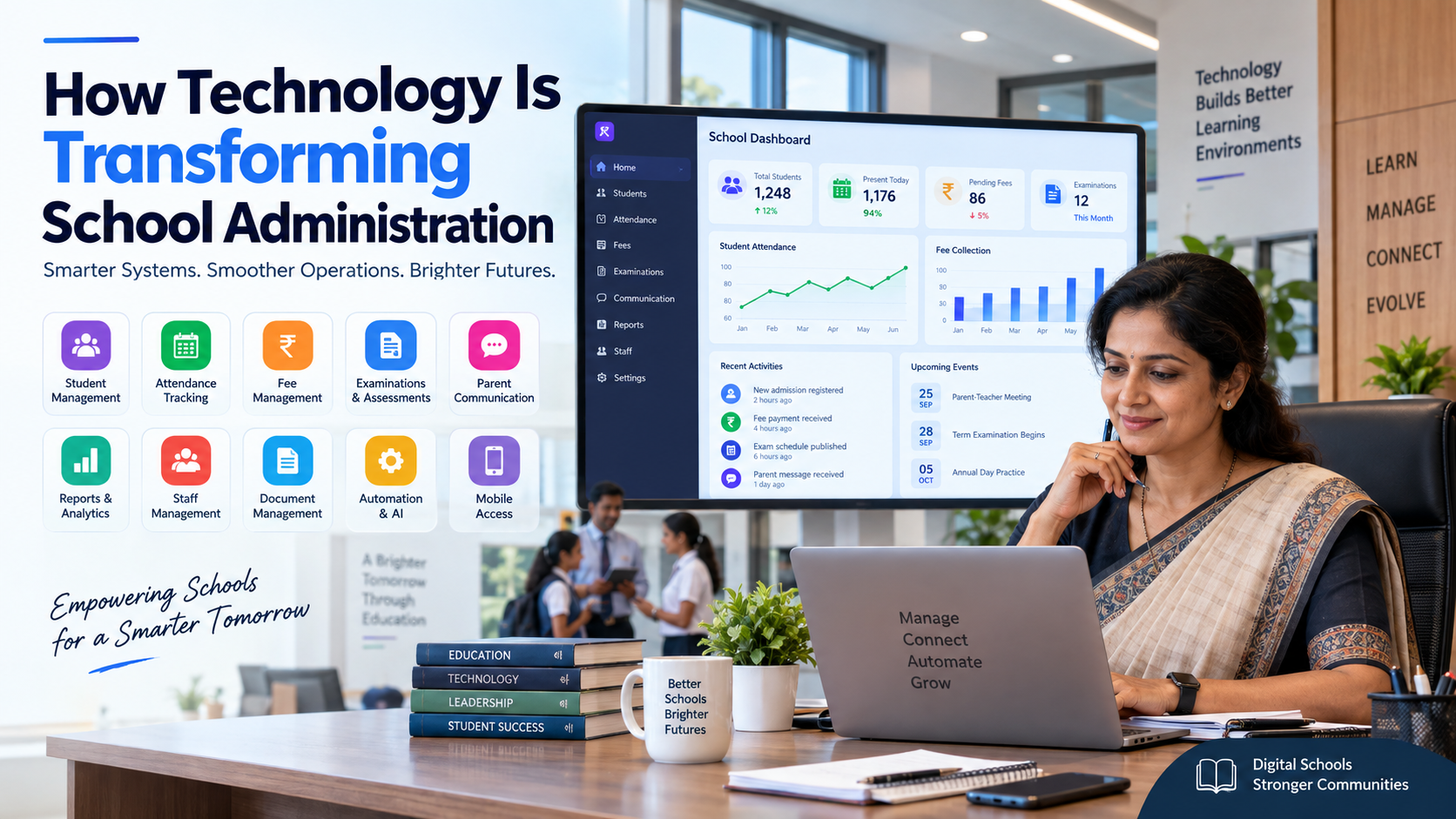
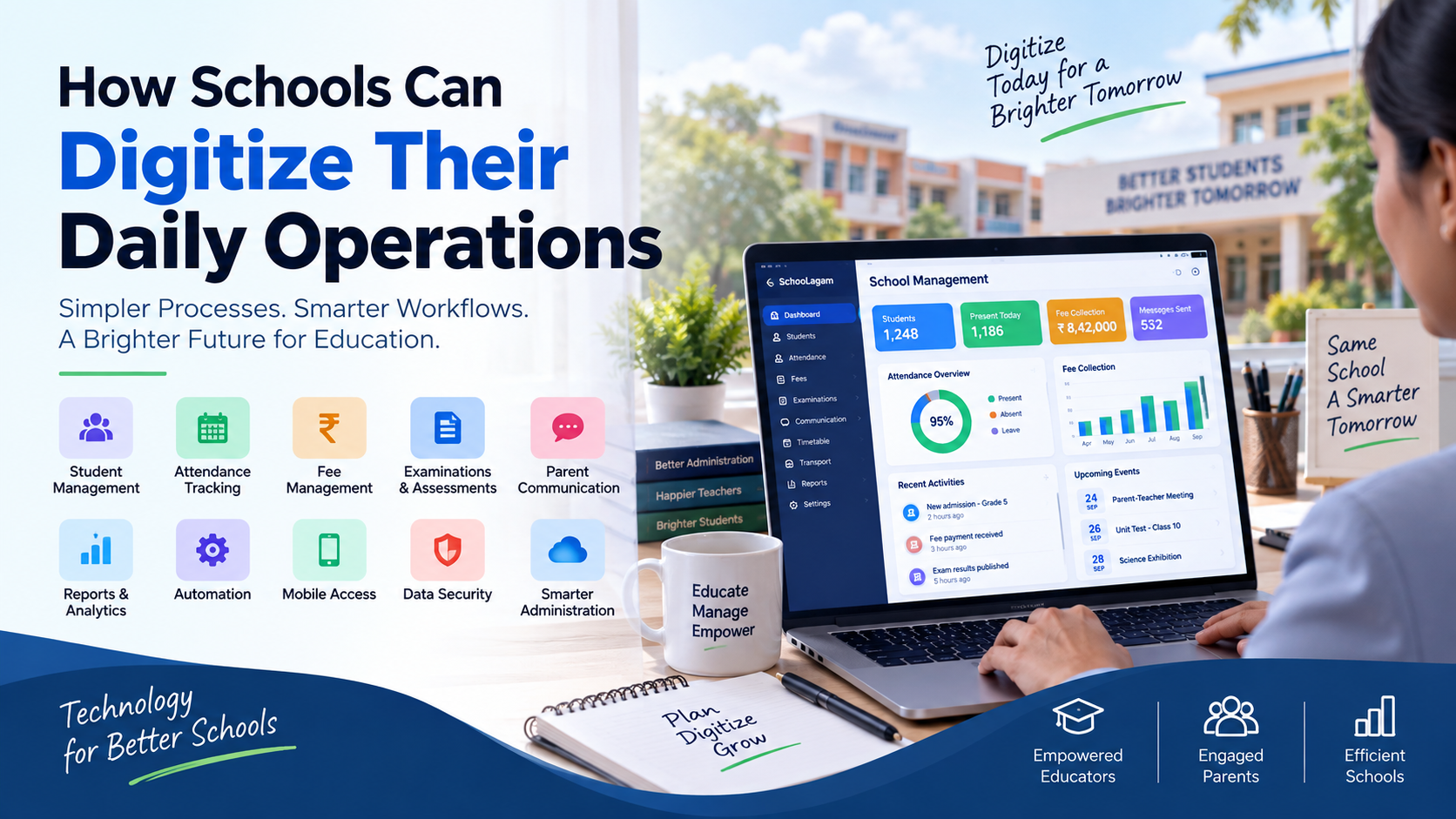
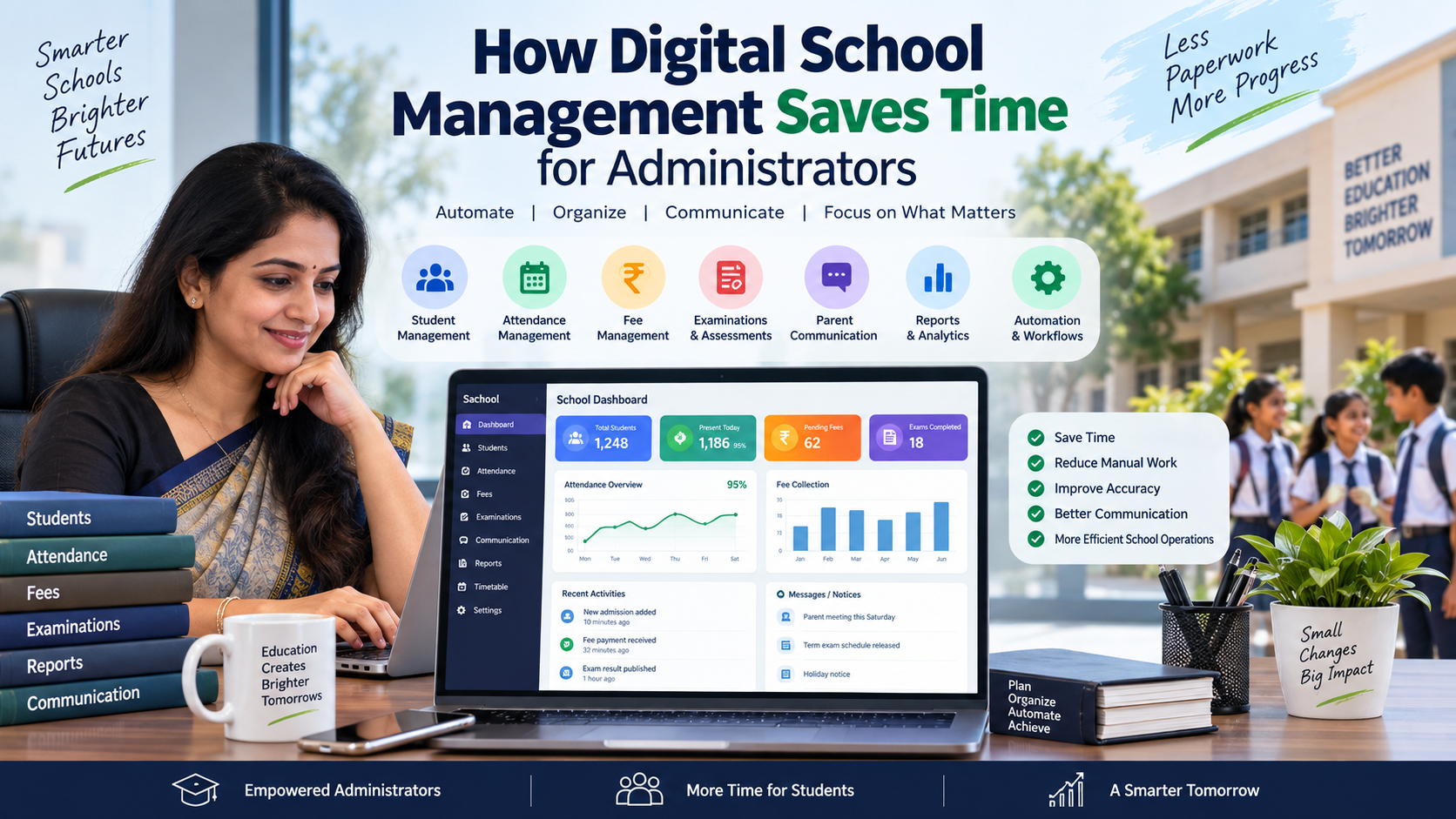
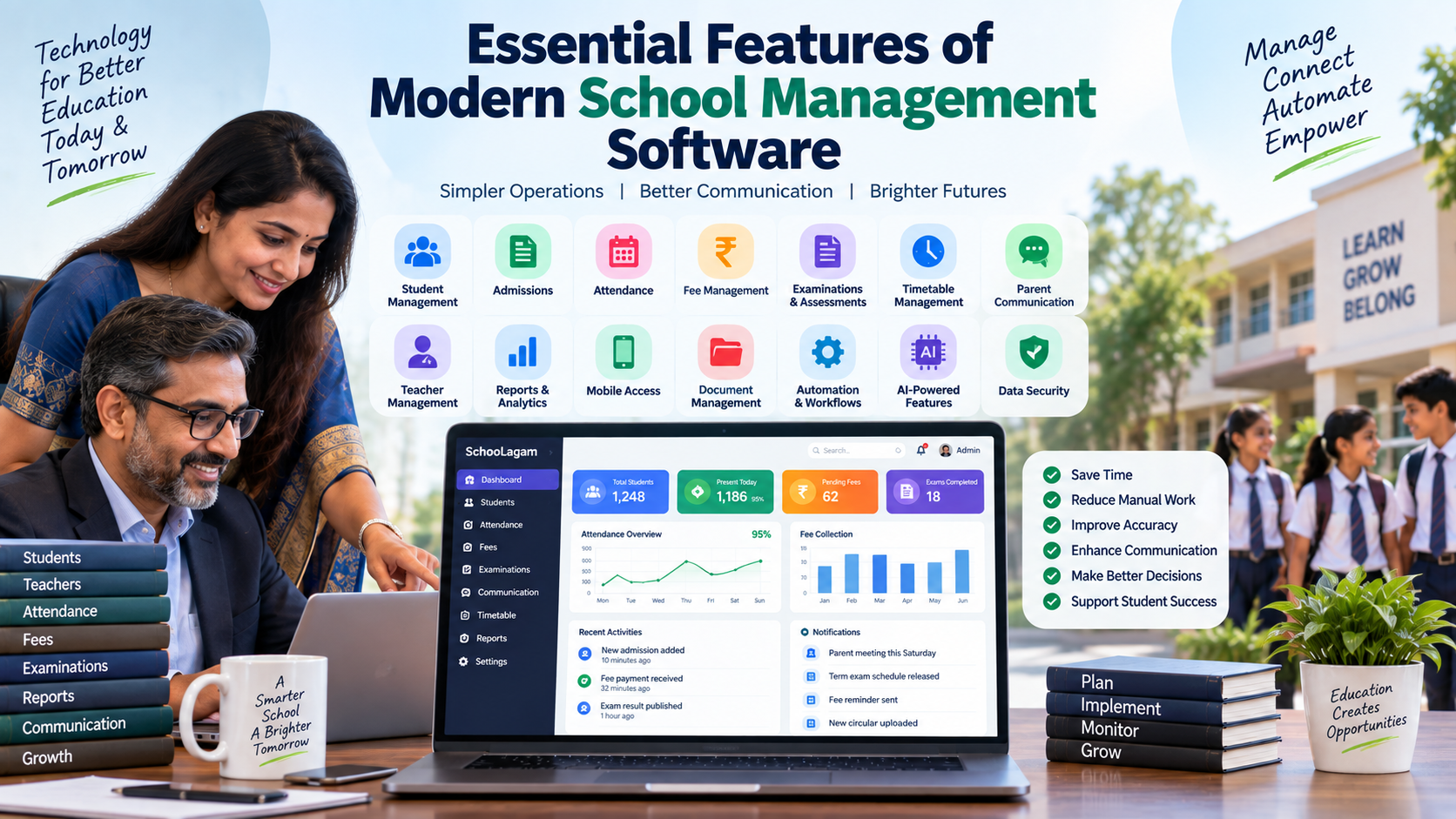
Essential Features of Modern School Management Software
Explore the essential features of modern school management software, from student records and attendance to fees, exams, communication, analytics, automation, AI, and data security.
A school may have hundreds or thousands of students, dozens of teachers, multiple departments, and thousands of daily administrative activities. Managing all of this through paper registers, spreadsheets, separate applications, phone calls, and disconnected communication channels can quickly become difficult.
The challenge is not simply the amount of information a school handles. It is the fact that the same information often moves between different people and departments several times.
A student's attendance may be recorded by a teacher, reviewed by an administrator, included in a report, and communicated to a parent. Fee information may move between the accounts team, school office, management, and parents. Examination data may pass through teachers, coordinators, administrators, and management before a final report is produced.
This is where modern school management software can make a practical difference.
A well-designed school management system brings important school processes into an organized digital environment. Instead of relying on disconnected files and repetitive data entry, schools can use centralized records, role-based access, automated workflows, communication tools, reports, and analytics.
For school owners, principals, teachers, administrators, students, and parents, the objective is straightforward: make school operations easier to manage while keeping people in control of important decisions.
What Is School Management Software?
School management software is a digital platform designed to help educational institutions manage administrative, academic, financial, communication, and operational activities.
Depending on the platform, it can include modules for:
- Student information
- Admissions
- Attendance
- Fees and payments
- Examinations
- Timetables
- Parent communication
- Teacher management
- Reports
- Analytics
- Documents
- Transport
- Library
- Notifications
- Mobile access
- Automation
- AI-assisted workflows
The important point is that modern school management software should not simply digitize individual tasks. It should help connect related workflows.
For example, attendance information can be connected with student records, reports, and parent communication instead of being maintained as an isolated spreadsheet.
Platforms such as SchooLagam illustrate this integrated approach by bringing school ERP, AI-assisted workflows, parent communication, payments, attendance, examinations, timetable management, and other school operations into a connected environment. Schoolagam
Why Modern Schools Need More Than Basic Software
Older school software often focused on replacing individual paper processes.
Modern school environments have broader requirements.
Schools may need to manage:
- Multiple departments
- Different user roles
- Large amounts of student information
- Online payments
- Parent communication
- Digital assessments
- Mobile access
- Reports and dashboards
- Data security
- AI-assisted workflows
- Integration with other systems
Therefore, when evaluating school management software, schools should look beyond the number of features listed on a product page.
The more important question is:
Can the software connect the school's important processes in a practical and secure way?
1. Centralized Student Information Management
Student information is at the heart of school administration.
A modern school management system should provide a centralized student information system where authorized users can access relevant records without searching through multiple files.
Depending on the system, a student profile may contain:
- Student personal information
- Parent or guardian details
- Contact information
- Admission information
- Attendance
- Academic records
- Examination results
- Fee information
- Documents
- Communication history
Centralization reduces duplicate data entry and makes information easier to find.
It can also improve consistency. If a student's information changes, authorized staff should be able to update the appropriate record rather than modifying several separate spreadsheets.
Why this matters
Without centralized information, administrators may spend time asking different departments for the same data.
With organized digital records, the information can be accessed according to the user's role and permissions.
2. Admissions Management
Admissions can generate significant administrative work, particularly during busy admission periods.
Modern school management software can help organize:
- Enquiry records
- Applicant information
- Application forms
- Document collection
- Admission status
- Student registration
- Communication
- Follow-ups
A digital admission workflow can reduce the need to maintain separate paper forms and spreadsheets.
It can also help school management understand how many applications are pending, completed, approved, or awaiting documents.
For schools, this means admissions become part of the broader student lifecycle rather than a separate administrative process.
3. Attendance Management
Attendance is one of the most frequent activities performed in schools.
A modern system may support:
- Daily attendance
- Class-wise attendance
- Student-wise attendance
- Staff attendance
- Late arrival records
- Absence tracking
- Attendance reports
- Parent notifications
- Attendance analytics
Some platforms may also support biometric or other technology-assisted attendance workflows.
For example, SchooLagam currently describes attendance and biometric capabilities along with parent updates and attendance-related intelligence. Schoolagam
The important consideration is whether the attendance workflow fits the school's actual environment.
A school should evaluate whether teachers can record attendance easily and whether administrators can obtain useful reports without creating additional work.
4. Fee Management and Online Payments
Fee administration is another core feature of modern school management software.
A suitable system can help manage:
- Fee structures
- Fee categories
- Student-wise dues
- Payment history
- Receipts
- Discounts
- Reminders
- Online payments
- Collection reports
Digital payment integration can also reduce the need for manual reconciliation.
For parents, digital fee information can make it easier to understand payment status.
For administrators and accounts teams, centralized records can simplify follow-up and reporting.
SchooLagam currently presents fee batches, payment collection, payment logs, reminders, and receipts as part of its school operations platform. Schoolagam
5. Examination and Assessment Management
Examinations involve much more than entering marks.
A school may need to manage:
- Examination schedules
- Subjects
- Question papers
- Student assessments
- Marks
- Grades
- Results
- Report cards
- Academic analysis
A modern system should help organize these activities while allowing schools to maintain appropriate academic controls.
For digital assessments, ExamOzhi is relevant to the broader education technology ecosystem because it provides curriculum-grounded search, summaries, explanations, and question-generation capabilities based on Indian curriculum content. Examozhi
Digital examination technology can be particularly useful when schools want to introduce online tests, practice assessments, or technology-supported question generation alongside their existing academic processes.
6. Timetable Management
Creating a school timetable can be complicated.
Administrators have to consider:
- Teacher availability
- Subjects
- Classes
- Periods
- Room availability
- Teacher workload
- Conflicting schedules
- Special activities
Modern software can make timetable planning more organized.
Some AI-assisted platforms can also help generate and validate timetables based on predefined constraints.
SchooLagam currently describes an AI timetable builder that can generate, refactor, validate, and export timetables while checking teacher load and class conflicts. Schoolagam
The final timetable should still be reviewed by school staff because practical classroom requirements may not always be fully represented by software rules.
7. Parent Communication
Communication between schools and parents is an important part of modern school operations.
Parents may need information about:
- Attendance
- Fees
- Examination schedules
- Results
- School notices
- Events
- Academic updates
- Important reminders
Instead of sending information through several disconnected channels, schools can use organized digital communication.
Depending on the platform, communication may be available through:
- Parent applications
- Web portals
- SMS
- Messaging platforms
- Notifications
SchooLagam currently describes parent communication through channels including its parent app, WhatsApp, email, SMS, secure links, and other school workflows. Schoolagam
The key is not to communicate more often. It is to communicate the right information to the right people at the right time.
8. Teacher Management and Productivity
Teachers spend their time teaching, preparing lessons, evaluating students, communicating with parents, and completing administrative responsibilities.
School management software can reduce some repetitive administrative activities.
Useful teacher-facing features may include:
- Attendance entry
- Marks entry
- Class information
- Timetable access
- Student profiles
- Assignment information
- Examination records
- Communication
- Reports
When information is already available within the system, teachers may not need to repeatedly recreate the same data in separate files.
This can help reduce unnecessary administrative effort.
9. Reports and Analytics
Data becomes valuable when it can be understood and used.
Modern school management software should provide useful reports and dashboards for authorized users.
Examples include:
- Attendance reports
- Fee collection reports
- Academic performance reports
- Examination results
- Student information
- Teacher workload
- Admission reports
- Operational summaries
Analytics can help school leaders identify patterns and ask better questions.
For example:
- Are attendance levels changing?
- Which classes need attention?
- Which fees require follow-up?
- How are students performing?
- Where are administrative delays occurring?
The purpose of analytics is not to replace school leadership. It is to provide organized information that supports human decision-making.
10. Mobile Application and Responsive Access
School operations do not always happen at a desk.
Principals may need to check information while moving around the campus.
Teachers may need student information during class.
Parents may want to check notifications from their phones.
Therefore, mobile accessibility is an important consideration.
A school management platform may provide:
- Mobile applications
- Responsive web interfaces
- Parent portals
- Teacher portals
- Administrator dashboards
Before choosing a system, schools should test the mobile experience rather than relying only on the product description.
11. Role-Based Access Control
Not every user should see every piece of school information.
A modern system should support appropriate roles and permissions.
Typical users may include:
- School owners
- Principals
- Administrators
- Teachers
- Accounts staff
- Students
- Parents
- Librarians
- Transport staff
- Support teams
Each role may require different access.
For example, a teacher may need access to attendance and academic information for their classes, while an accounts employee may need access to fee-related information.
Role-based access helps reduce unnecessary exposure of information.
12. Data Security and Privacy
Schools manage sensitive information every day.
This can include:
- Student information
- Parent information
- Contact details
- Academic records
- Financial records
- Staff information
- Documents
Security should therefore be considered before selecting any school management platform.
Schools should ask vendors about:
- Authentication
- User permissions
- Data backups
- Access controls
- Audit trails
- Data protection
- Account management
- Secure communication
- Data retention
- Recovery procedures
A good feature list is not enough if the underlying information management practices are unclear.
13. Document Management
Schools generate and store many documents.
These may include:
- Admission documents
- Student certificates
- Staff documents
- Academic records
- Fee receipts
- Examination documents
- Circulars
- Administrative files
Digital document management can reduce dependence on physical folders.
It can also make document retrieval easier for authorized staff.
However, schools should establish clear policies for document access, retention, backups, and deletion.
14. Notifications and Workflow Automation
One of the biggest advantages of modern school software is workflow automation.
A system can help automate predictable activities such as:
- Attendance notifications
- Fee reminders
- Payment receipts
- Examination notifications
- Parent updates
- Administrative reminders
- Routine reports
Manual vs Automated School Processes
| Process | Manual Approach | Digital Approach |
| Attendance | Register entry and manual consolidation | Digital attendance records |
| Fee reminders | Individual calls/messages | Automated or scheduled reminders |
| Fee receipts | Manual preparation | Digital receipts |
| Student records | Multiple files | Centralized profiles |
| Exam results | Separate spreadsheets | Centralized result records |
| Reports | Manual preparation | System-generated reports |
| Parent updates | Repeated messages | Organized notifications |
| Data search | File-by-file checking | Digital search |
| Timetable | Manual planning | Digital scheduling |
| Follow-up | Individual tracking | Structured workflow |
Automation should be applied thoughtfully.
Not every school decision should be automated. Activities involving judgment, student welfare, disciplinary matters, or sensitive decisions require appropriate human involvement.
15. AI-Powered Features
Artificial intelligence is becoming increasingly relevant to education technology.
AI can potentially support:
- Information search
- Report generation
- Document processing
- Student insights
- Communication drafts
- Question generation
- Content summarization
- Workflow recommendations
- Data analysis
The most useful AI features are usually connected to real workflows rather than existing only as standalone chat interfaces.
For example, SchooLagam describes an AI command center connected with school workflows, including attendance, fees, examinations, admissions, transport, library, payroll, and communication. Schoolagam
AI should still operate within appropriate permissions and human review.
When a school is considering custom AI, automation, or software development, RootPro Technologies provides services covering AI solutions, document automation, RAG search, custom integrations, web and mobile development, and custom software. RootPro
16. Integration With Other Systems
A school may already use several digital tools.
For example:
- Accounting software
- Payment gateways
- Biometric systems
- Learning platforms
- Examination platforms
- Communication tools
- Websites
- Mobile applications
A modern school management system should therefore be evaluated for integration possibilities.
The objective is to reduce duplicate data entry.
If two systems can exchange relevant information securely, staff may not need to maintain the same records manually in both places.
17. Customization and Scalability
Every school operates differently.
A small school may need basic student, attendance, fee, and communication features.
A larger institution may require:
- Multiple campuses
- Advanced reporting
- Custom workflows
- Multiple user roles
- Integrations
- Advanced analytics
- Custom modules
The software should therefore be capable of adapting to changing requirements.
Schools should ask:
- Can new users be added easily?
- Can the system support more students?
- Can modules be added later?
- Can workflows be configured?
- Can existing data be migrated?
- Can the software integrate with other systems?
Custom software may be appropriate when standard platforms cannot accommodate important organizational workflows.
18. Before Choosing Software: Compare the Technology Approach
There is no single approach that fits every institution.
| Approach | Suitable For | Main Consideration |
|---|---|---|
| Basic spreadsheets | Small or simple operations | Limited automation and integration |
| Individual software tools | Specific departmental needs | Information may remain disconnected |
| School ERP | Schools seeking integrated operations | Requires proper configuration and training |
| Custom software | Unique or specialized workflows | Requires development and ongoing maintenance |
| Integrated ERP + specialized tools | Schools with broader technology needs | Requires good integration planning |
The goal should be to select technology based on the school's actual requirements rather than choosing software simply because it has many features.
19. Benefits for Different Stakeholders
Modern school management software affects more than the administration department.
| Stakeholder | Potential Benefit |
|---|---|
| School owners | Better visibility into school operations |
| Principals | Organized reports and dashboards |
| Administrators | Reduced repetitive data entry |
| Teachers | Easier access to student and academic information |
| Students | More organized academic services |
| Parents | Easier access to relevant school updates |
| Accounts team | Structured fee and payment records |
| Examination team | Organized examination information |
| Management | More accessible operational information |
The exact benefits depend on how the system is configured and how consistently the school uses it.
20. How to Implement School Management Software Successfully
Buying software is only the beginning.
Successful implementation requires planning.
Step 1: Map Current Processes
Document how the school currently manages:
- Admissions
- Attendance
- Fees
- Examinations
- Communication
- Reports
- Documents
Step 2: Identify Problems
Find processes that create:
- Duplicate work
- Delays
- Manual errors
- Repeated data entry
- Communication gaps
Step 3: Prioritize Modules
Do not necessarily implement everything on the first day.
A school could begin with:
- Student management
- Attendance
- Fees
- Communication
- Examinations
- Reports
- Advanced automation
Step 4: Clean Existing Data
Before migration, check existing student and staff records for:
- Duplicate entries
- Missing information
- Incorrect contact details
- Outdated records
Step 5: Train Staff
Training should be practical.
Teachers and administrators should understand not only how to use the system but also why the new workflow is being introduced.
Step 6: Start With a Controlled Rollout
A phased implementation can make it easier to identify problems before expanding the system across the entire school.
Step 7: Review and Improve
After implementation, measure practical outcomes such as:
- Reduced duplicate data entry
- Easier report preparation
- Faster information retrieval
- Better communication
- Improved record organization
21. Common Mistakes When Choosing School Management Software
Schools should avoid selecting software purely based on a long feature list.
Common mistakes include:
Choosing too many features
More features do not automatically mean a better fit.
Ignoring user experience
If teachers find the system difficult to use, adoption can become a problem.
Not checking data migration
Existing student records need to be transferred carefully.
Ignoring mobile access
Parents and teachers increasingly use smartphones for routine activities.
Underestimating training
Even a technically capable system needs proper onboarding.
Ignoring security
Student and financial information require careful access management.
Automating the wrong process
Automating a badly designed workflow can simply make the wrong process happen faster.
22. Future of School Management Software
The future of school management will likely involve deeper integration between ERP systems, AI, analytics, mobile applications, digital assessments, payments, and communication.
Potential developments include:
- AI-assisted administrative workflows
- Smarter attendance insights
- Automated report preparation
- Personalized academic insights
- AI-assisted timetable planning
- Curriculum-based question generation
- Digital assessments
- Predictive operational dashboards
- Integrated parent communication
- Greater use of mobile-first services
However, technology should continue to support educators rather than replace the human role in education.
Schools will still need teachers, administrators, principals, counselors, and management teams to interpret information and make responsible decisions.
23. A Practical Checklist for School Owners and Principals
Before selecting modern school management software, ask these questions:
- Does it provide centralized student records?
- Does it support attendance?
- Can it manage fees and payments?
- Does it support examination workflows?
- Can parents access relevant information?
- Can teachers use it easily?
- Does it provide useful reports?
- Does it support mobile devices?
- Does it provide role-based access?
- How is data protected?
- Can existing data be migrated?
- Can the system integrate with other tools?
- Can the platform scale with the school?
- Is staff training available?
- What support is provided after implementation?
- Can the software be customized if required?
A simple checklist like this can help schools evaluate platforms objectively.
Frequently Asked Questions
1. What are the essential features of modern school management software?
Essential features generally include student information management, admissions, attendance, fee management, examinations, communication, timetable management, reports, analytics, user roles, mobile access, document management, and security controls. Advanced platforms may also include AI-assisted workflows, automation, integrations, and specialized modules. Schools should prioritize features based on their actual operational requirements rather than selecting software solely because it has a long feature list.
2. How does school management software help teachers?
School management software can reduce repetitive administrative work by providing digital attendance, student information, marks entry, timetable access, communication tools, and reporting features. Instead of maintaining multiple separate files, teachers can access relevant information through a centralized system. The actual benefit depends on the platform's usability, implementation quality, and how well the digital workflow matches the teacher's daily responsibilities.
3. Can school management software manage fees and online payments?
Many modern school management platforms provide fee management and online payment capabilities. These may include fee structures, payment records, receipts, pending amounts, reminders, and collection reports. Schools should check which payment methods are supported, how reconciliation works, what permissions are available, and whether the system integrates with their existing financial processes before implementation.
4. Is AI useful in school management software?
AI can be useful for tasks such as information search, document processing, question generation, summarization, reporting assistance, communication drafts, and workflow support. However, AI should be implemented with appropriate permissions and human review. For education-related decisions, schools should avoid treating automated outputs as a replacement for professional judgment.
5. How does school management software improve parent communication?
Digital school management systems can organize communication around areas such as attendance, fees, examinations, notices, and academic updates. Depending on the platform, parents may receive information through an application, web portal, email, SMS, messaging services, or secure links. The objective is to provide relevant information consistently while reducing unnecessary manual communication work for school staff.
6. What should schools check before buying school management software?
Schools should evaluate functionality, usability, security, mobile access, data migration, integrations, user permissions, scalability, training, support, and total cost. It is also important to map existing workflows before selecting software. A platform should solve real administrative problems rather than introduce unnecessary complexity.
7. Can online assessment tools work with school management systems?
Yes, depending on the platforms and available integrations. A school may use a central ERP for administration while using a specialized digital assessment platform for certain academic activities. ExamOzhi, for example, provides curriculum-focused AI capabilities including question generation and curriculum search that can be relevant to digital assessment workflows. Examozhi
8. Should a school choose ERP software or custom software?
The answer depends on the school's requirements. An ERP can be suitable when standard school processes need to be managed through an integrated platform. Custom software can be considered when an institution has specialized workflows that existing platforms cannot accommodate effectively. Some organizations may also use an ERP together with specialized tools and integrations.
Transform Your School with Smarter Digital Solutions
Choosing modern school management software is not simply about purchasing a collection of features. It is about creating a digital environment where information can move efficiently between the people and departments that need it.
For schools looking for an integrated school management approach, SchooLagam can be explored for capabilities covering areas such as student management, attendance, fees, examinations, communication, timetables, analytics, automation, and AI-assisted school workflows. Schoolagam
When a school or education organization requires custom software, AI implementation, automation, integrations, or broader digital transformation, RootPro Technologies provides software development and technology solutions across areas including AI, web, mobile, school management, and custom software. RootPro
For curriculum-focused digital learning and assessment use cases, ExamOzhi provides capabilities such as curriculum search, source-grounded answers, summaries, explanations, and question generation that can support technology-enabled assessment and learning workflows. Examozhi
The right technology strategy will be different for every school.
Start by identifying the administrative problems that consume the most time. Then evaluate which processes can be simplified, digitized, integrated, or automated.
The goal is not to use technology everywhere.
The goal is to use the right technology where it creates meaningful value for students, teachers, parents, administrators, and school leadership.